

Accessibility
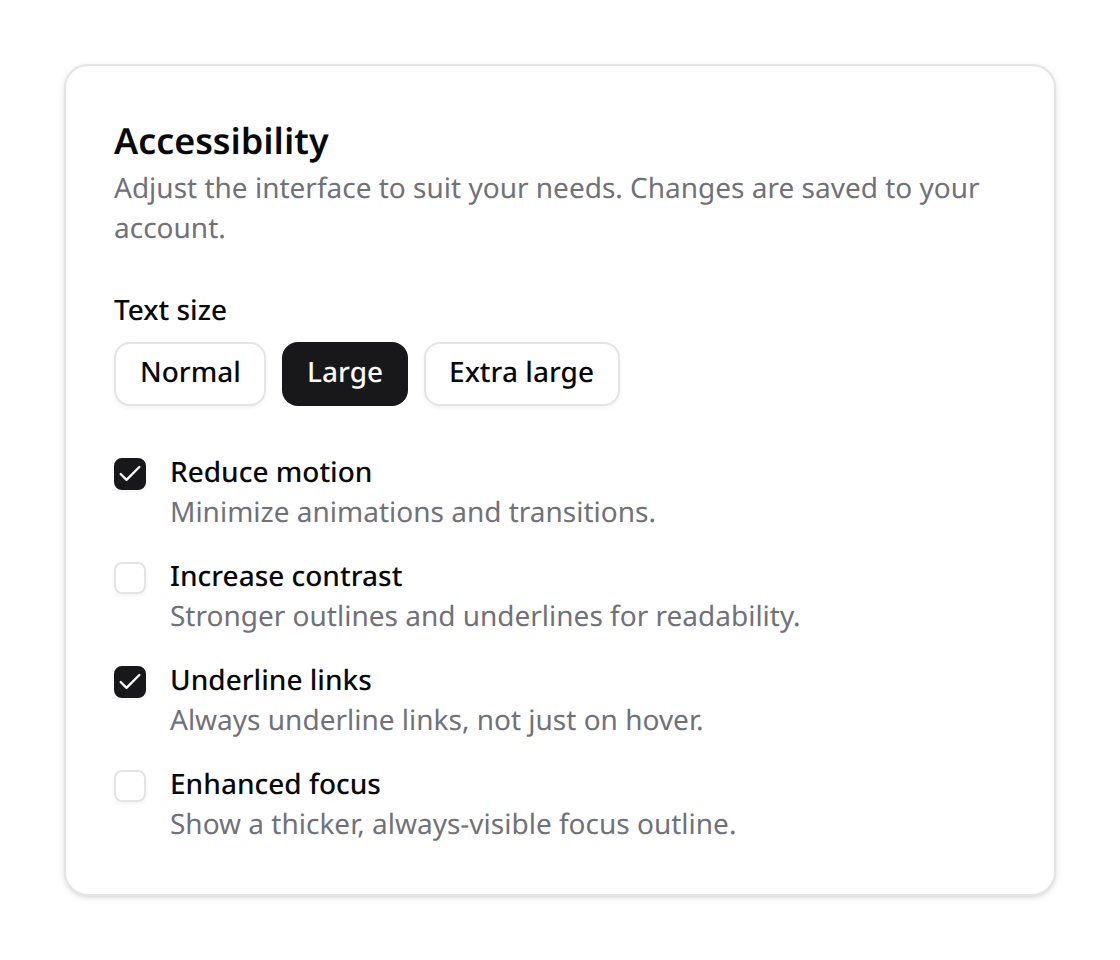
Inclusive platforms let users adapt the interface to their needs. Kinetix ships per-user accessibility preferences — persisted server-side and applied to the document with no flash — plus the screen-reader primitives a real platform needs (skip link, live-region announcer).
Preferences
| Preference | Effect |
|---|---|
| Reduce motion | Near-instant animations/transitions (prefers-reduced-motion for everyone, forced for this user). |
| Increase contrast | Outlines interactive elements, underlines links, strong focus. |
| Text size | normal / large / x-large — scales the rem-based UI. |
| Underline links | Always underline links, not just on hover. |
| Enhanced focus | A thicker, always-visible focus outline (keyboard users). |
These are the most impactful, commonly-requested toggles; each maps to a class on <html> (kx-reduce-motion, kx-high-contrast, kx-text-large / kx-text-x-large, kx-underline-links, kx-enhanced-focus).
Installation
php artisan vendor:publish --tag=kinetix-accessibility-migrations
php artisan migrate'accessibility' => [
'enabled' => env('KINETIX_ACCESSIBILITY_ENABLED', true),
'defaults' => [
'reducedMotion' => false,
'highContrast' => false,
'textSize' => 'normal',
'underlineLinks' => false,
'enhancedFocus' => false,
],
],Install the plugin once in your Inertia app entry — it injects the accessibility CSS and applies the saved preferences before the app mounts (no flash):
import { KinetixAccessibility } from "@/plugins/kinetixAccessibility";

createApp({ render: () => h(App, props) })
  .use(KinetixAccessibility)
  .mount(el);
The preferences are shared on every Inertia response (kinetix_accessibility) and mirrored to localStorage for instant re-application.
The preferences panel
<script setup lang="ts">
import KinetixAccessibilityPanel from "@/components/kinetix/KinetixAccessibilityPanel.vue";
</script>

<template>
  <KinetixAccessibilityPanel />
</template>
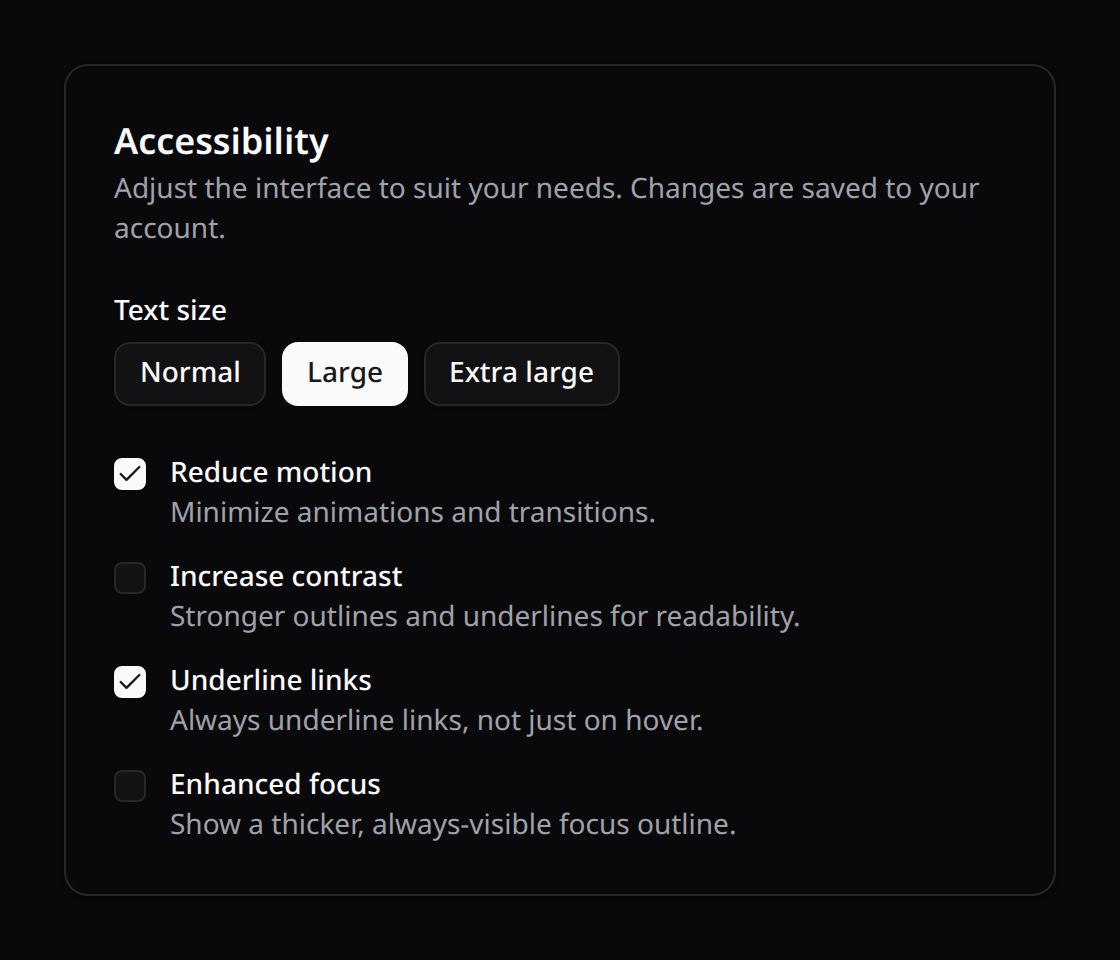
Each change applies to the document immediately and is saved to the user's profile (POST {prefix}/accessibility). useKinetixAccessibility() exposes the reactive prefs and set(key, value) for a custom UI. All strings are localized (a11y_*, en/es/fr/pt).
Quick-menu (anywhere, even for guests)
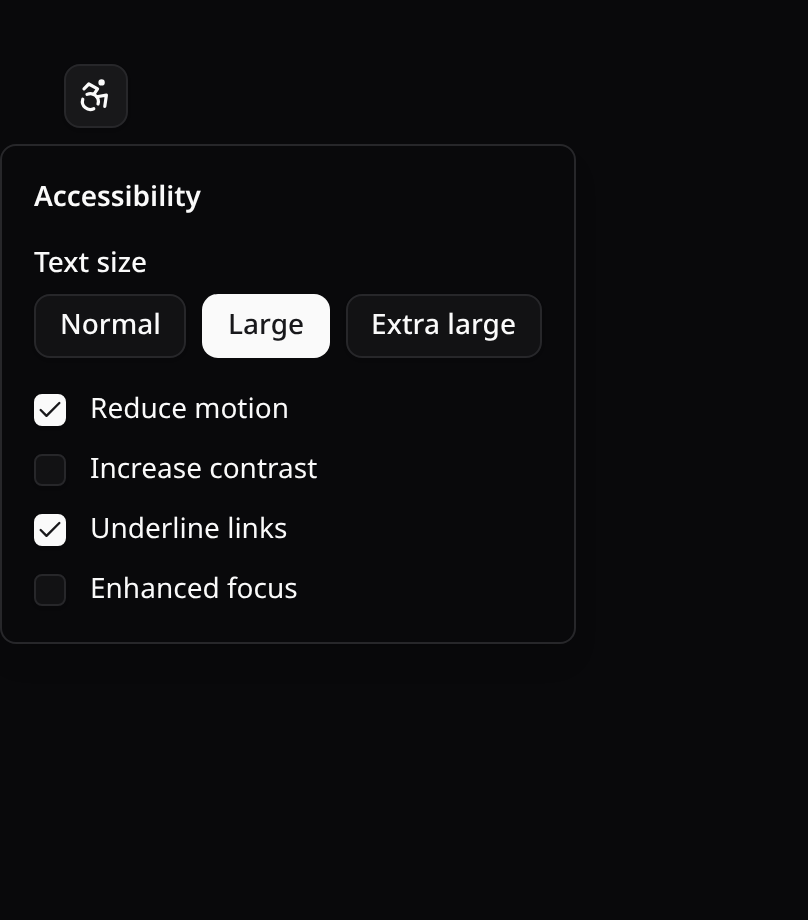
For places without a full settings page — the header, the login page, the account-setup wizard — use KinetixAccessibilityMenu: an icon button that opens a popover with the same controls.
<script setup lang="ts">
import KinetixAccessibilityMenu from "@/components/kinetix/KinetixAccessibilityMenu.vue";
</script>

<template>
  <KinetixAccessibilityMenu />
</template>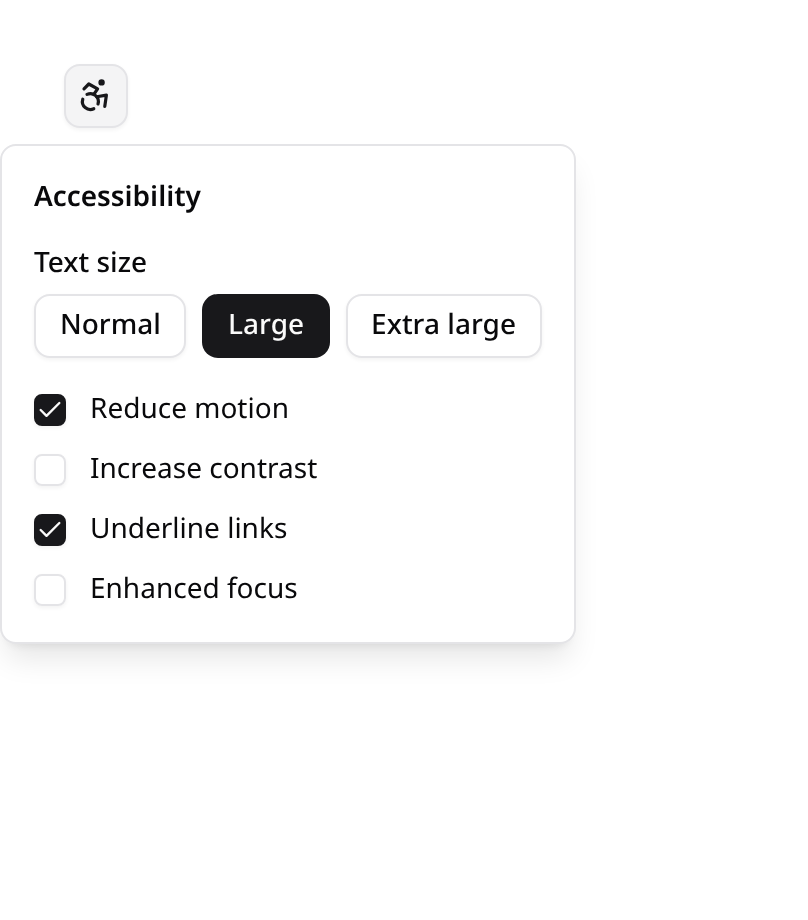
Server persistence is best-effort: on guest pages the save call is skipped gracefully, and the preference still applies and is mirrored to localStorage.
Dark-mode toggle
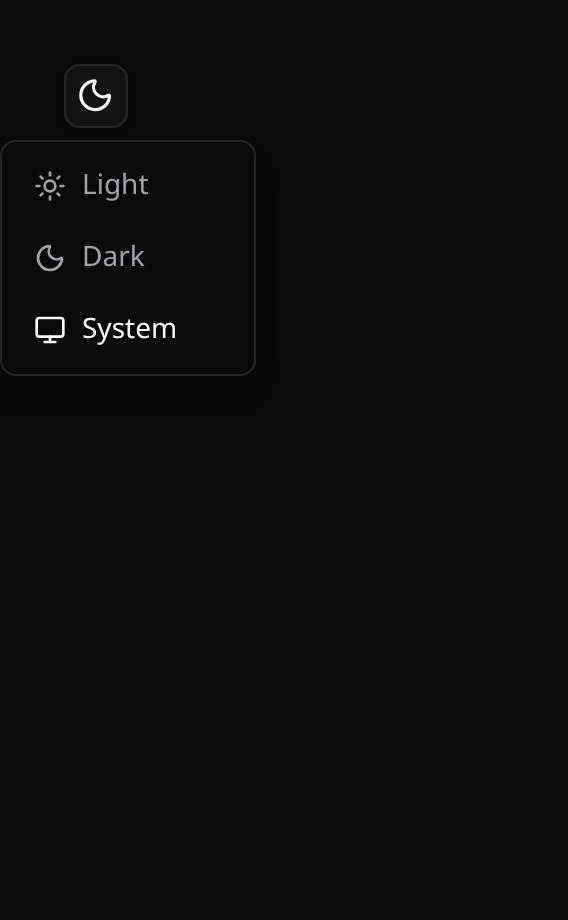
KinetixModeToggle is a drop-in header button (Sun/Moon icon) with a Light / Dark / System dropdown. It's kept in sync with the official Laravel Vue starter kit's Appearance settings — it reads and writes the same appearance localStorage key + cookie and toggles html.dark, so no extra wiring is needed.
<script setup lang="ts">
import KinetixModeToggle from "@/components/kinetix/KinetixModeToggle.vue";
</script>

<template>
  <KinetixModeToggle />
</template>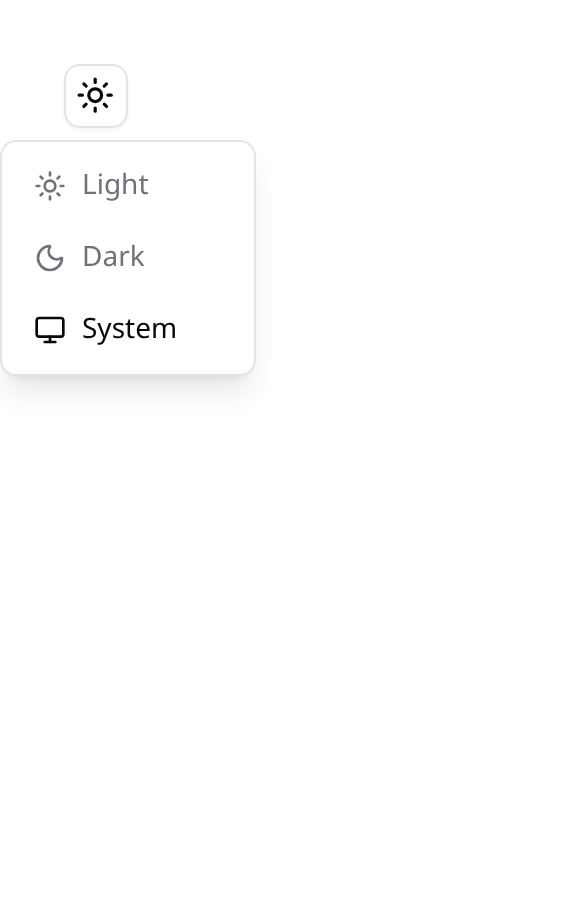
useKinetixAppearance() exposes appearance, resolved and setAppearance(value) if you want to build your own control.
Screen-reader primitives
Skip link
Let keyboard / screen-reader users jump past the nav straight to the content. Place it first in your layout; give your main region a matching id:
<KinetixSkipLink target="#main" />
<!-- … nav … -->
<main id="main">…</main>
It's visually hidden until focused, then the first item in the tab order.
Announcing async updates
Screen readers don't notice silent DOM changes (a toast, "12 results", a removed row). Announce them through a shared ARIA live region:
import { useKinetixAnnounce } from "@/composables/useKinetixAnnounce";

const { announce } = useKinetixAnnounce();
announce("Saved");                 // polite
announce("Upload failed", true);   // assertive (interrupts)
Motion in JavaScript
The preference and the OS setting stop CSS animations through the plugin's global guard. Motion that runs in JavaScript — a carousel's rotation timer, a Vue <Transition> — asks useKinetixReducedMotion() instead: a reactive boolean that is true under the OS setting, the user's Reduce motion preference, or the app-wide kinetix.motion = 'reduced' config. Kinetix's alert and banner animations (Alerts → Animations) and the announcement banner's auto-rotation follow it.
import { useKinetixReducedMotion } from '@/composables/useKinetixReducedMotion';

const reduced = useKinetixReducedMotion();
// if (!reduced.value) startAutoplay();
Endpoints
| Method | Route | Name |
|---|---|---|
GET | {prefix}/accessibility | kinetix.accessibility.index |
POST | {prefix}/accessibility | kinetix.accessibility.update |
Each user reads and updates only their own preferences.