

Calendar
Kinetix Calendar renders a month/week/day-view scheduler of events from any Eloquent model. It's a server-driven builder like Tables / Kanban: you declare the date column and how to title/color each event, and the <KinetixEventCalendar> component lays them out and navigates client-side — no calendar dependency.
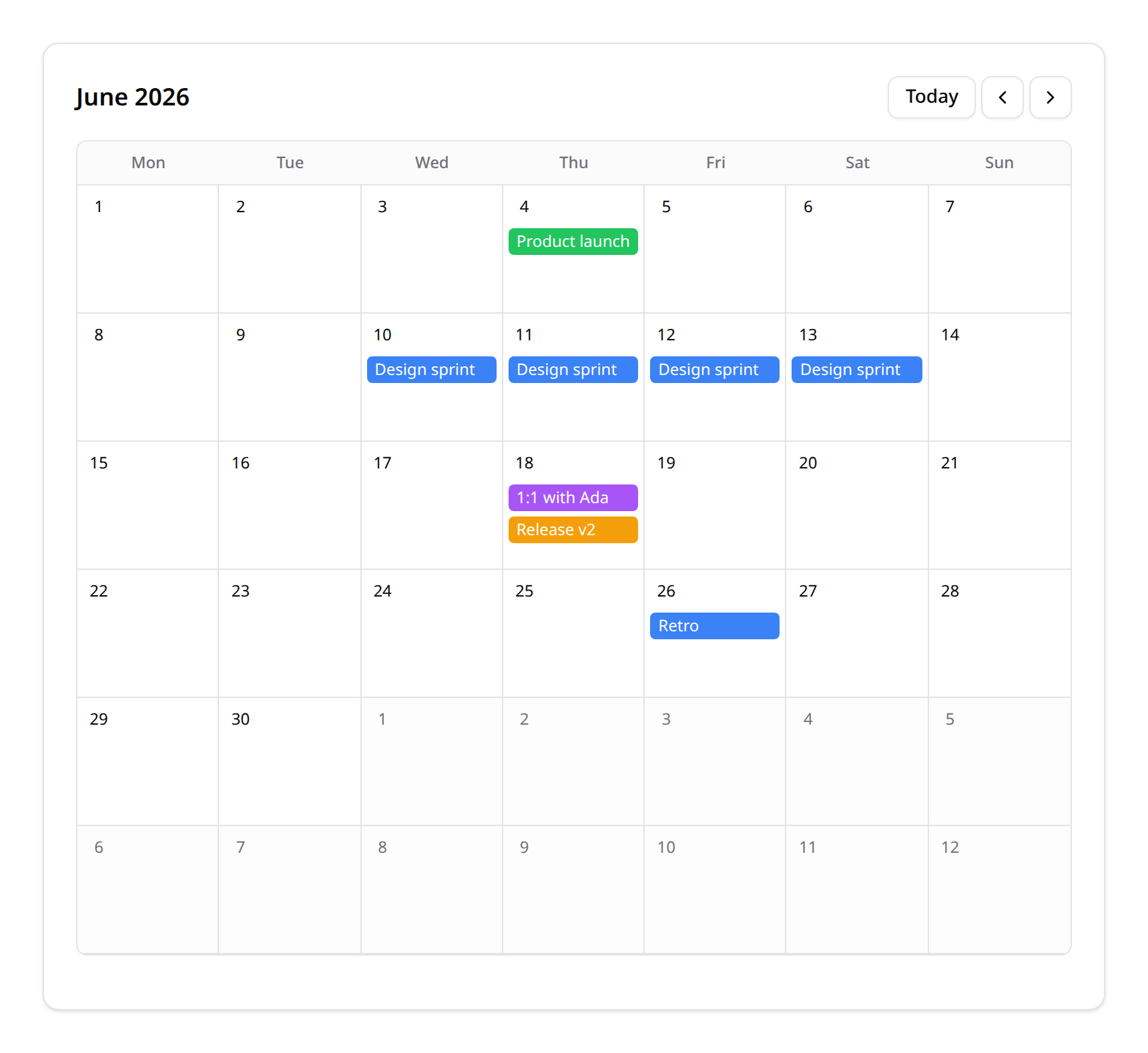
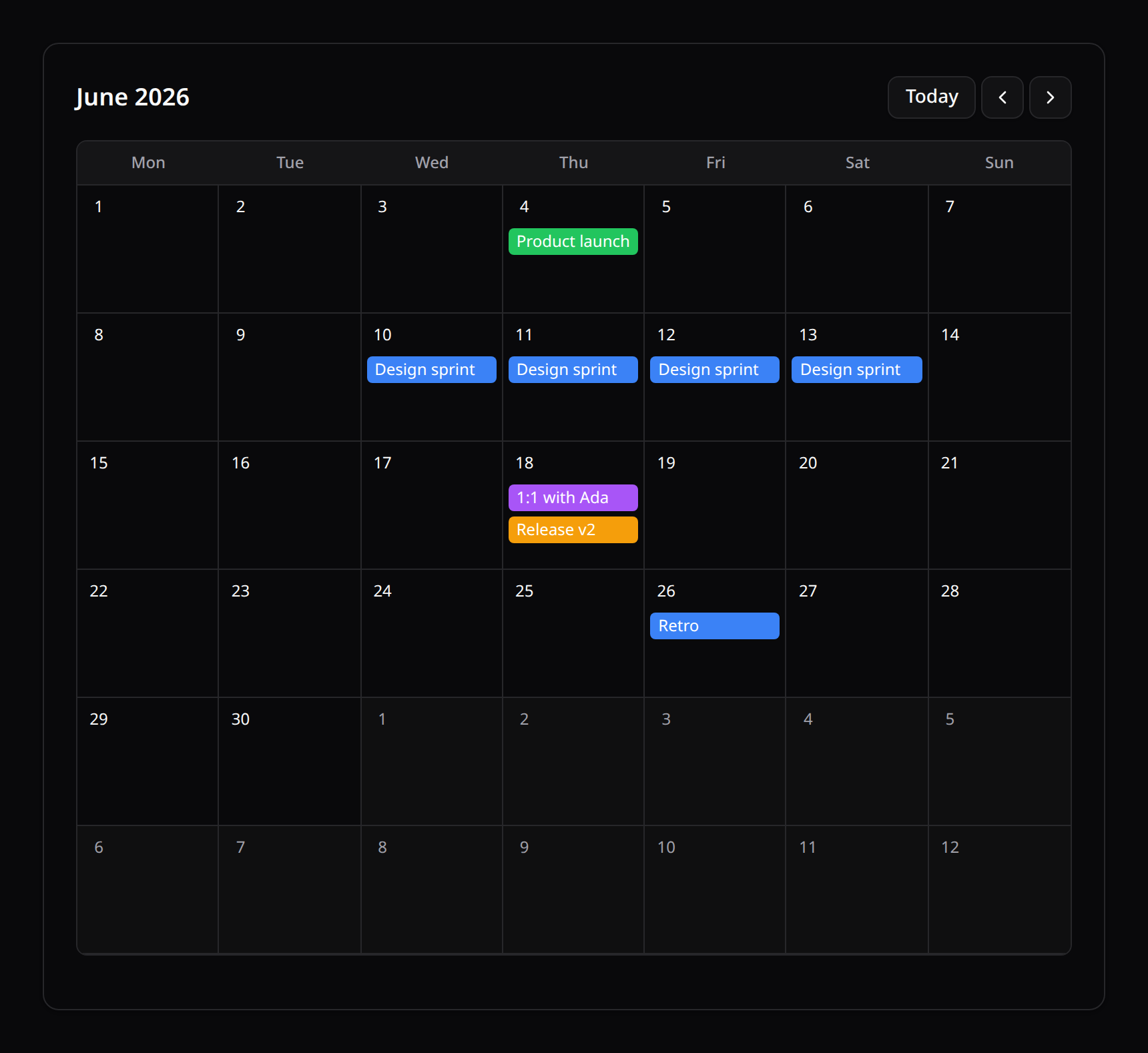
Not to be confused with the date-picker's calendar — this is the event scheduler component,
KinetixEventCalendar.
1. Defining a calendar
use Happones\Kinetix\Calendar\Calendar;

$calendar = Calendar::make(Event::query())
    ->dateColumn('starts_at')
    ->endColumn('ends_at')                       // optional, for multi-day/allday spans
    ->title('name')
    ->color(fn (Event $e) => $e->calendar->color)
    ->description(fn (Event $e) => $e->notes)     // optional, shown in the details popup
    ->url(fn (Event $e) => route('events.show', $e))
    ->query(fn ($q) => $q->where('team_id', auth()->user()->currentTeam->id))
    ->timezone('America/Mexico_City')             // optional, defaults to config('app.timezone')
    ->heading('Schedule');

return Inertia::render('Calendar', ['calendar' => $calendar->toData()]);dateColumn— the event's date/datetime column (defaultdate).endColumn— optional inclusive end date/datetime for multi-day or timed events with a duration.title/color/description/url— an attribute name or a closure.query— scope the events (the component navigates client-side over whatever you supply, so scope to a sensible window for large datasets).timezone— a string orfn () => ...closure (e.g.fn () => auth()->user()->timezone). Defaults toconfig('app.timezone'). See §3 Timezones for why this rarely needs to be touched.
2. Rendering
<script setup lang="ts">
import KinetixEventCalendar from '@/components/kinetix/KinetixEventCalendar.vue';

defineProps<{ calendar: object }>();
</script>

<template>
    <KinetixEventCalendar
        :calendar="calendar"
        :week-starts-on="1"
        @event-click="(e) => …"
        @day-click="(date) => …"
    />
</template>
Props
| Prop | Type | Default | Notes |
|---|---|---|---|
calendar | KinetixCalendarData | — | From Calendar::toData() |
weekStartsOn | number | 1 | 0=Sunday … 6=Saturday |
locale | string | null | null | BCP-47 locale for month/weekday/hour labels |
timezone | string | null | null | Overrides calendar.timezone (e.g. the viewer's own browser zone) |
views | ('month'|'week'|'day')[] | ['month'] | Opts into the view switcher — see §4 |
view | 'month'|'week'|'day' | views[0] | Controlled active view (v-model:view) |
anchorDate | string | null | null | Initial month/week/day (ISO Y-MM-DD), e.g. for deep-linking. Defaults to today |
startHour/endHour | number | 0/24 | Visible hour range in week/day views |
eventDisplay | 'modal'|'sheet' | 'modal' | How a clicked event's details are shown — see §5 |
sheetSide | 'top'|'right'|'bottom'|'left' | 'right' | Which edge the sheet slides from (eventDisplay="sheet") |
showEventDetails | boolean | true | Set false to suppress the built-in popup and rely on @event-click |
Events & slots
- Events render as colored chips (month view) or time-positioned blocks (week/day views). Beyond three per day in month view, a "+N more" hint is shown.
- Emits
event-click(the event — always fires, regardless ofshowEventDetails),day-click(the ISO date, month view empty-cell clicks),slot-click(the ISO datetime, week/day view empty-slot clicks),event-moved(the event + its new ISO start, after a successful drag — see §6),event-resized(the event + its new ISO end, after a successful resize — see Resizing events), andupdate:view.
No endpoint, migration or config flag is needed — the calendar is read-only by default and navigates client-side. Drag-and-drop rescheduling and resizing are server-side opt-ins: Calendar::moveable() and Calendar::resizable().
3. Timezones
Events serialize as absolute-instant ISO-8601 datetimes (never date-only strings), so the frontend can always re-render them correctly regardless of the viewing browser's own local timezone. Calendar::toData() resolves a timezone once server-side — config('app.timezone') by default — and sends it down as calendar.timezone.
You rarely need to touch this: because every event is an absolute instant, the frontend can correctly re-render it in any timezone, whether that's the server's resolved default or a client-side override:
// Per-user timezone, resolved server-side:
Calendar::make(Event::query())->timezone(fn () => auth()->user()->timezone ?? 'UTC');<!-- Or override client-side — e.g. the viewer's own browser zone: -->
<KinetixEventCalendar
:calendar="calendar"
:timezone="Intl.DateTimeFormat().resolvedOptions().timeZone"
/>Both approaches are "correct" — an event at 2026-06-15T09:00:00+00:00 lands on the same real-world moment no matter which timezone string the calendar renders it in; timezone only changes which local day/hour that moment is displayed under.
4. Month / week / day views
Multiple views are opt-in — pass views with more than one entry to show a switcher; the default (views: ['month']) is unchanged from a plain month-only calendar:
<KinetixEventCalendar :calendar="calendar" :views="['month', 'week', 'day']" />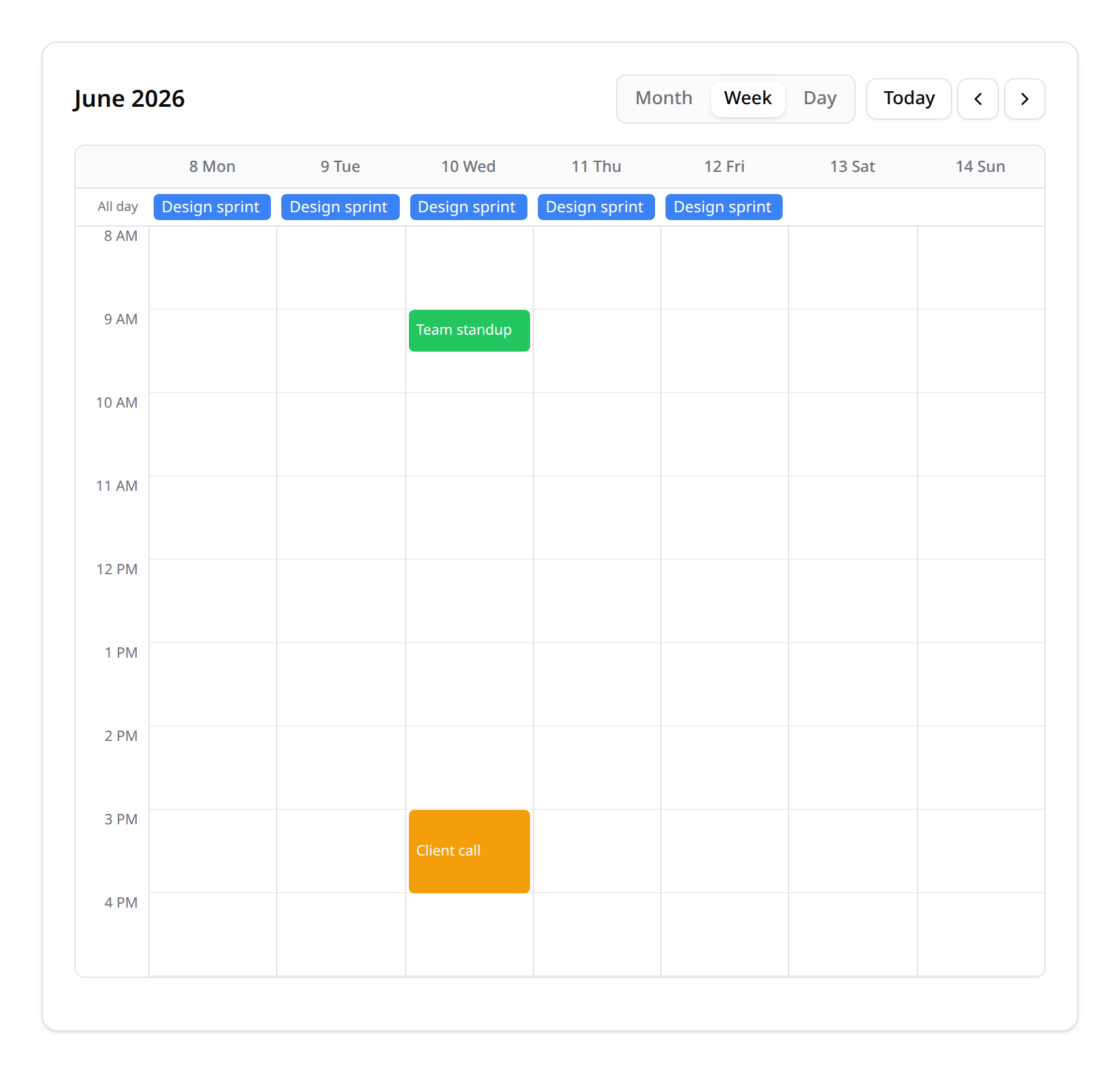
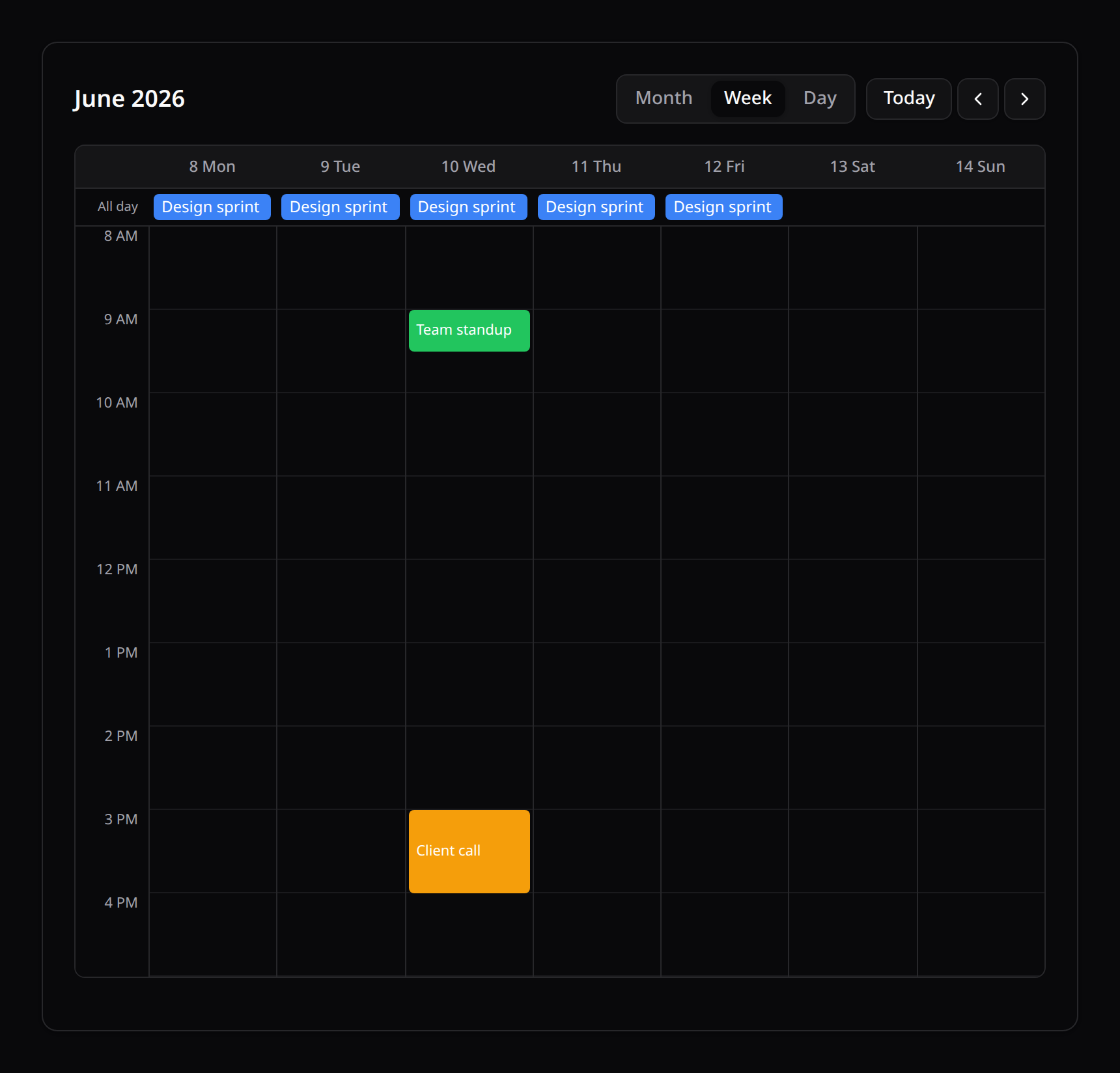
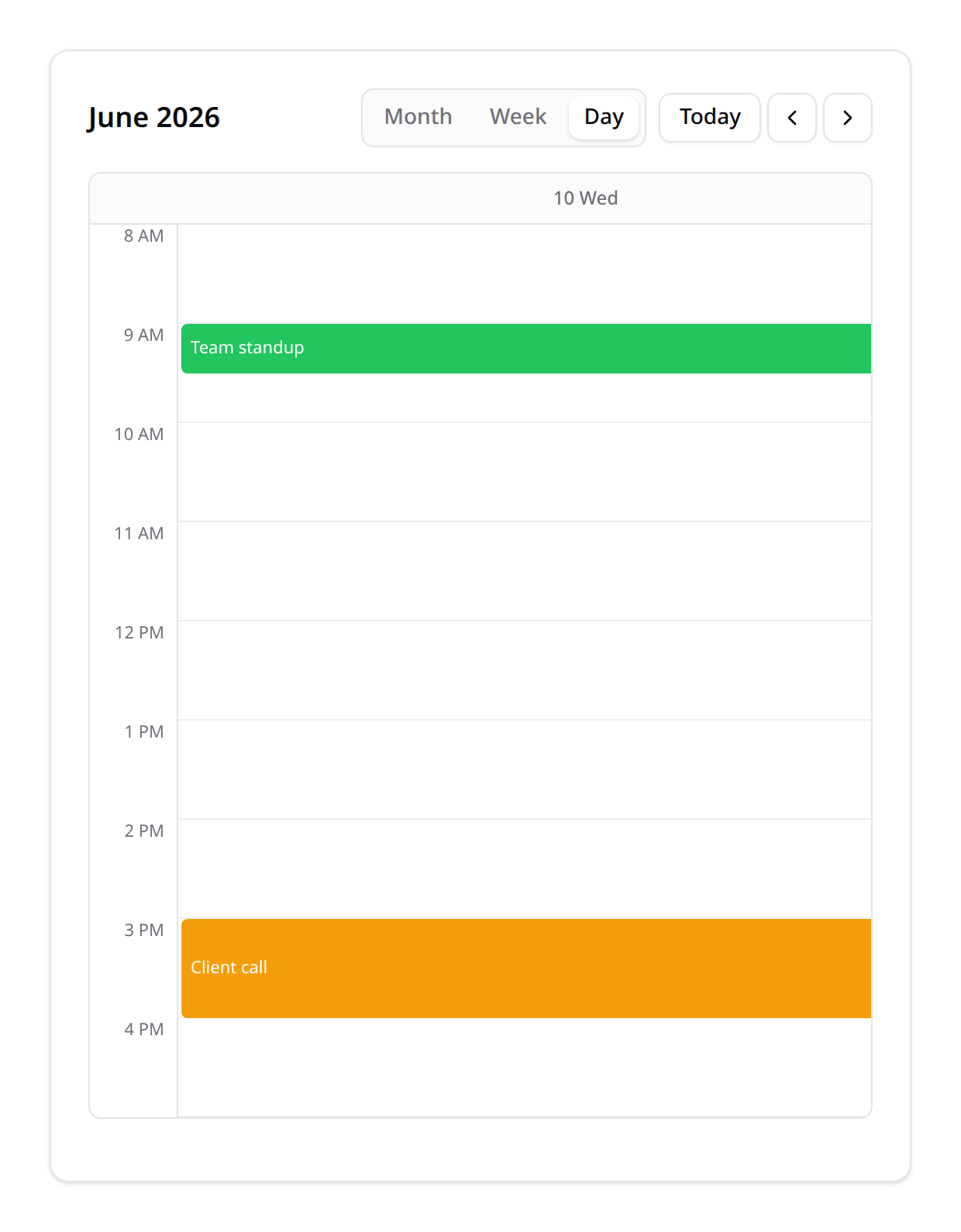
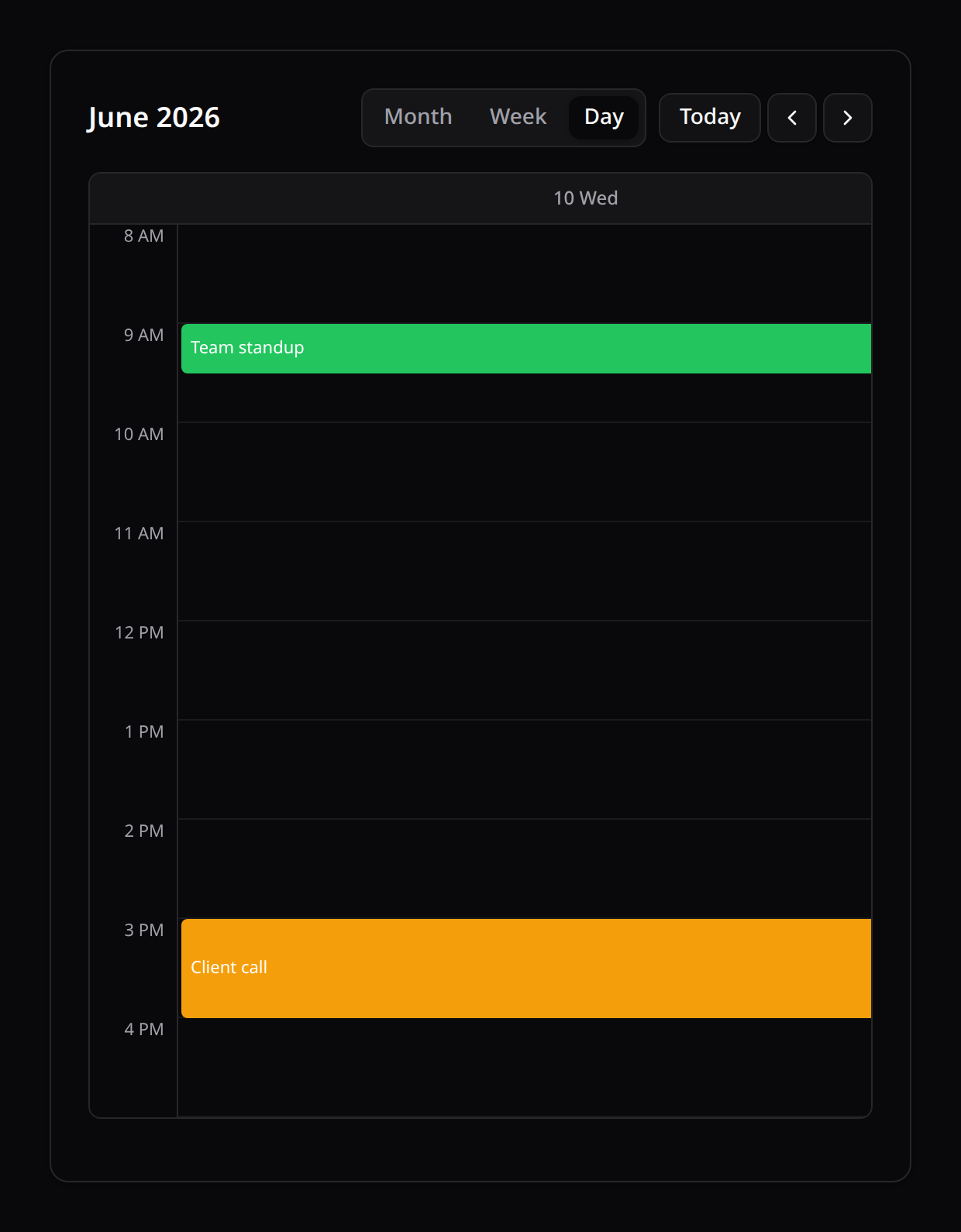
month— the classic 6-week grid; events spanning multiple days show on every day they cover.week— 7 day-columns with an hourly grid; an all-day banner above it forallDay/multi-day events, and a current-time indicator line on today's column.day— the same hourly grid for a single day.
Switching into week/day (via the switcher, mounting directly in that view, or clicking "Today" while already there) automatically scrolls the hourly grid so the current time stays in view, with a little context above it — so you never land on a view scrolled to midnight with "now" hidden far below the fold.
startHour/endHour restrict the visible hour range (e.g. :start-hour="8" :end-hour="18" for business hours). The hourly grid sits in its own horizontally-scrollable container, so 7 day-columns never break the page's layout on narrow viewports — verified at mobile/tablet/desktop widths.
An event's allDay flag (from CalendarEventData) is auto-detected server-side: true when its start (and end, if set) fall exactly at midnight. Timed events with a genuine hour/minute component render as positioned blocks in the hourly grid instead.
anchorDate sets which month/week/day is shown initially (defaults to today) — handy for deep-linking a specific date from the URL.
5. Event details: modal & sheet
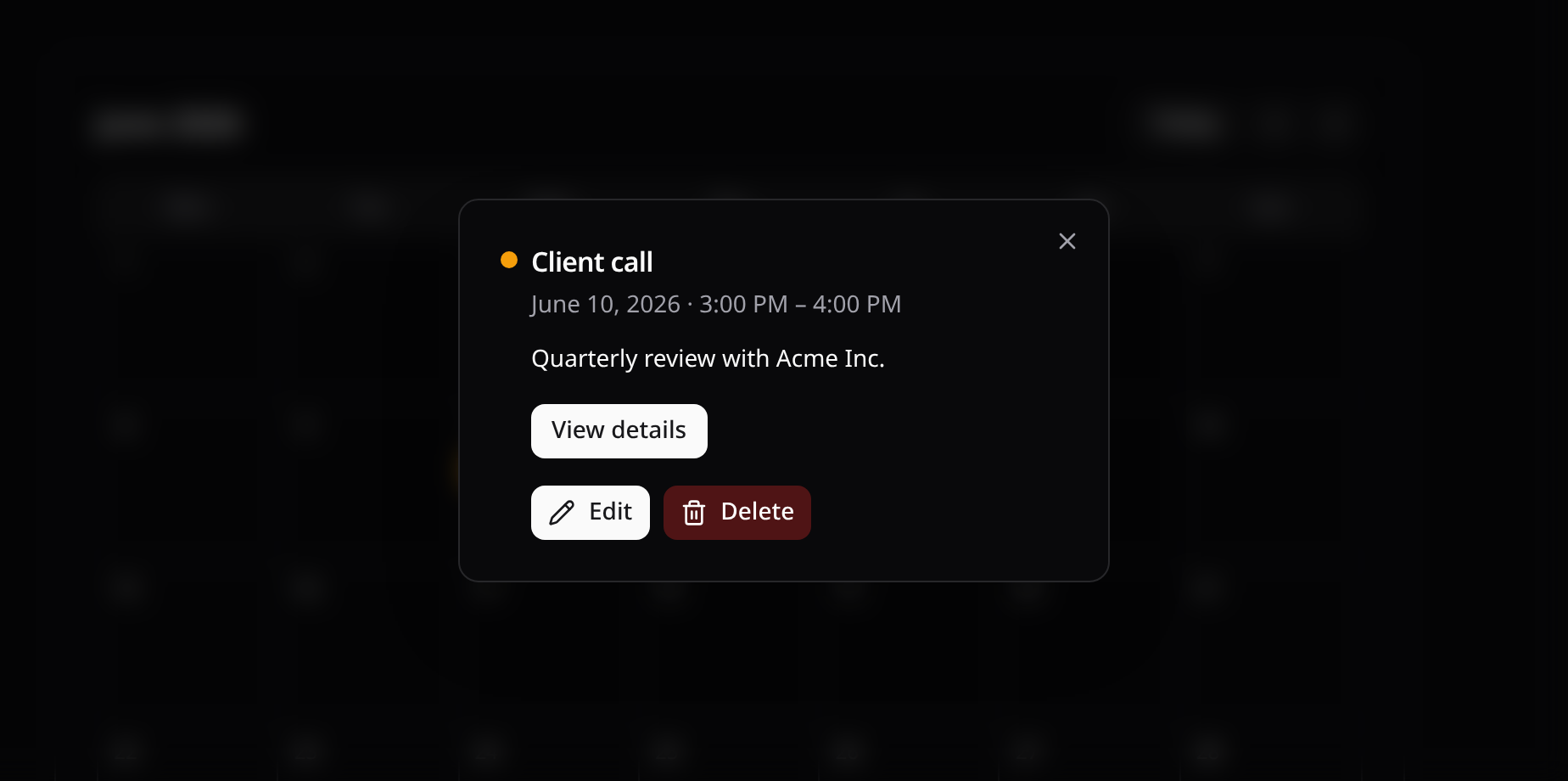
Clicking an event opens a built-in details popup — the color swatch, title, formatted date/time range (in the effective timezone), description, and a "View details" link when url is set:
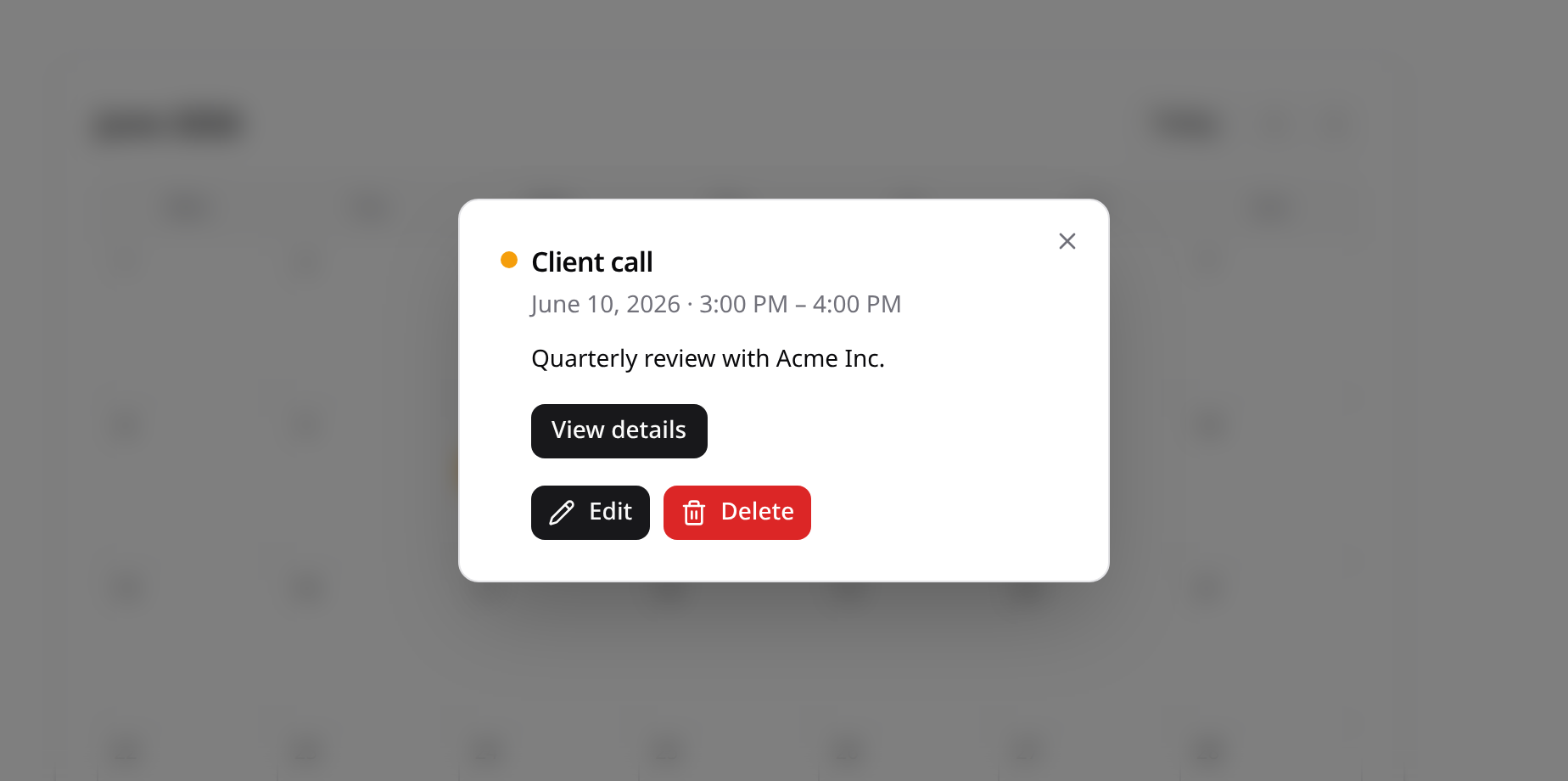
<!-- Default: a centered modal. -->
<KinetixEventCalendar :calendar="calendar" />

<!-- Or a shadcn-style slide-in sheet, from any edge: -->
<KinetixEventCalendar :calendar="calendar" event-display="sheet" sheet-side="right" />
@event-click always fires too, so you can layer custom behavior (analytics, routing) regardless of eventDisplay. Pass :show-event-details="false" to suppress the built-in popup entirely and handle everything yourself via @event-click.
The sheet is powered by a standalone <KinetixSheet> primitive (open, side, title, description props; #header/#footer slots) — reusable anywhere you want a shadcn Sheet-style slide-in panel, not just here.
Event actions (edit / delete / custom)
Optional per-event actions — shown in both the modal and the sheet — resolve against each event's underlying record via Calendar::eventActions(), exactly like Table::recordActions():
use Happones\Kinetix\Actions\Action;

Calendar::make(Event::query())
    ->dateColumn('starts_at')
    ->title('name')
    ->eventActions([
        Action::make('edit')
            ->icon('pencil')
            ->inertiaVisit(fn (Event $e) => route('events.edit', $e)),

        Action::make('delete')
            ->icon('trash')
            ->color('danger')
            ->requiresConfirmation('Delete this event?')
            ->inertiaVisit(fn (Event $e) => route('events.destroy', $e), ['method' => 'delete']),
    ]);
Actions omitted entirely still work with a purely read-only calendar — this is opt-in. Action is the same fluent builder used by table row actions and page headers, so it supports the full set: inertiaVisit(), request() (background HTTP), dispatch() (a custom browser event for the parent page to handle), requiresConfirmation() (gates the action behind KinetixConfirmModal), authorize()/visible()/hidden() for per-user gating, icons, and color.
6. Drag-and-drop rescheduling
Opt into event moves with moveable() — dragging an event chip to another day (month view) or hour slot (week/day views) persists the new start. The end column shifts by the same delta, so durations survive the move:
Calendar::make(Event::query())
    ->dateColumn('starts_at')
    ->endColumn('ends_at')
    ->title('name')
->moveable();- Month view — drop on a day cell: the event keeps its time-of-day, only the date changes (multi-day spans keep their length).
- Week/day views — drop on an hour slot: the start snaps to that hour; all-day events accept day-column drops in the all-day banner.
- The move is optimistic: the chip lands immediately, the change
POSTs in the background, and on failure it snaps back with an error toast. After a successful move the page reloads so derived data stays in sync, andevent-moved(event, newStart)fires for anything else you want to do. - While dragging, the source chip dims, the hovered cell/slot highlights, and a dashed ghost chip previews where the event will land (labelled with the event's title) — the same feedback language as the Kanban board.
Touch devices use a long-press (~250ms) to lift the chip into a floating clone that tracks the finger; moving before the long-press activates simply scrolls. Keyboard users hold Alt + arrow keys on a focused event: left/right = ±1 day everywhere; up/down = ±1 week in month view, ±1 hour in the time grids. Moves are announced through the shared live region, and every moveable chip points its aria-describedby at a screen-reader-only instructions element.
Resizing events
Opt into resizing with resizable() — dragging an event's end edge persists a new end. The start stays put. It needs endColumn(), the column the new end is written to:
Calendar::make(Event::query())
    ->dateColumn('starts_at')
    ->endColumn('ends_at')
    ->title('name')
    ->moveable()
    ->resizable();
resizable() works with or without moveable(). A calendar that only resizes keeps its events where they are.
- Week/day views — drag the bottom edge of a timed event. The end snaps to 15 minutes and the block grows or shrinks as you drag. Near the top or bottom of the hour grid, the grid scrolls.
- Month view and the all-day row — drag the right end of the event's chip on the last day it covers, across day cells. The end moves by whole days and keeps its time of day. An all-day event ends on the day you let go (the end day is inclusive).
- An event never ends before it starts: a timed event lasts at least 15 minutes, an all-day event at least its own day.
- Letting go saves the new end. Escape puts the event back. Like moves, the change is optimistic: on failure the event snaps back with an error toast; on success the page reloads and
event-resized(event, newEnd)fires.
The grip shows when you hover an event and is always visible on touch screens. Mouse, touch and pen all drag it directly, with no long-press, since it's a dedicated handle. Keyboard users hold Alt + Shift + arrow keys on a focused event: left/right = ±1 day; up/down = ±1 week in month view, ±15 minutes in the time grids (±1 day for all-day events). The new end is announced, and the screen-reader instructions cover whichever of moving and resizing the calendar allows.
An event that ends exactly at midnight belongs to the day it runs through. A timed event from 22:00 to 00:00 fills the bottom of its own day and no longer spills onto the next one. An all-day event's end day stays inclusive. A timed event that starts at midnight can be stretched to 23:45, not to the next midnight: midnight to midnight reads back as an all-day event.
The grip ignores a jitter of less than half a step, so touching the grip of an event that ends past the visible hours doesn't cut it short to the grid's edge. Only the finger that started a drag steers it.
A move shifts the end on the calendar's wall clock (timezone()), like the start: an all-day event moved across a daylight-saving change still ends at a midnight.
How the move is secured
Exactly like Kanban moves: toData() bakes a signed descriptor (encrypted) of the model, the date columns, which writes the calendar allows (move, resize), the move ability and scope — the endpoint decrypts it and only ever rewrites the declared columns, so a client can't tamper with the target model or column. A descriptor minted for a calendar that only resizes can't move an event, and the other way round. The descriptor is bound to the user and team it was minted for and expires (kinetix.tables.token_ttl).
| Method | Route | Name |
|---|---|---|
POST | {prefix}/tables/calendar-move | kinetix.tables.calendar-move |
POST | {prefix}/tables/calendar-resize | kinetix.tables.calendar-resize |
The move endpoint takes { model, recordId, start } and the resize endpoint { model, recordId, end } (absolute ISO-8601 instants). A missing or unparseable instant is a 422, and so is an end before the start. Record-level authorization, the same for both, mirrors Kanban:
// Policy check (automatic when a policy is registered; default ability `update`):
Calendar::make(Event::query())->moveable()->authorizeMove('reschedule');

// Tenant guard baked into the descriptor and enforced on the lookup (404 outside it):
Calendar::make(Event::query())
    ->query(fn ($q) => $q->where('team_id', $teamId))
    ->moveable()
    ->moveScope(['team_id' => $teamId]);
7. Creating & editing events
The calendar reads events — creating and editing them is regular page wiring. Two patterns, both composing with the emits above:
In-page modal (recommended)
A header action dispatches a browser event, the page opens a KinetixModal hosting a KinetixForm, and @day-click / @slot-click prefill the date for "click an empty slot to create". Pass flat to the form — the modal is already the surface, so Sections render as divided groups instead of nesting a card inside the modal:
// Controller
use Happones\Kinetix\Actions\Action;

return Inertia::render('Calendar', [
    'calendar'      => $calendar->toData(),
    'headerActions' => Action::toArrayMany([
        Action::make('new-event')->label('New event')->icon('plus')
            ->dispatch('event-create'),
    ]),
    'eventForm'     => EventForm::render(),   // a Form subclass, or Form::make(new Event)->schema([...])->fill()->toArray()
]);<script setup lang="ts">
import { router } from '@inertiajs/vue3';
import { onMounted, onUnmounted, ref } from 'vue';
const props = defineProps<{ calendar: object; headerActions: object[]; eventForm: object }>();
const createOpen = ref(false);
const prefillStart = ref<string | null>(null);
const openCreate = (start: string | null = null) => {
prefillStart.value = start;
createOpen.value = true;
};
onMounted(() => window.addEventListener('kinetix:event-create', () => openCreate()));
onUnmounted(() => window.removeEventListener('kinetix:event-create', () => openCreate()));
const submit = (values: Record<string, unknown>) =>
router.post(route('events.store'), { ...values, starts_at: values.starts_at ?? prefillStart.value }, {
onSuccess: () => (createOpen.value = false),
});
</script>
<template>
<KinetixPageHeader heading="Schedule" :actions="headerActions" />
<KinetixEventCalendar
:calendar="calendar"
:views="['month', 'week', 'day']"
@day-click="(date) => openCreate(date)"
@slot-click="(dateTime) => openCreate(dateTime)"
/>
<KinetixModal :open="createOpen" title="New event" scroll-body @update:open="createOpen = $event">
<!-- flat: the modal is the surface — no card-in-modal. -->
<KinetixForm :form="eventForm" flat @submit="submit" />
</KinetixModal>
</template>use Happones\Kinetix\Flash\KinetixFlash;
// Store/update/destroy follow the standard toast contract:
public function store(Request $request)
{
$data = $request->validate([...]);
Event::create($data);
KinetixFlash::success(__('kinetix.record_created'));
return back();
}
public function update(Request $request, Event $event)
{
$event->update($request->validate([...]));
KinetixFlash::success(__('kinetix.record_updated'));
return back();
}
public function destroy(Event $event)
{
$event->delete();
KinetixFlash::success(__('kinetix.record_deleted'));
return back();
}back() re-renders the calendar page (the new event appears) and <KinetixToaster> picks up the flash — see server-flashed toasts.
Dedicated pages
If events deserve full pages, use eventActions() with inertiaVisit() (see §5) for edit/delete from the details popup, plus a header action with ->url(route('events.create')). The page controllers then flash KinetixFlash::success(…) and redirect, exactly like resource scaffold pages.
8. Localization
week-starts-on, locale (BCP-47, via Intl.DateTimeFormat), and all UI strings (calendar_*) are localized (en/es/fr/pt/zh/ja/ru).