

Media Library
A multi-file media manager field: drag-and-drop (or click) to upload many files, see a thumbnail grid, reorder by dragging, delete, and preview. It works standalone, and integrates with spatie/laravel-medialibrary when that package is installed — collections, conversions and ordering included.
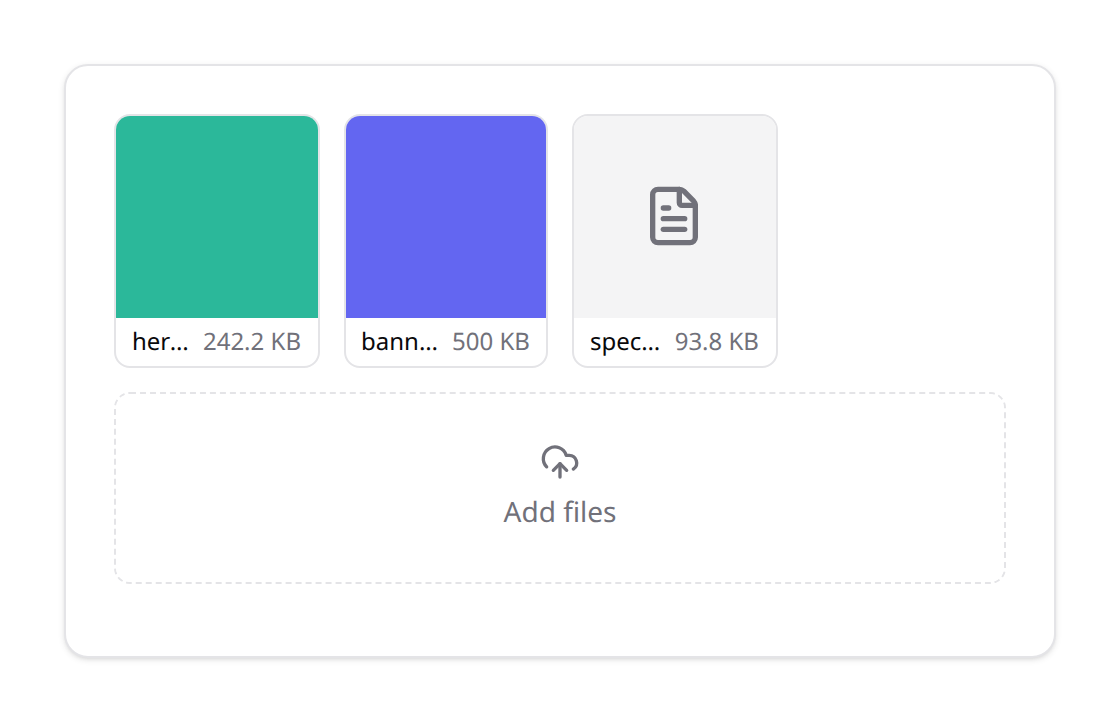
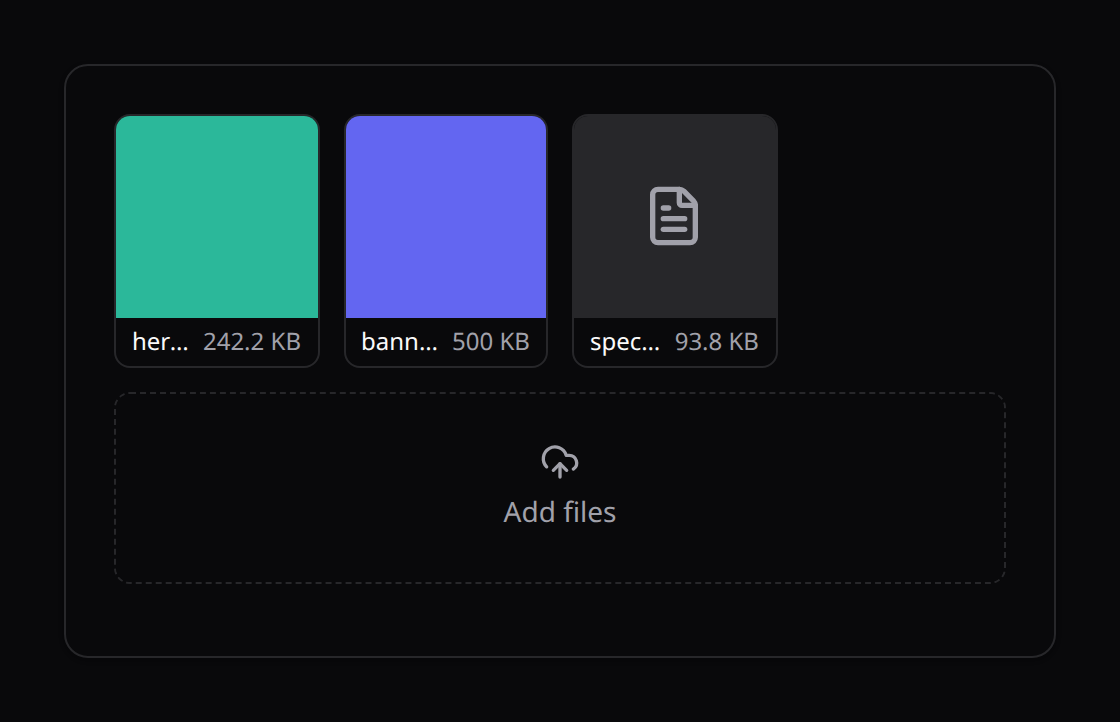
The field
use Happones\Kinetix\Forms\Components\MediaLibrary;

MediaLibrary::make('gallery')
    ->collection('images')          // spatie collection / logical group
    ->image()                       // restrict to images + show thumbnails
    ->conversions(['thumb'])        // spatie conversions to surface in the grid
    ->maxFiles(10)
    ->disk('public')
    ->directory('products');
Builds on FileUpload — same signed upload token, disk, directory and size/type constraints. Multiple + reorderable by default; turn dragging off with ->reorderable(false).
The field value is an ordered array of media items:
{ id?, path?, url, name, size?, mime?, thumb? }[]Newly uploaded files carry a path (the stored temp path); existing spatie media carry an id. Reordering just reorders the array: while dragging, the in-flight tile travels through the grid as a translucent live preview of its landing position; the new order is applied once on drop, and a cancelled drag reverts the preview.
Each tile's grip (top-left) is also a real control. On touch screens, drag the tile by its grip: the drag starts as soon as your finger moves, with the same live preview, and a long library scrolls near its edges. Letting go outside the grid puts the tile back. The grip and the remove button are always visible on touch screens, and show on hover or focus elsewhere. Keyboard users focus the grip and press the arrow keys to move the tile one place earlier or later. The new position is announced. A disabled field shows no grip and can't be reordered.
Standalone (no spatie)
Without spatie the field is a self-contained uploader: uploaded files land on the configured disk via the shared {prefix}/uploads/store endpoint, and you store the value array in your own column (e.g. a JSON gallery column).
The submitted array is client state, so don't store it as-is. Pass it through KinetixMedia::keep() with what the record already holds:
use Happones\Kinetix\Media\KinetixMedia;

$state = $form->getState($request->all());

$product->gallery = KinetixMedia::keep(
    $state['gallery'] ?? [],
    current: $product->gallery ?? [],
    directory: 'products', // the field's directory()
);
keep() returns the items in the submitted order:
- an item already stored (matched by
pathincurrent) keeps its stored data; - a new item is kept only if it's a file the current user uploaded for this field (their upload directory) and it exists on the disk;
url,sizeandmimeof a new item are read from the disk, never taken from the request.nameis only a label: the original file name the upload reported (stored files are renamed), reduced to a plain single-line file name, or the stored name when none was sent;- anything else is dropped: another user's upload, a path outside the directory, a
..path, a missing file, a duplicate.
Removing an item from the array doesn't delete the file. Clean up stored files yourself if you need to.
With spatie/laravel-medialibrary
Install the package and make your model implement HasMedia:
composer require spatie/laravel-medialibraryuse Spatie\MediaLibrary\HasMedia;
use Spatie\MediaLibrary\InteractsWithMedia;
class Product extends Model implements HasMedia
{
use InteractsWithMedia;
public function registerMediaConversions(?Media $media = null): void
{
$this->addMediaConversion('thumb')->width(200)->height(200);
}
}Then hydrate the field from the collection and sync on save via the KinetixMedia helper:
use Happones\Kinetix\Media\KinetixMedia;

// edit() — fill the field from the model's media
$form = ProductResource::form(Form::make($product))->fill([
    'gallery' => KinetixMedia::items($product, 'images', 'thumb'),
]);

// update() — reconcile the collection with the submitted state
$state = $form->getState($request->all());
KinetixMedia::sync($product, 'images', $state['gallery'], directory: 'products');
sync() adds newly uploaded files, removes the ones the user deleted, and persists the new order — all on the bound collection. Pass the field's directory(): a new file is only accepted from the current user's uploads for it (when the field has no directory, the default uploads applies). It's a no-op when spatie isn't installed (or the record isn't HasMedia), so the same form code is safe either way.
API
| Method | Effect |
|---|---|
collection(string) | spatie collection name / logical group |
conversions([...]) | spatie conversion names surfaced as thumbnails |
reorderable(bool) | drag-to-reorder (default true) |
image() | restrict to images + thumbnail previews |
maxFiles(int) | cap the number of files |
disk() · directory() · acceptedFileTypes() · maxSize() | inherited from FileUpload |
KinetixMedia::items($record, $collection, $conversion?) → the field's item array. KinetixMedia::sync($record, $collection, $items, $disk?, $directory?) → persist to spatie. KinetixMedia::keep($items, $current?, $directory?, $disk?) → the items safe to store in your own column.
Folders & native variants
v1 covers the grid, reordering, upload and the spatie bridge. Folders and native (non-spatie) image variants are not included yet — use spatie conversions for variants.