

Connected Accounts
Kinetix Connected Accounts is a complete social-auth feature for the Laravel Vue starter kit — which ships no OAuth at all. It covers the whole story on top of Laravel Socialite:
- Sign in / register with a provider (guest flow, opt-in): find-or-create the user and log them in.
- Link / unlink providers (authenticated flow): a drop-in settings manager.
- Set a password for social-only users so email + password login also works.
Each authenticated user manages only their own linked accounts — there is no admin ability.
Installation
Connected Accounts requires laravel/socialite:
composer require laravel/socialitePublish and run the migration:
php artisan vendor:publish --tag=kinetix-connected-accounts-migrations
php artisan migrate
Configure your provider credentials in config/services.php as usual:
'github' => [
    'client_id'     => env('GITHUB_CLIENT_ID'),
    'client_secret' => env('GITHUB_CLIENT_SECRET'),
    'redirect'      => env('GITHUB_REDIRECT_URI'),
],
Then enable the feature and declare the providers you offer:
'connected_accounts' => [
    'enabled' => env('KINETIX_CONNECTED_ACCOUNTS_ENABLED', true),

    // Opt-in guest login/registration via a provider.
    'login_enabled' => env('KINETIX_CONNECTED_ACCOUNTS_LOGIN', false),

    // Block unlinking the last provider when the user has no password set.
    'prevent_lockout' => true,

    'redirect'               => '/settings/security',
    'login_redirect'         => '/dashboard',
    'login_failure_redirect' => '/login',

    'providers' => [
        'github' => ['label' => 'GitHub', 'icon' => 'github', 'color' => '#181717'],
        'google' => ['label' => 'Google', 'icon' => 'google', 'color' => '#4285F4'],
    ],
],
Providers can also be declared from a service provider:
use Happones\Kinetix\ConnectedAccounts\KinetixConnectedAccounts;

KinetixConnectedAccounts::providers([
    'github' => ['label' => 'GitHub', 'icon' => 'github', 'color' => '#181717'],
]);
Built-in brand icons
The Vue component ships brand glyphs for github and google. Any other icon falls back to the provider's initial — swap in your own markup if you need more.
Passwordless users
The default login flow creates social users without a password (so hasPassword is false until they set one). Make your users table password column nullable for this to work, or supply your own creator (below).
1. The manager component
Mount the drop-in manager on a security / account settings page:
<script setup lang="ts">
import KinetixConnectedAccounts from "@/components/kinetix/KinetixConnectedAccounts.vue";
</script>

<template>
  <KinetixConnectedAccounts />
</template>
Already titling the section on your page? Pass hide-title and the component skips its own heading (<KinetixConnectedAccounts hide-title />).
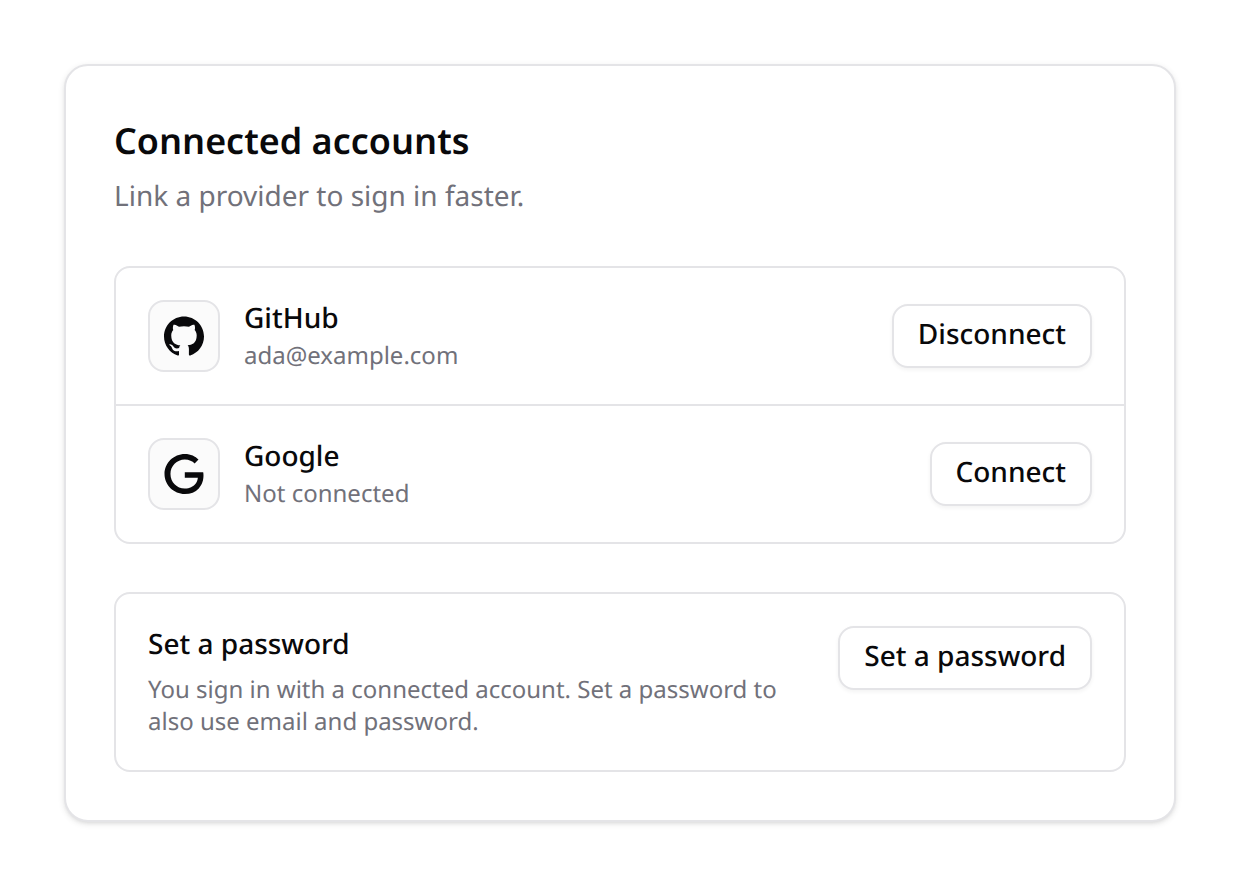
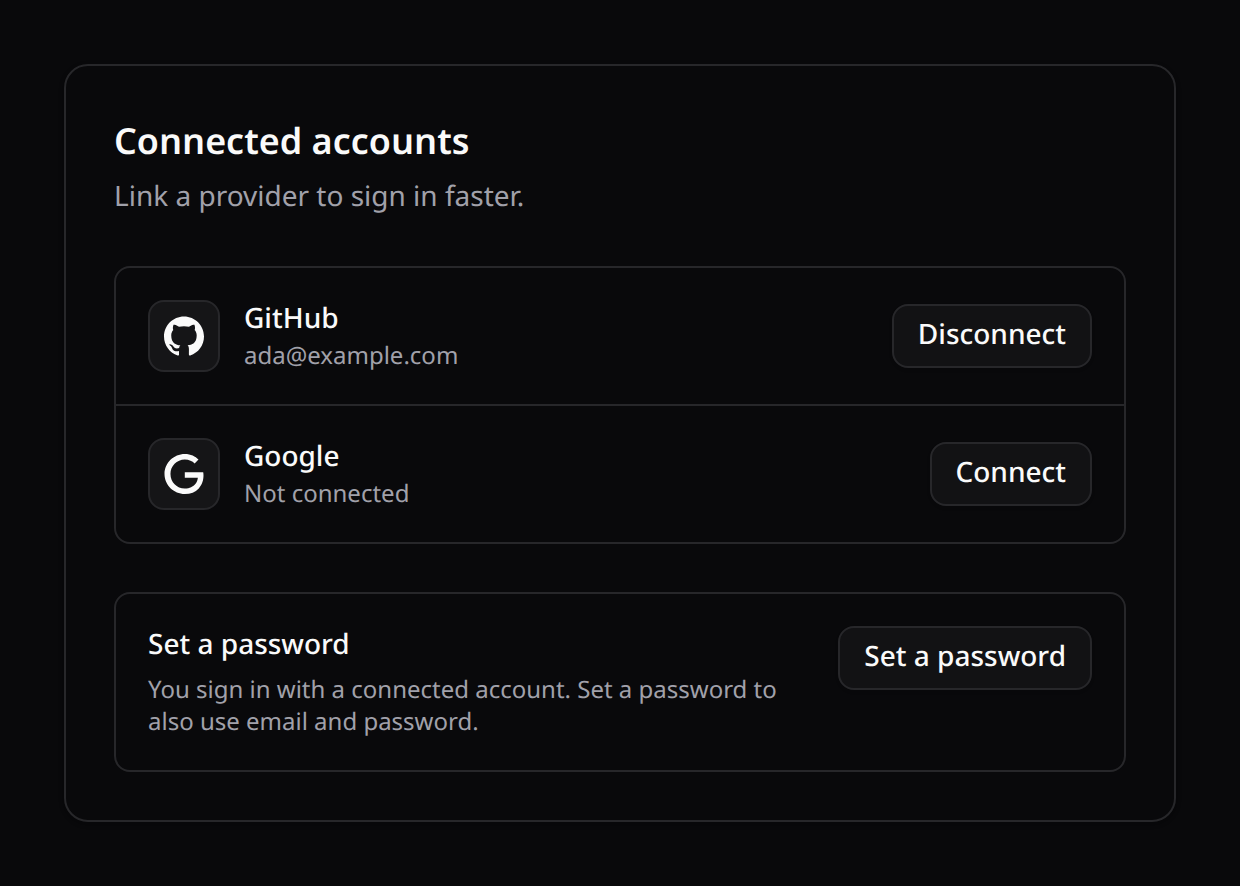
It lists every configured provider with its linked state, a Connect link (starts the OAuth round-trip) or a Disconnect control, and — for a user with no password — a Set a password form (no current password required). Users who already have a password get a Change password form instead. All strings are localized (connected_account_* / password_* keys, en/es/fr/pt).
2. Login / registration buttons (opt-in)
Set login_enabled to true and drop a KinetixSocialButton on your login / register pages. Pass the provider as a prop — it renders the brand icon + label and links to the right OAuth route:
<script setup lang="ts">
import KinetixSocialButton from "@/components/kinetix/KinetixSocialButton.vue";
</script>

<template>
  <KinetixSocialButton provider="github" mode="login" />
  <KinetixSocialButton provider="google" mode="login" />
  <KinetixSocialButton provider="microsoft" mode="login" />
</template>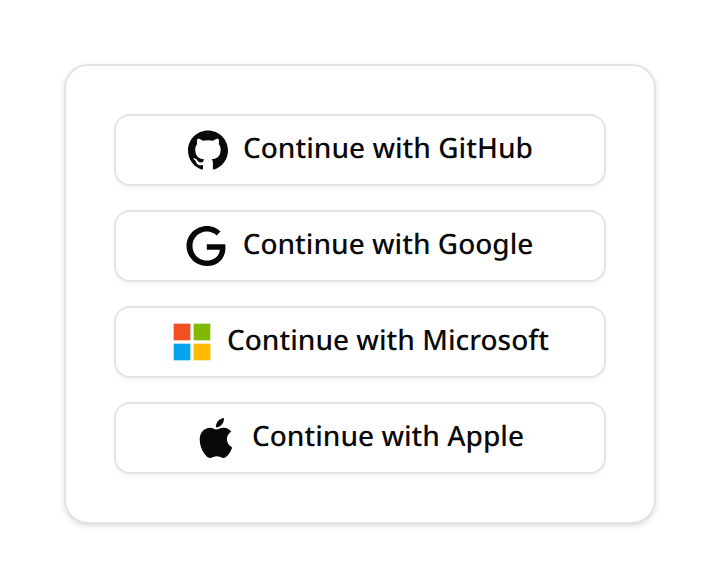
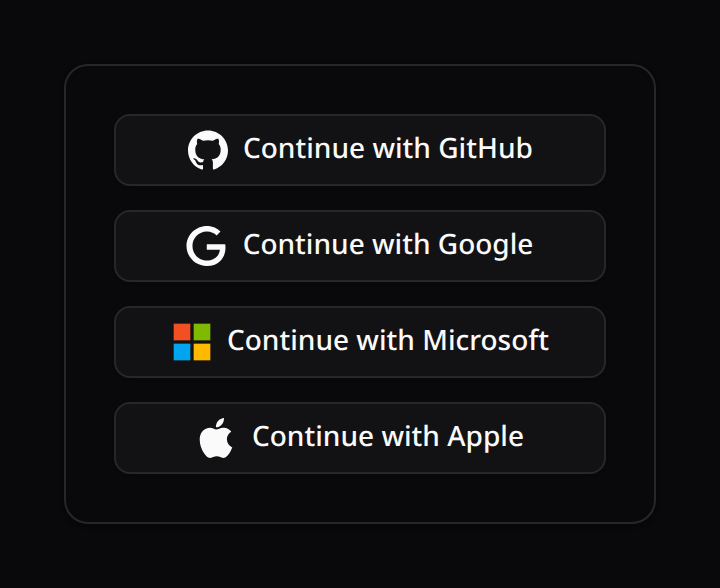
mode="login" targets the guest sign-in route; the default mode="link" attaches the provider to the current user (used inside the manager). Props: provider, mode, label, colorized (use the provider's true brand color — off by default, so the icon inherits the button text color and contrasts with the light/dark theme), block, variant, and href (override the destination). The KinetixConnectedAccounts manager takes the same colorized prop.
Bundled brand icons
Brand glyphs are local SVG components under resources/js/icons/kinetixBrands/ (no runtime icon dependency) and resolved through @/icons/kinetixBrands. Bundled: github, google, microsoft, gitlab, bitbucket, facebook, x (twitter), apple, discord, twitch. Unknown providers fall back to a generic link glyph and a title-cased label, so any Socialite driver still works.
<!-- The full-page link Kinetix generates, if you prefer raw markup: -->
<a href="/_kinetix/connected-accounts/login/redirect/github">Continue with GitHub</a>
On callback Kinetix finds the user by email (or creates a passwordless one), links the identity, and logs them in. Customize resolution / creation — e.g. to also create a personal team — from a service provider:
use Happones\Kinetix\ConnectedAccounts\KinetixConnectedAccounts;

KinetixConnectedAccounts::createUserUsing(function (object $socialUser, string $provider) {
    $user = User::create([
        'name'     => $socialUser->getName(),
        'email'    => $socialUser->getEmail(),
        'password' => null,
    ]);

    // e.g. app(CreateTeam::class)->handle($user, "{$user->name}'s Team", personal: true);

    return $user;
});
Already have your own OAuth login controller? Leave
login_enabledoff and use only the authenticated link/unlink management — the two coexist cleanly.
3. Account lockout protection
A user who only ever signed in with a provider has no password. Unlinking their last account would lock them out, so by default Kinetix blocks it (HTTP 422) and the UI nudges them to set a password first. Disable with connected_accounts.prevent_lockout = false.
4. The endpoints
Registered under your Kinetix prefix. Link/unlink/index/password are authenticated (team-aware when kinetix.teams is on); the login routes are guest-accessible and only registered when login_enabled is true.
| Method | Route | Name |
|---|---|---|
GET | {prefix}/connected-accounts | kinetix.connected-accounts.index |
GET | {prefix}/connected-accounts/redirect/{provider} | kinetix.connected-accounts.redirect |
GET | {prefix}/connected-accounts/callback/{provider} | kinetix.connected-accounts.callback |
POST | {prefix}/connected-accounts/password | kinetix.connected-accounts.password |
DELETE | {prefix}/connected-accounts/{account} | kinetix.connected-accounts.destroy |
GET | {prefix}/connected-accounts/login/redirect/{provider} | kinetix.connected-accounts.login.redirect |
GET | {prefix}/connected-accounts/login/callback/{provider} | kinetix.connected-accounts.login.callback |
Access / refresh tokens are stored encrypted and never serialized to the client. index returns the caller's accounts, the provider catalog (with a linked flag) and hasPassword.