

GDPR self-service
Kinetix GDPR gives users two self-service privacy actions:
- Download my data — a queued export of their personal data (delivered as a notification with a download link), and
- Delete my account — password-gated deletion that either anonymizes the configured PII columns or hard-deletes the record.
Each user acts only on their own account — there is no admin ability.
Overlaps with the Laravel starter kit
The official starter kit already ships a basic Delete account action. Kinetix GDPR is a superset of it (it adds data export, anonymization, queuing and an audit trail). To avoid rendering two "Delete account" buttons, pick one approach:
- Option A (recommended) — keep the starter kit's delete action and mount only Kinetix's export (the part the starter kit lacks).
- Option B — remove the starter kit's delete block and mount the full
KinetixGdprPanel.
See Kinetix & the Laravel starter kit → GDPR overlap for the exact snippets.
Installation
No migration — GDPR reuses the exports download route and notifications.
'gdpr' => [
    'enabled'          => env('KINETIX_GDPR_ENABLED', true),
    // 'anonymize' scrubs the columns below; 'delete' removes the record.
    'deletion'         => env('KINETIX_GDPR_DELETION', 'anonymize'),
    // Require the current password to confirm deletion.
    'require_password' => env('KINETIX_GDPR_REQUIRE_PASSWORD', true),
    // Column => replacement value (or closure) applied when anonymizing.
    'anonymize'        => [
        'name'  => 'Deleted user',
        'email' => null,
    ],
    // Where the SPA navigates after deletion.
    'redirect'         => env('KINETIX_GDPR_REDIRECT', '/'),
],
Exports run on the queue — make sure a worker is running.
1. Declaring the data export
Register the sections that make up a user's data export in a service provider. Each resolver receives the authenticated user and returns anything JSON-encodable (arrays, Arrayable, Eloquent models/collections):
use Happones\Kinetix\Gdpr\KinetixGdpr;

KinetixGdpr::export('profile', fn ($user) => $user->only(['name', 'email', 'created_at']));
KinetixGdpr::export('orders', fn ($user) => $user->orders);
KinetixGdpr::export('addresses', fn ($user) => $user->addresses);
When the user requests an export, Kinetix builds a single JSON document of every section, stores it on the Kinetix disk, and notifies the user with a one-time download link.
2. Customizing deletion
By default deletion follows kinetix.gdpr.deletion:
anonymize— sets each column inkinetix.gdpr.anonymizeto its replacement (a value or afn ($user) => …closure) and saves. Soft-deletable models are also soft-deleted so they drop out of normal queries.delete— hard-deletes the record.
For full control (cascade cleanup, billing cancellation, etc.) provide your own handler — it takes over completely:
KinetixGdpr::deleteUsing(function ($user) {
    $user->subscriptions->each->cancelNow();
    $user->forceDelete();
});
3. The panel component
Mount the drop-in panel on a privacy / account settings page:
<script setup lang="ts">
import KinetixGdprPanel from "@/components/kinetix/KinetixGdprPanel.vue";
</script>

<template>
  <KinetixGdprPanel :require-password="true" />
</template>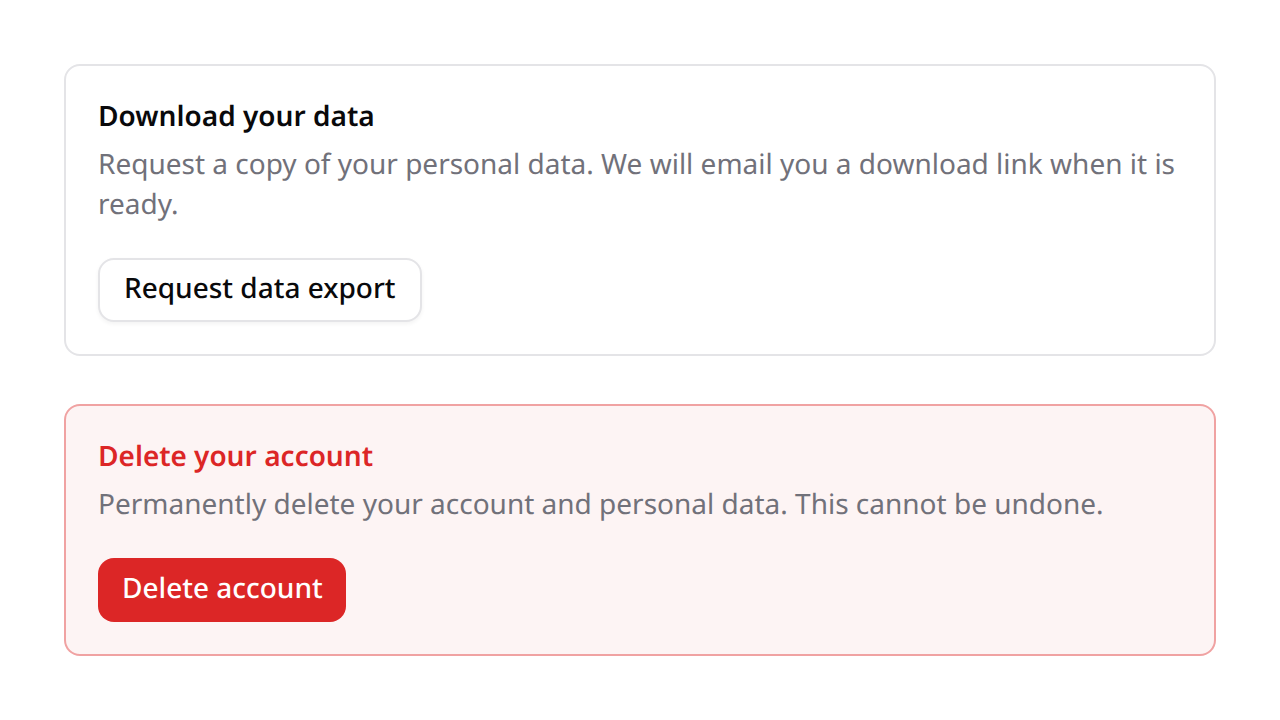
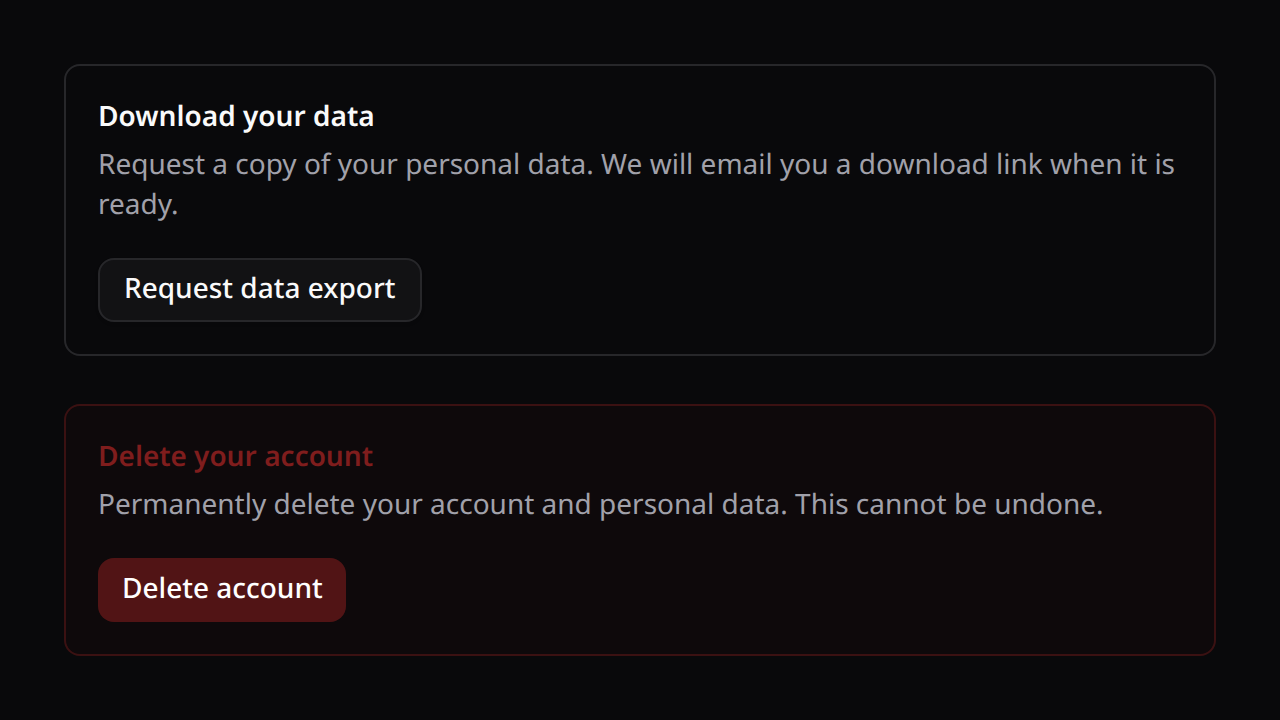
It renders the "Download your data" action and a destructive "Delete account" action behind a confirmation dialog (with a password field when require_password is on). On deletion it logs the user out and navigates to the configured redirect. useKinetixGdpr() exposes exportData() and deleteAccount(password?) for a custom UI. All strings are localized (gdpr_*, en/es/fr/pt).
Endpoints
| Method | Route | Name |
|---|---|---|
POST | {prefix}/gdpr/export | kinetix.gdpr.export |
POST | {prefix}/gdpr/delete | kinetix.gdpr.delete |
export queues the data dump; delete validates the password (when required), purges the account, and ends the session. Both act on the authenticated user.