

Reports Center
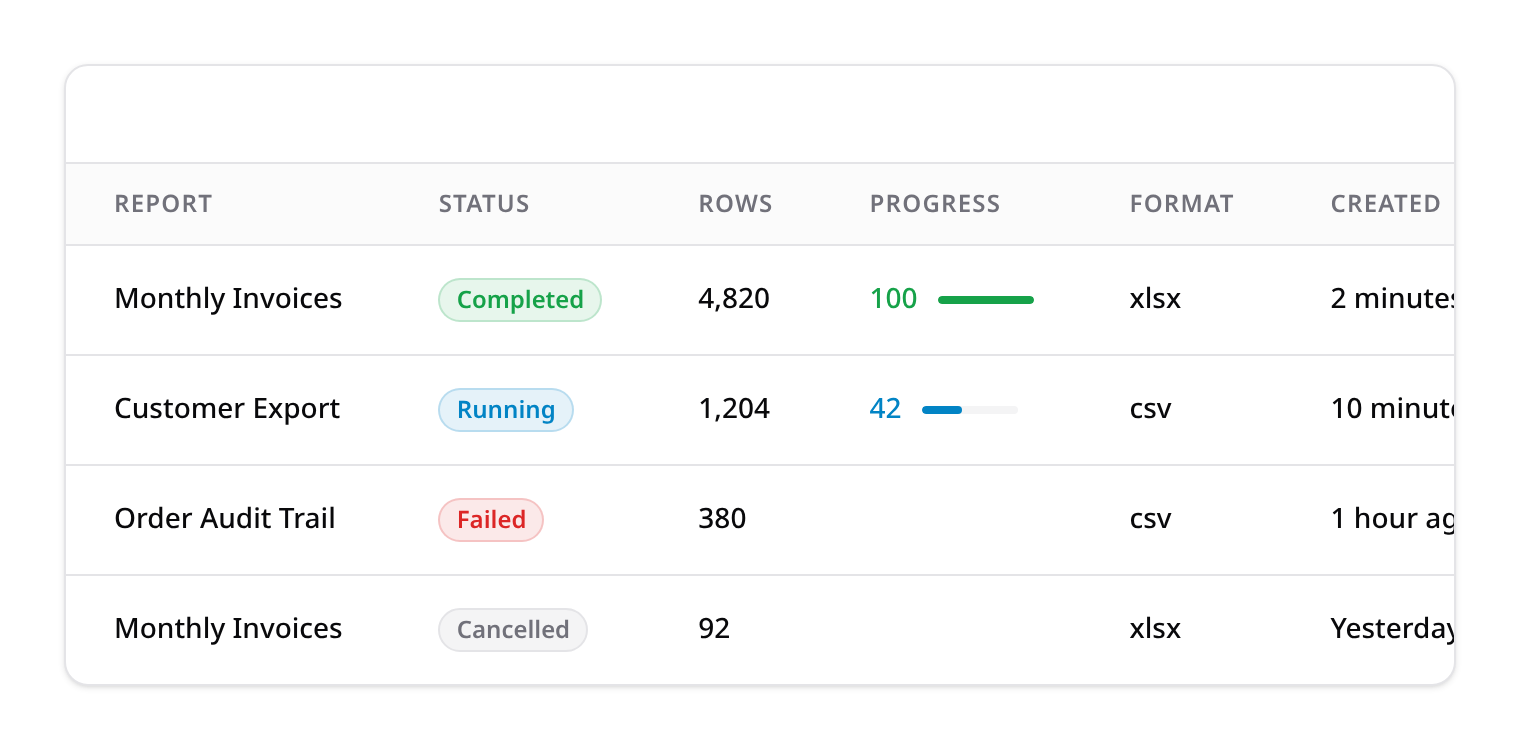
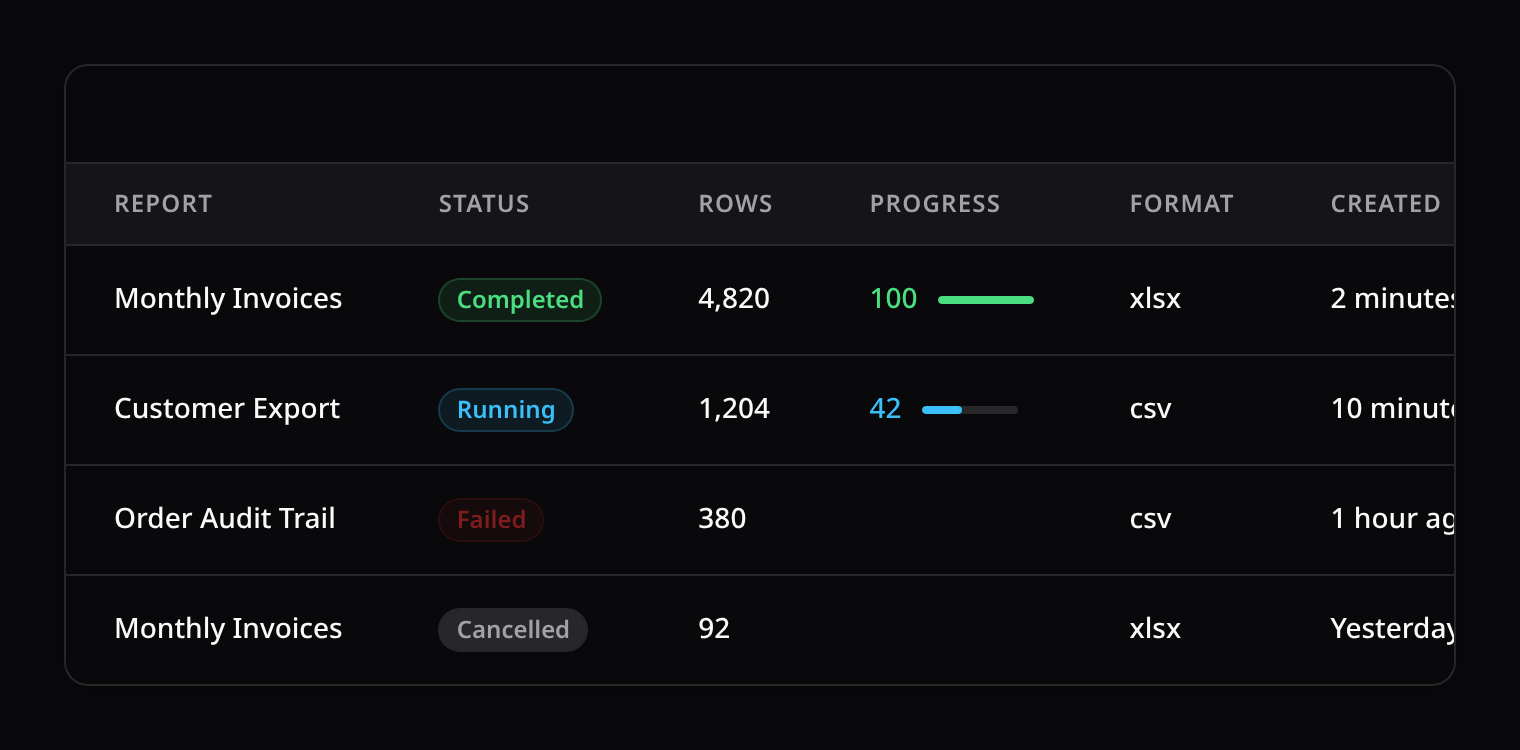
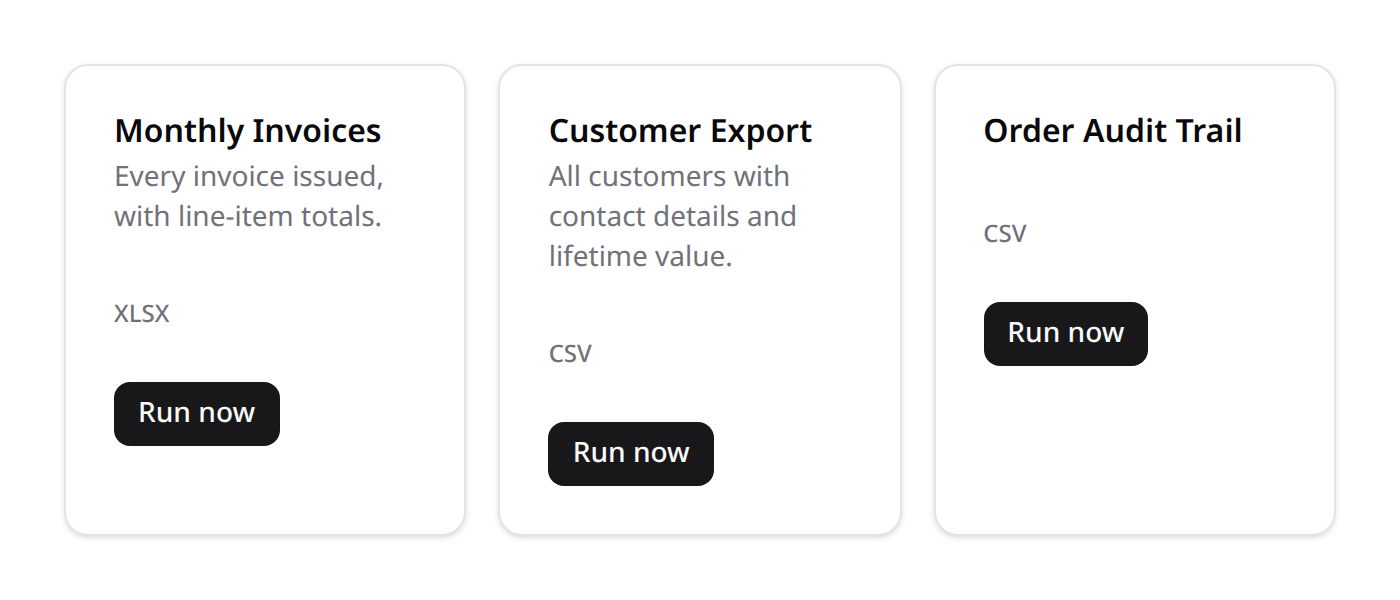
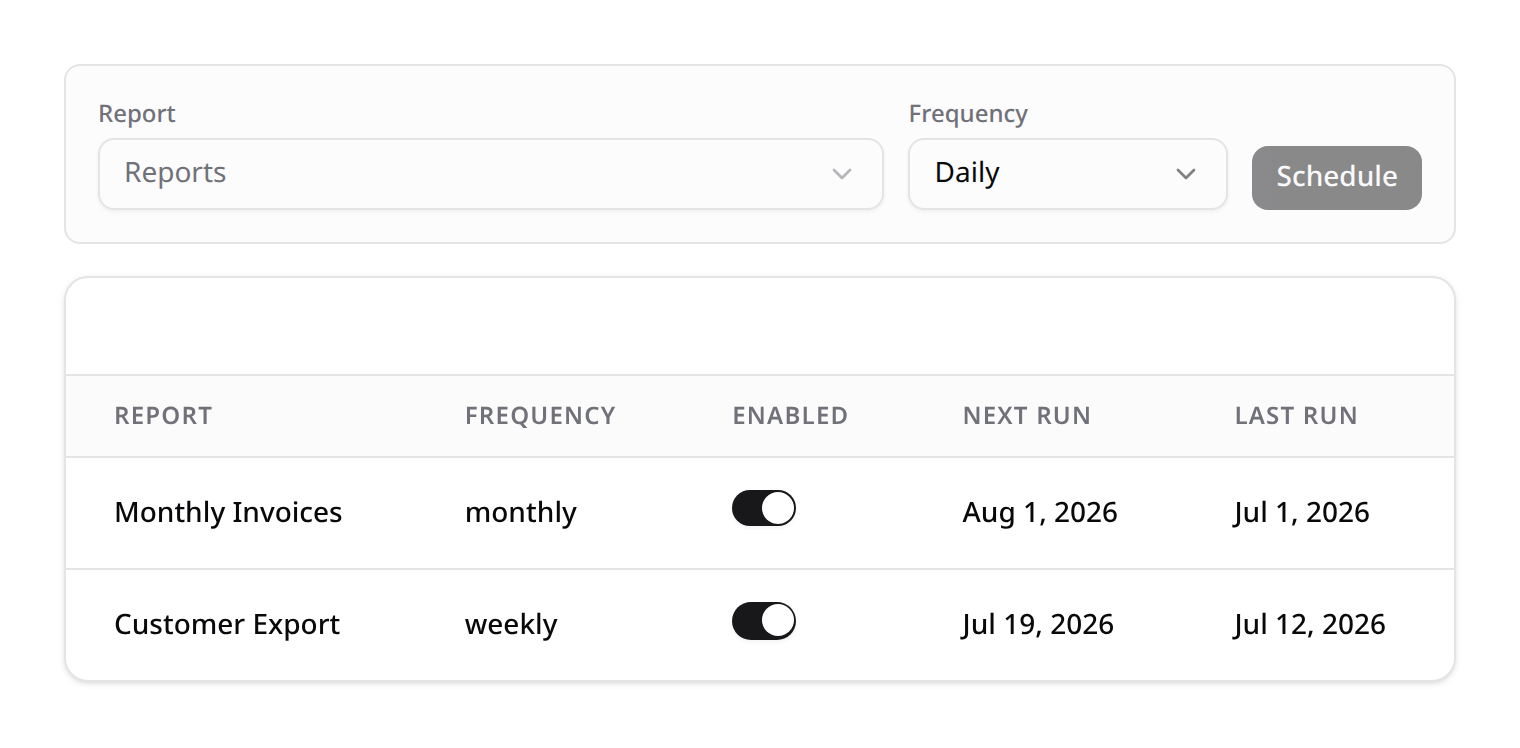
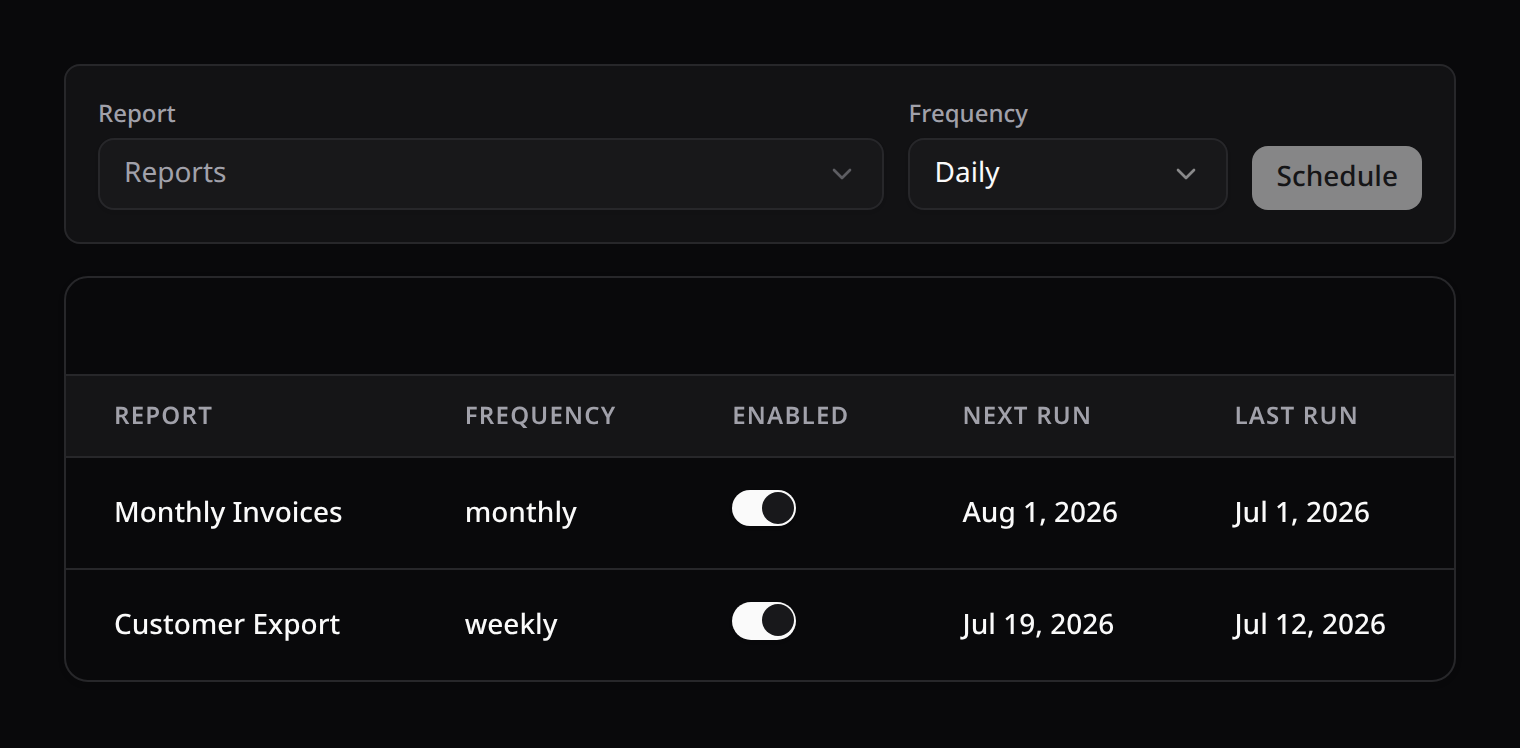
Queued, DB-tracked CSV/XLSX report generation for large datasets: live progress, cancellation, retry, and disk-agnostic downloads (local/S3/etc.) — plus optional one-off scheduling and daily/weekly/monthly recurrence. Three frontend views ship with it: a launcher (pick a report type and run it), a runs table ("failed jobs"-style — status/progress/download/cancel/retry), and a scheduled-reports list.
Reports Center vs. Scheduled Reports
Kinetix also ships a lighter Scheduled Reports feature: it emails an Exporter's output on a cadence, with no DB row, no progress, no cancellation, and no download UI — good for "just email me a CSV every Monday." Reports Center is the productized version: every run is tracked, cancellable, retryable, and downloadable from a UI. The two are independent — pick whichever fits, or use both.
Installation
Publish and run the two migrations (kinetix_report_schedules, kinetix_report_runs), then enable the feature in config:
php artisan vendor:publish --tag=kinetix-reports-center-migrations
php artisan migrate'reports_center' => [
'enabled' => env('KINETIX_REPORTS_CENTER_ENABLED', false),
// Directory (+ namespace) auto-scanned for `Report` subclasses.
'discover_path' => app_path('Kinetix/Reports'),
'discover_namespace' => 'App\\Kinetix\\Reports',
// Frontend poll interval (ms) for the runs/schedules widgets.
'poll' => env('KINETIX_REPORTS_CENTER_POLL', 5000),
// Days a completed run's row + generated file are kept before
// `kinetix:report-runs:prune` removes them.
'retention_days' => env('KINETIX_REPORTS_CENTER_RETENTION_DAYS', 7),
],Reports are stored on the same disk as everything else in Kinetix (config('kinetix.filesystem.disk'), default public) — there's no separate disk setting to configure. Queue placement follows the same per-class ->queue() override Exporter already has (see below) — there's no separate global queue connection setting either.
1. Define a report type
Generate one with the Artisan command — it lands exactly where auto-discovery looks, so no extra registration is needed:
php artisan kinetix:make-report MonthlyInvoicesReportnamespace App\Kinetix\Reports;
use Happones\Kinetix\Exports\ExportColumn;
use Happones\Kinetix\ReportsCenter\Report;
use App\Models\Invoice;
class MonthlyInvoicesReport extends Report
{
protected static ?string $model = Invoice::class;
public function label(): string
{
return 'Monthly Invoices';
}
public function description(): ?string
{
return 'Every invoice issued, with line-item totals.';
}
public function format(): string
{
return 'xlsx';
}
public static function getColumns(): array
{
return [
ExportColumn::make('id'),
ExportColumn::make('customer.name')->label('Customer'),
ExportColumn::make('total')->summarize(new \Happones\Kinetix\Tables\Columns\Summarizers\Sum),
];
}
}Report extends Exporter unchanged — query(), getColumns(), chunkSize() (default 1000), and format() all work exactly the same way, so a large dataset is always processed and written in chunks, never loaded into memory all at once. Report adds:
| Method | Effect |
|---|---|
label() | Display name in the launcher list (defaults to the class name, headlined) |
description() | Supporting text in the launcher list |
estimatesTotal() | Whether to run a one-off COUNT(*) for a real progress percentage (default true) — return false if counting itself is too expensive for your table; the run still shows a live row count, just no percentage |
queue() | Same per-class queue name override as Exporter |
Classes placed anywhere under discover_path are picked up automatically — no manual registration. To register a Report living elsewhere:
use Happones\Kinetix\ReportsCenter\KinetixReportsCenter;

KinetixReportsCenter::register(\App\Reports\SomeOtherReport::class);
2. Mount the components
Use the all-in-one tabbed view:
<script setup lang="ts">
import KinetixReportsCenter from '@/components/kinetix/KinetixReportsCenter.vue';
</script>

<template>
    <KinetixReportsCenter />
</template>
...or mount the three views independently, wherever suits your layout — both are equally valid:
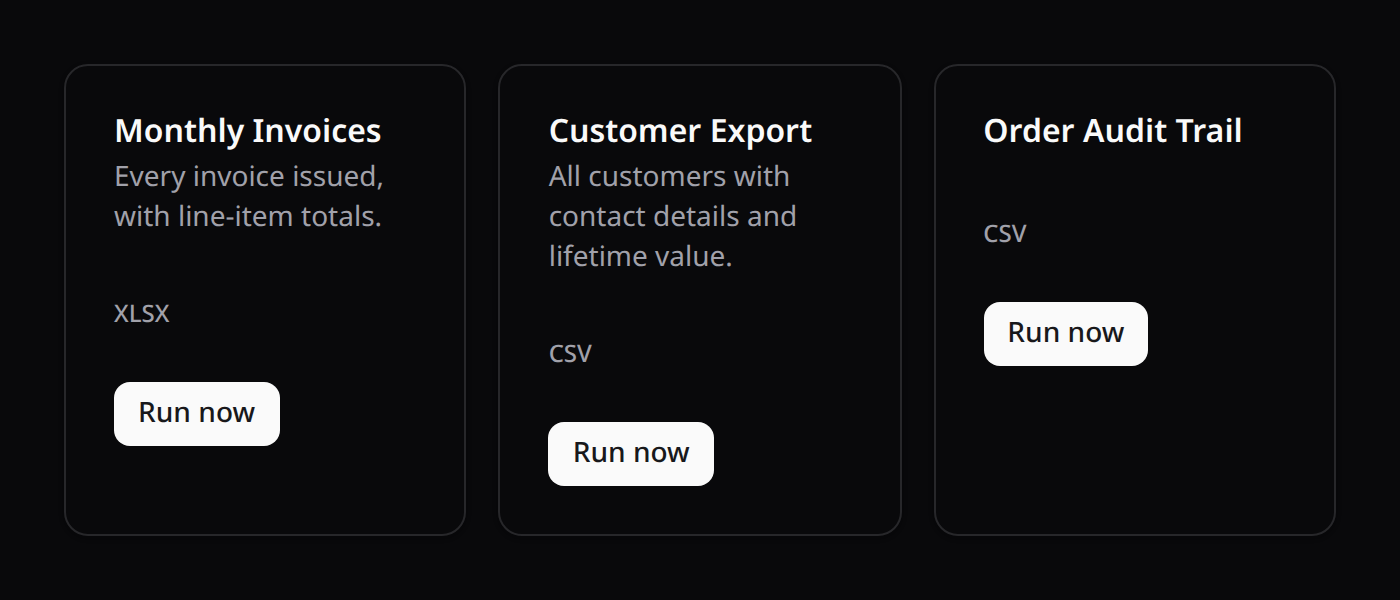
<KinetixReportLauncher />     <!-- pick a report type, "Run now" -->
<KinetixReportRunsTable />    <!-- status/progress/download/cancel/retry -->
<KinetixReportSchedules />    <!-- recurring/scheduled definitions -->
All three take zero props — they self-fetch from the gated endpoints and poll on kinetix.reports_center.poll.
3. Progress, cancellation, and retry
Every launch — from the launcher, or a fired schedule — creates a kinetix_report_runs row and dispatches a queued job. While it runs:
- Progress updates once per chunk (default every 1,000 rows), not every row —
processed_rowsalways increments; the percentage is only shown whenestimatesTotal()was able to count the query upfront. - Cancel marks the row cancelled; the job notices on its next chunk boundary and stops cleanly there — it does not, and cannot, kill the queue worker process itself (which keeps processing other jobs). This works the same way regardless of your queue driver (database, Redis, SQS, Horizon).
- Retry (only available once a run has
failedor beencancelled) dispatches a fresh run with the same report/parameters — it does not reuse Laravel's own automatic job retries, which are reserved for the job's own transient-failure handling. - Download is only available while
status === 'completed'and beforeexpires_at— a real, row-backed expiry (not just "does the file still exist").
4. Scheduling & recurrence
A ReportSchedule is a recurring definition — once, daily, weekly, or monthly — distinct from any individual run it produces. Create one from <KinetixReportSchedules>'s built-in form, or programmatically:
use Happones\Kinetix\ReportsCenter\ReportSchedule;

ReportSchedule::create([
    'report_class' => \App\Kinetix\Reports\MonthlyInvoicesReport::class,
    'frequency'    => 'monthly',
    'enabled'      => true,
    'next_run_at'  => now(),
]);
Wire the dispatch command into your own scheduler — Kinetix doesn't own cron, the host app does (same convention as Scheduled Reports):
use Illuminate\Support\Facades\Schedule;

Schedule::command('kinetix:report-schedules:dispatch-due')->everyMinute();
Each due schedule creates a new ReportRun, advances next_run_at per its frequency, and (for once) disables itself after firing.
5. Pruning old runs
php artisan kinetix:report-runs:prune {--days=}Deletes the generated file + row for completed runs past expires_at, and the row alone for failed/cancelled runs older than retention_days. Add it to your scheduler alongside the dispatch command.