

Notification Preferences
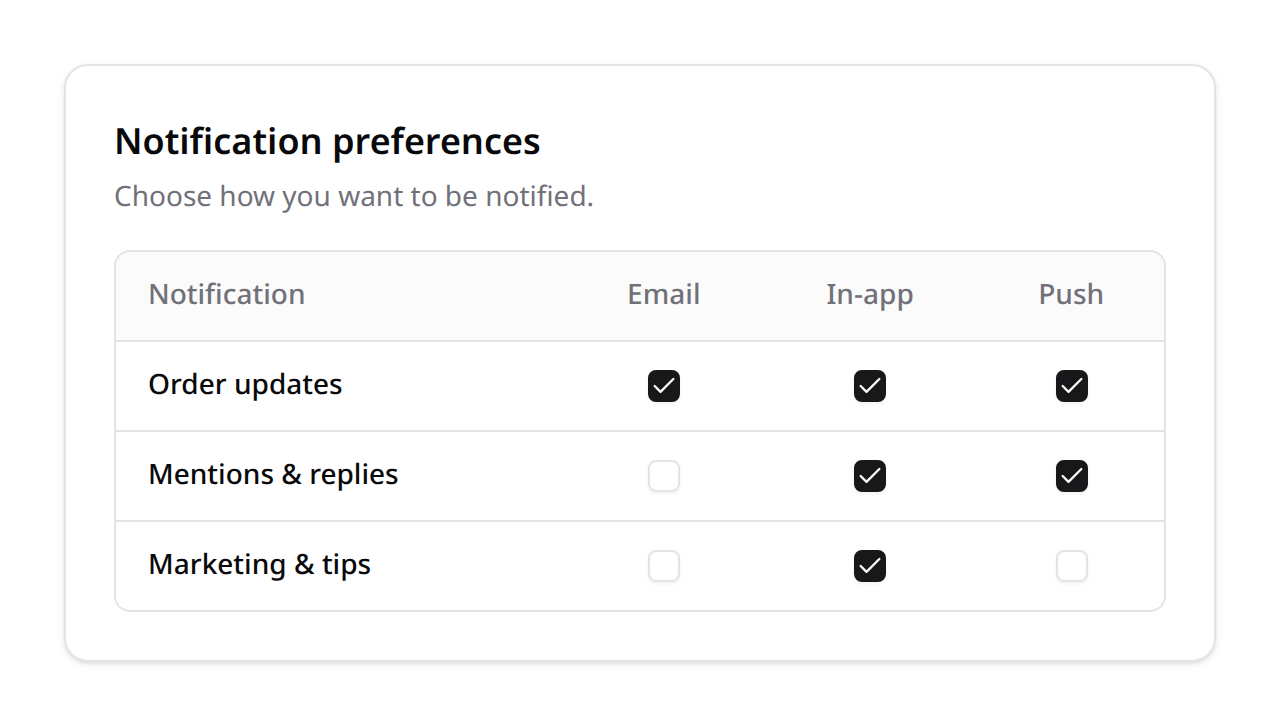
Kinetix Notification Preferences gives users a type × channel opt-in matrix: each notification type your app defines (order updates, mentions, marketing…) can be toggled per delivery channel (email, in-app, push). It pairs with the Notifications module — gate a Laravel notification's channels against the user's preferences before sending.
Defaults to enabled: only opt-outs are stored, so newly added types/channels are on until the user turns them off.
Installation
php artisan vendor:publish --tag=kinetix-notification-preferences-migrations
php artisan migrate
Enable the feature, declare the channels and notification types:
'notification_preferences' => [
    'enabled'  => env('KINETIX_NOTIFICATION_PREFERENCES_ENABLED', true),
    'channels' => [
        'mail'      => 'Email',
        'database'  => 'In-app',
        'broadcast' => 'Push',
    ],
    'types' => [
        'orders'    => 'Order updates',
        'marketing' => 'Marketing & tips',
    ],
],
Types can also be registered at runtime:
use Happones\Kinetix\NotificationPreferences\KinetixNotificationPreferences;

KinetixNotificationPreferences::types([
    'orders'   => 'Order updates',
    'mentions' => 'Mentions & replies',
]);
The component
<script setup lang="ts">
import KinetixNotificationPreferences from '@/components/kinetix/KinetixNotificationPreferences.vue';
</script>

<template>
    <KinetixNotificationPreferences />
</template>
Already titling the section on your page? Pass hide-title and the component skips its own heading (<KinetixNotificationPreferences hide-title />).
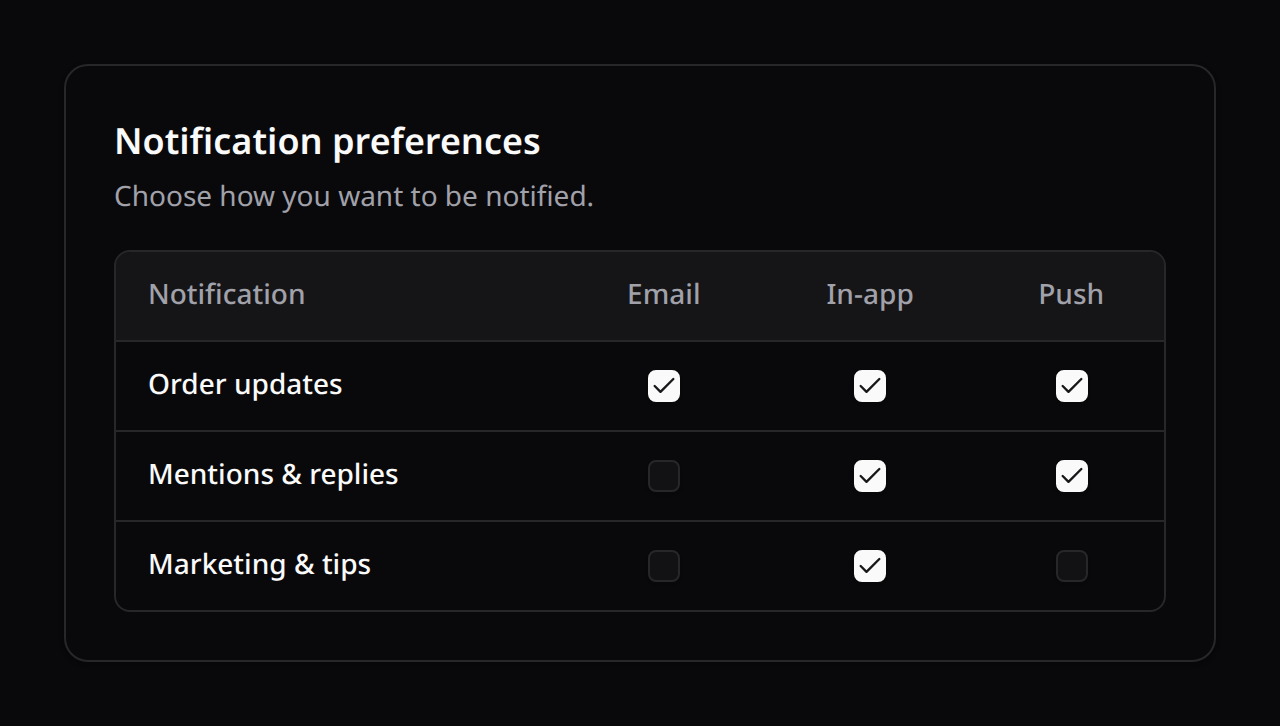
A row per type, a column per channel, each cell a checkbox that persists immediately. useKinetixNotificationPreferences() exposes { matrix, loading, load, set } for a custom UI. Strings are localized (notification_prefs_*, en/es/fr/pt).
Gating a notification
Respect the user's choices inside a notification's via() — return only the channels they accept for that type:
use Happones\Kinetix\NotificationPreferences\KinetixNotificationPreferences;

class OrderShipped extends Notification
{
    public function via(object $notifiable): array
    {
        return KinetixNotificationPreferences::channelsFor(
            $notifiable,
            'orders',                 // the notification type key
            ['mail', 'database'],     // the channels this notification can use
        );
    }
}
Or check a single channel with KinetixNotificationPreferences::allows($user, $type, $channel).
Kinetix notifications follow the matrix
A notification built with Kinetix's Notification builder takes a type, and its database/broadcast deliveries skip the channels the recipient turned off for it. A notification whose every channel is off isn't sent at all:
use Happones\Kinetix\Notifications\Notification;

Notification::make()
    ->type('orders')
    ->title('Your order shipped')
    ->success()
    ->sendToDatabase($user);
The check happens only while the module is enabled and the type is registered. With no type, or a type the matrix doesn't show, every channel goes out, so a user is never silenced by a switch they can't see. The session flash path (send() without database notifications) is the response to the user's own action and is never filtered.
Kinetix's own notifications already carry a type. They keep going out on every channel until you register the type; from then on it appears in the matrix and each user's choice applies. They're delivered in-app and by broadcast, never by mail, so their row has no Email switch:
Constant (KinetixNotificationPreferences::) | Key | Sent when |
|---|---|---|
EXPORTS | kinetix.exports | an export finishes or fails |
IMPORTS | kinetix.imports | an import finishes or fails |
REPORTS | kinetix.reports | a Reports Center run is ready |
'types' => [
    'orders'          => 'Order updates',
    'kinetix.exports' => 'Finished exports',
],
A type of your own that doesn't go out on every channel can say so, and its row shows only those switches:
KinetixNotificationPreferences::deliverOn('orders', ['mail', 'database']);A personal-data (GDPR) export is always delivered: it answers the user's own request, and its notification is the only way to reach the file. The DATA_EXPORTS type (kinetix.data-exports) is no longer used; kinetix:doctor warns if it's still registered. Transactional mail (temporary passwords, member activation links) has no type and is always sent.
Several notifiable models
A preference row belongs to its notifiable by key and model type, so with credential profiles a Client #1 and a User #1 keep separate choices. Apps upgrading from an earlier version publish and run the migration that adds the type column:
php artisan vendor:publish --tag=kinetix-notification-preferences-migrations
php artisan migrate
Rows written before it keep a null type and belong to the default user model: credentials.user_model when set, otherwise your auth provider's model or membership.user_model. That user's next change claims the row. The migrations make a key unique per model type; a run that stopped halfway is finished by the next migrate. php artisan kinetix:doctor warns while the column or that unique key is missing, and when the module is on with no types registered.
Endpoints
Registered under your Kinetix prefix (team-aware when kinetix.teams is on):
| Method | Route | Name |
|---|---|---|
GET | {prefix}/notification-preferences | kinetix.notification-preferences.index |
POST | {prefix}/notification-preferences | kinetix.notification-preferences.update |
index returns the full matrix; update sets one {type, channel, enabled} (validated against the registered types and the channels each is delivered on).