

Language Switcher
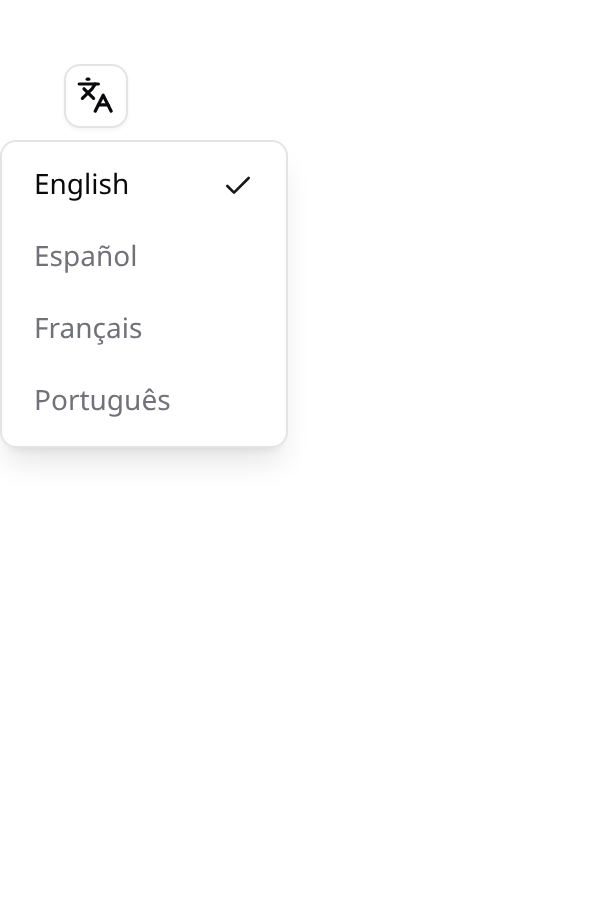
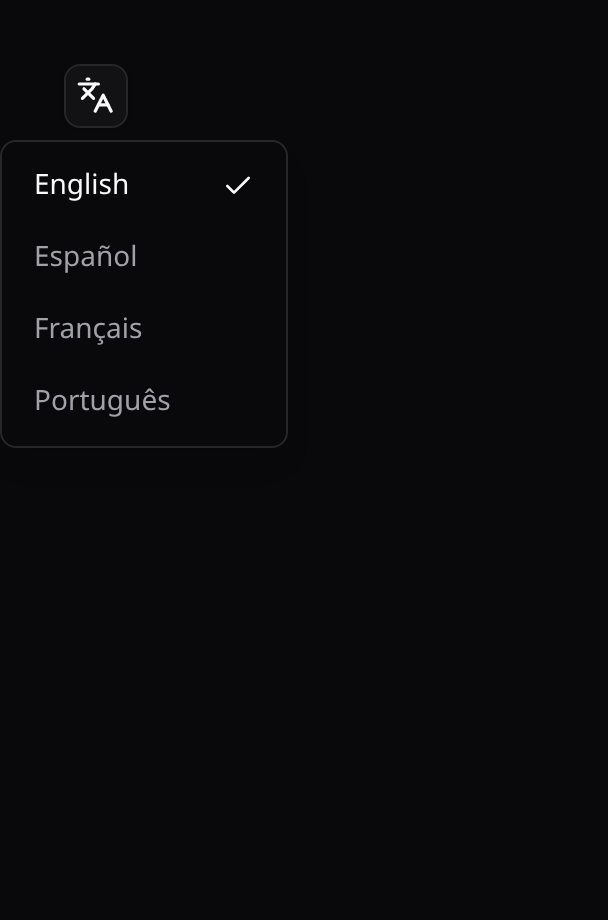
A self-service language switcher for your Inertia app: list the locales you support and drop <KinetixLanguageSwitcher /> wherever it belongs. The choice is applied instantly in the SPA (vue-i18n), persisted in the session, and — with the optional migration — saved on the user so it follows them across devices. It works for guests too, so it can sit on the login screen or a setup wizard.
It renders in two shapes, so the same state can be exposed in two very different places:
| Variant | Shape | Use it in |
|---|---|---|
dropdown (default) | A Languages icon that opens a menu of locales | A header, navbar or toolbar — anywhere a labelled field would be out of place |
select | A labelled Select field | A settings page, profile form or onboarding step, among other fields |
<!-- header -->
<KinetixLanguageSwitcher />

<!-- settings page -->
<KinetixLanguageSwitcher variant="select" />
Both drive the same state, so you can use both at once — switching in one updates the other immediately, with no page reload.
Installation
Enable the feature and list your locales (code → native label, shown in its own language):
Kinetix ships its own UI strings in en, es, fr, pt, zh, ja, ru — list only the locales your app supports (and match
kinetix.translations.localesso only those catalogs get published).
'locale' => [
    'enabled' => env('KINETIX_LOCALE_ENABLED', false),

    'locales' => [
        'en' => 'English',
        'es' => 'Español',
        'fr' => 'Français',
        'pt' => 'Português',
        'zh' => '中文',
        'ja' => '日本語',
        'ru' => 'Русский',
    ],

    'store_on_user' => true,        // persist on the user's `locale` column when present
    'session_key'   => 'kinetix.locale',
],
Apply the locale on every request
Add the kinetix.locale middleware to your web group so each page renders in the selected language:
// bootstrap/app.php
->withMiddleware(function (Middleware $middleware) {
    $middleware->web(append: [
        \Happones\Kinetix\Locale\Middleware\SetKinetixLocale::class,
    ]);
})
The middleware reads the persisted locale (user column first, then session) and calls App::setLocale(). It no-ops when the feature is off or nothing is stored.
Persist across devices (optional)
To remember the choice on the user (not just the session), publish the migration that adds a nullable locale column to users:
php artisan vendor:publish --tag=kinetix-locale-migrations
php artisan migrate
Without it, the choice is still remembered for the current session.
The component
<script setup lang="ts">
import KinetixLanguageSwitcher from '@/components/kinetix/KinetixLanguageSwitcher.vue';
</script>

<template>
    <!-- Dropdown (default): icon only -->
    <KinetixLanguageSwitcher />

    <!-- Dropdown: show the active locale code beside the icon, e.g. "EN" -->
    <KinetixLanguageSwitcher show-label />

    <!-- Select: a labelled field for a settings form -->
    <KinetixLanguageSwitcher variant="select" />

    <!-- Select: your own label text -->
    <KinetixLanguageSwitcher variant="select" label="Idioma" />

    <!-- Select: no visible label (keeps an aria-label), e.g. in a tight toolbar -->
    <KinetixLanguageSwitcher variant="select" :show-label="false" />
</template>
Props
| Prop | Type | Default | Description |
|---|---|---|---|
variant | 'dropdown' | 'select' | 'dropdown' | Which shape to render |
showLabel | boolean | false for dropdown, true for select | Dropdown: show the active locale code beside the icon. Select: render the visible field label (an aria-label is used when off) |
label | string | null | null | Select only. Overrides the label text (defaults to the translated kinetix.language) |
Selecting a locale flips the SPA immediately and persists the choice, rolling back if the request fails. The locales come from the shared kinetix_locale Inertia prop — no extra wiring needed.
Both variants at once
The two variants share their state through vue-i18n's own locale, so a header dropdown and a settings select stay in agreement without a page reload:
<AppHeader>
    <KinetixLanguageSwitcher show-label />
</AppHeader>

<SettingsForm>
    <!-- Switch here and the header updates immediately -->
    <KinetixLanguageSwitcher variant="select" />
</SettingsForm>
A custom UI
useKinetixLocale() exposes { locales, current, saving, setLocale } if neither shape fits. current is derived from the active app language rather than held per instance, so anything built on it stays in sync with the shipped variants:
<script setup lang="ts">
import { useKinetixLocale } from '@/composables/useKinetixLocale';

const { locales, current, saving, setLocale } = useKinetixLocale();
</script>

<template>
    <button
        v-for="loc in locales"
        :key="loc.code"
        :disabled="saving || loc.code === current"
        @click="setLocale(loc.code)"
    >
        {{ loc.label }}
    </button>
</template>
Compiling the new locale
The switcher only changes the active language — the matching translation messages must already be loaded by your Vue i18n setup. When you add a locale, re-run your translation compile step (e.g. php artisan vue-i18n:generate) so the strings are available. See Installation.
Endpoints
Registered under your Kinetix prefix (team-aware when kinetix.teams is on). The switch endpoint is auth-optional so it works before login:
| Method | Route | Name |
|---|---|---|
POST | {prefix}/locale | kinetix.locale.update |
POST | _kinetix/locale | kinetix.locale.switch (teams on: the same switch without the team segment) |
With teams on, the first one sits under {current_team} like every Kinetix endpoint; pages with no team in reach — the login screen, public docs — call the second.
Body: { "locale": "es" }. Unsupported codes are rejected with 422.
Why this route has no auth
It is the one Kinetix endpoint that is deliberately reachable by guests, so the switcher works on the login screen and in a setup wizard. It is safe because it only writes the session (and the authenticated user's own locale column), and the value must be one of the locales you configured — anything else is a 422. MiddlewareEnforcementTest records it as an explicit exception so it can't be mistaken for an oversight.
Programmatic control
use Happones\Kinetix\Locale\KinetixLocale;

KinetixLocale::set('es');        // persist + apply for the current user
KinetixLocale::current();        // 'es'
KinetixLocale::options();        // [['code' => 'en', 'label' => 'English'], ...]
Formatting region: es vs es-MX
Numbers, money and calendars format in the app locale. A bare language formats as that language's default region, which is rarely the one your users live in: plain es groups five-digit numbers but not four-digit ones — $1199 next to $12.999 in the same column — and uses Spain's separators. Map each language to the region it formats in:
// config/kinetix.php
'locale' => [
    // …
    'regions' => [
        'es' => 'es-MX',   // $1,199.00 and $12,999.00
        'pt' => 'pt-BR',
    ],
],
The mapping drives ->money(), numeric columns, table summaries, usage meters and the locale Kinetix hands date/number pickers (KinetixLocale::bcp47()). Translations still come from the language (lang/es). A column's own ->locale() or ->money(locale: …) always wins.
Translating labels you declare in PHP (schemas)
Switching the locale only changes what a translatable string resolves to. Kinetix ships its own UI strings already localized (7 locales), but every display string YOU set on a Table, Form, Action, Infolist or Resource is your app's copy — so it must go through Laravel's __() helper. A raw literal is never translated, no matter which locale is active.
// ❌ hardcoded — always English
TextInput::make('email')->label('Email address');
$table->heading('Blog posts');

// ✅ translatable — resolves against your lang files at request time
TextInput::make('email')->label(__('posts.fields.email'))->placeholder(__('posts.placeholders.email'));
$table->heading(__('posts.table.heading'))->description(__('posts.table.description'));

EditAction::make()->label(__('common.edit'));

SelectFilter::make('status')->options([
    'draft'     => __('posts.status.draft'),      // option labels are copy too
    'published' => __('posts.status.published'),
]);

Section::make(__('posts.sections.meta'));         // form/infolist headings
TextEntry::make('title')->label(__('posts.fields.title'));
This applies to every display-string setter: Table::heading() / description(), column ->label(), form ->label() / ->placeholder() / ->helperText(), Action::label() / modalHeading() / modalDescription(), filter & select option labels, Section / Tab headings, and infolist Entry::label().
For a resource's sidebar entry, override getNavigationLabel() (you can't call __() in the $navigationLabel property default):
public static function getNavigationLabel(): string
{
    return __('posts.navigation');
}
Put the keys in your own lang/{locale}/posts.php files (one per supported locale) — this is standard Laravel i18n; Kinetix simply renders whatever the string resolves to.
No
->label()= no wrapping needed. A column/field/entry declared asTextColumn::make('published_at')(no explicit label) is auto-humanized to "Published at". Only wrap the strings you actually type.