

Flows
Kinetix Flows lets a team build bots in a visual editor. The bots answer the lines of Channels in the Inbox. A flow can greet a new contact, answer common questions, collect data (with validation), call your API, branch on business hours, and hand the conversation to a person.
Edits are drafts until published, and the editor has a test chat that sends nothing. Statistics show how many conversations reached each step.
Installation
Flows sit on top of Channels and the Inbox:
php artisan vendor:publish --tag=kinetix-flows-migrations
php artisan migrate'flows' => [
'enabled' => env('KINETIX_FLOWS_ENABLED', false),
// The bot steps back when someone answers, and stays out of assigned conversations.
'pause_on_reply' => true,
'skip_assigned' => true,
'max_steps' => 50, // loop guard
'http_timeout' => 10, // API request steps, seconds
'simulate_http' => true, // the test chat makes API calls for real
],Waits resume on the queue. Also schedule the safety net:
Schedule::command('kinetix:flows:resume')->everyMinute();The canvas engine
The editor draws on Vue Flow. Install it and register it once in your app's entry file. This is the same host-registration pattern as the Tiptap editor, so the package stays optional and is code-split:
npm install @vue-flow/core @vue-flow/background @vue-flow/controls @vue-flow/minimap// resources/js/app.ts
import { registerKinetixFlowEditor } from '@/composables/useKinetixFlowEngine';
registerKinetixFlowEditor(async () => {
await Promise.all([
import('@vue-flow/core/dist/style.css'),
import('@vue-flow/core/dist/theme-default.css'),
import('@vue-flow/controls/dist/style.css'),
import('@vue-flow/minimap/dist/style.css'),
]);
return {
core: await import('@vue-flow/core'),
background: await import('@vue-flow/background'),
controls: await import('@vue-flow/controls'),
minimap: await import('@vue-flow/minimap'),
};
});Without it, the editor shows these instructions instead of the canvas.
1. The list and the editor
Mount <KinetixFlowList> and <KinetixFlowEditor> behind flows.manage. A common layout is one page for the list and one for the editor:
<!-- Flows.vue -->
<KinetixFlowList @edit="(flow) => router.visit(`/flows/${flow.id}`)" />

<!-- FlowEditor.vue — give it a height; it fills its container -->
<div class="h-[calc(100dvh-6rem)]">
    <KinetixFlowEditor :flow-id="flowId" backable @back="router.visit('/flows')" />
</div>
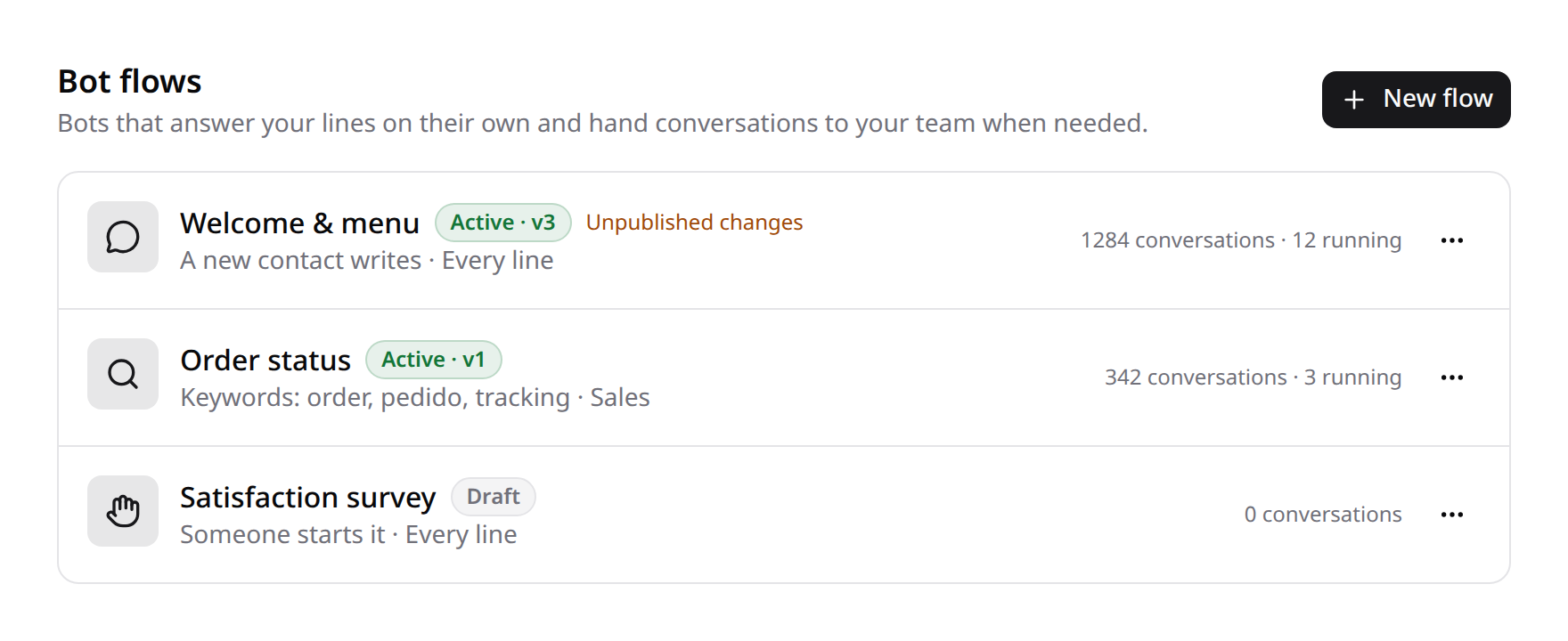
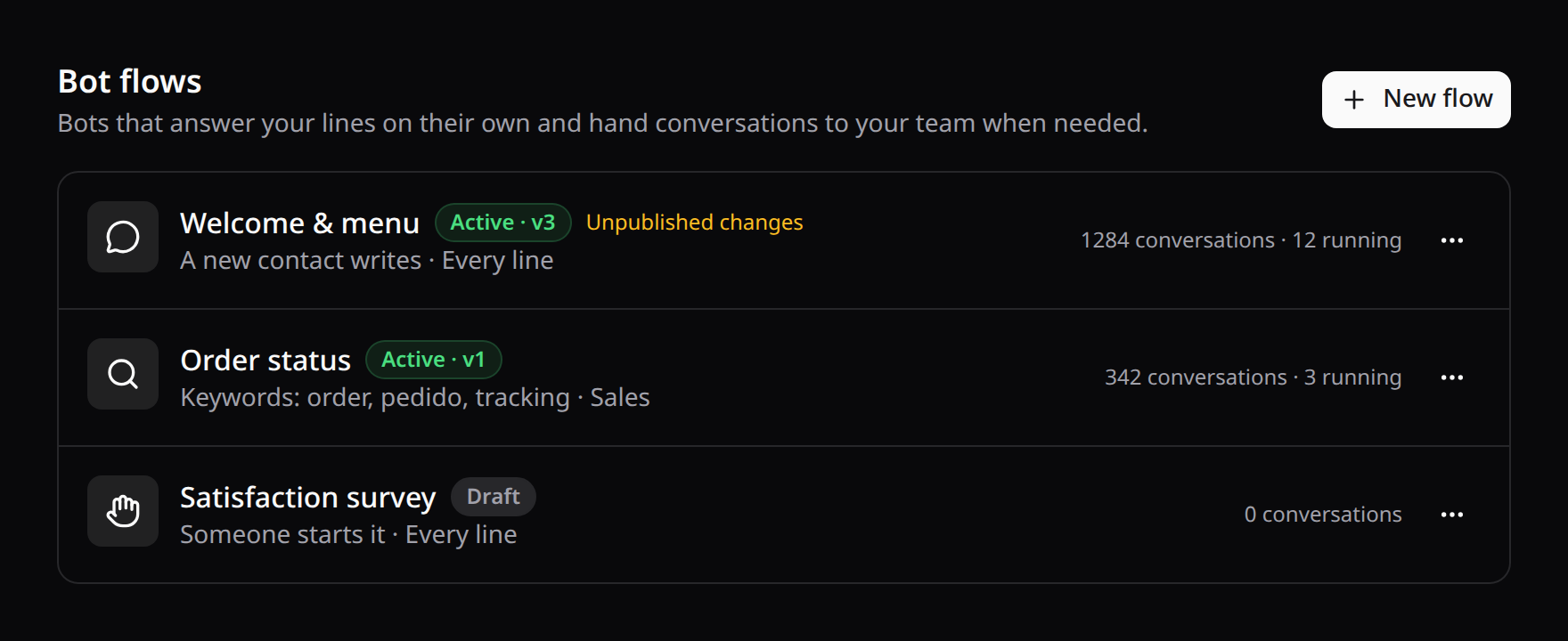
The list shows each flow with:
- its trigger and its lines;
- whether it's on, its live version, and whether it has unpublished changes;
- how many conversations it has handled and how many it's in now.
Flows are created, turned on and off, duplicated and deleted from there.
The editor:
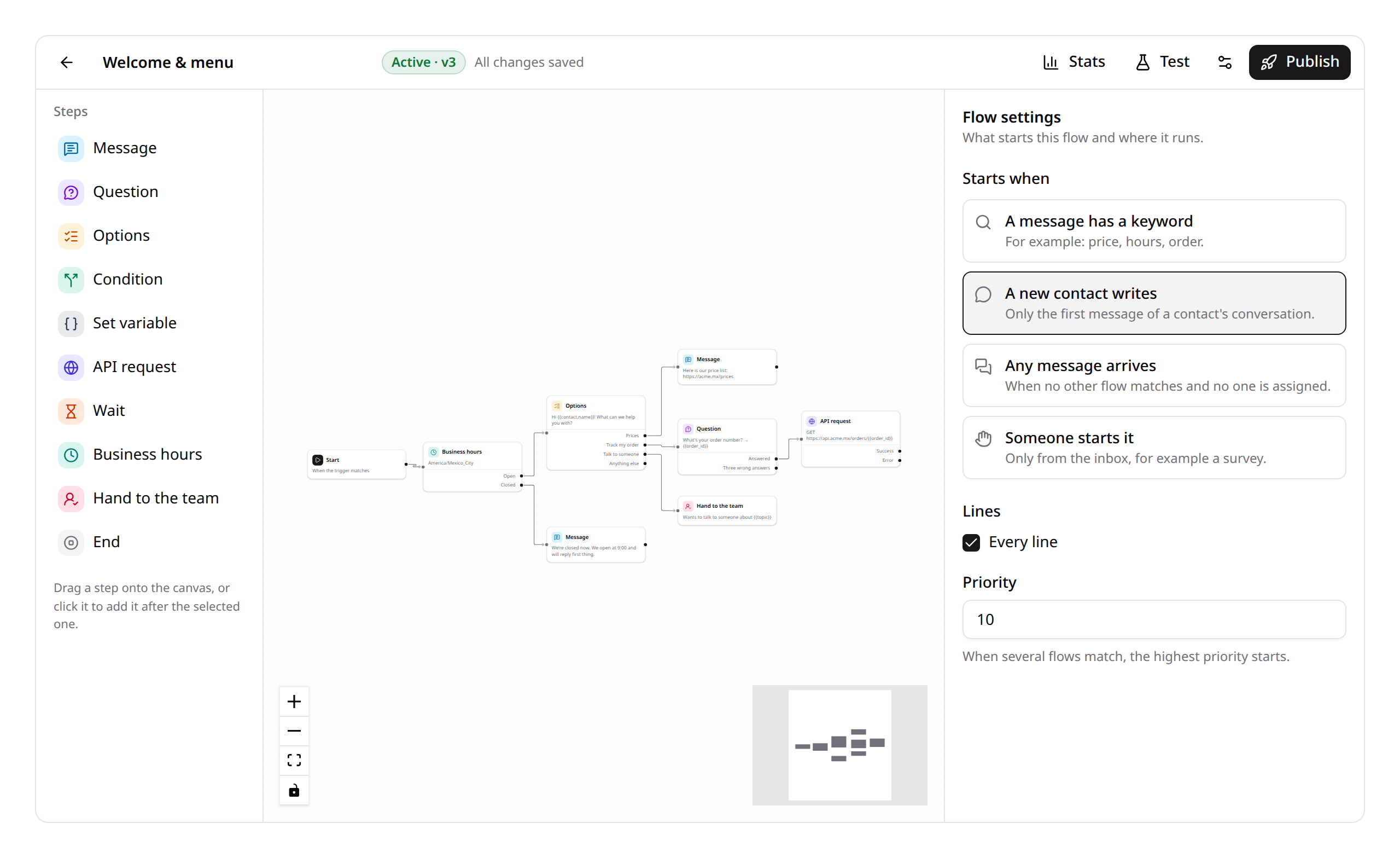
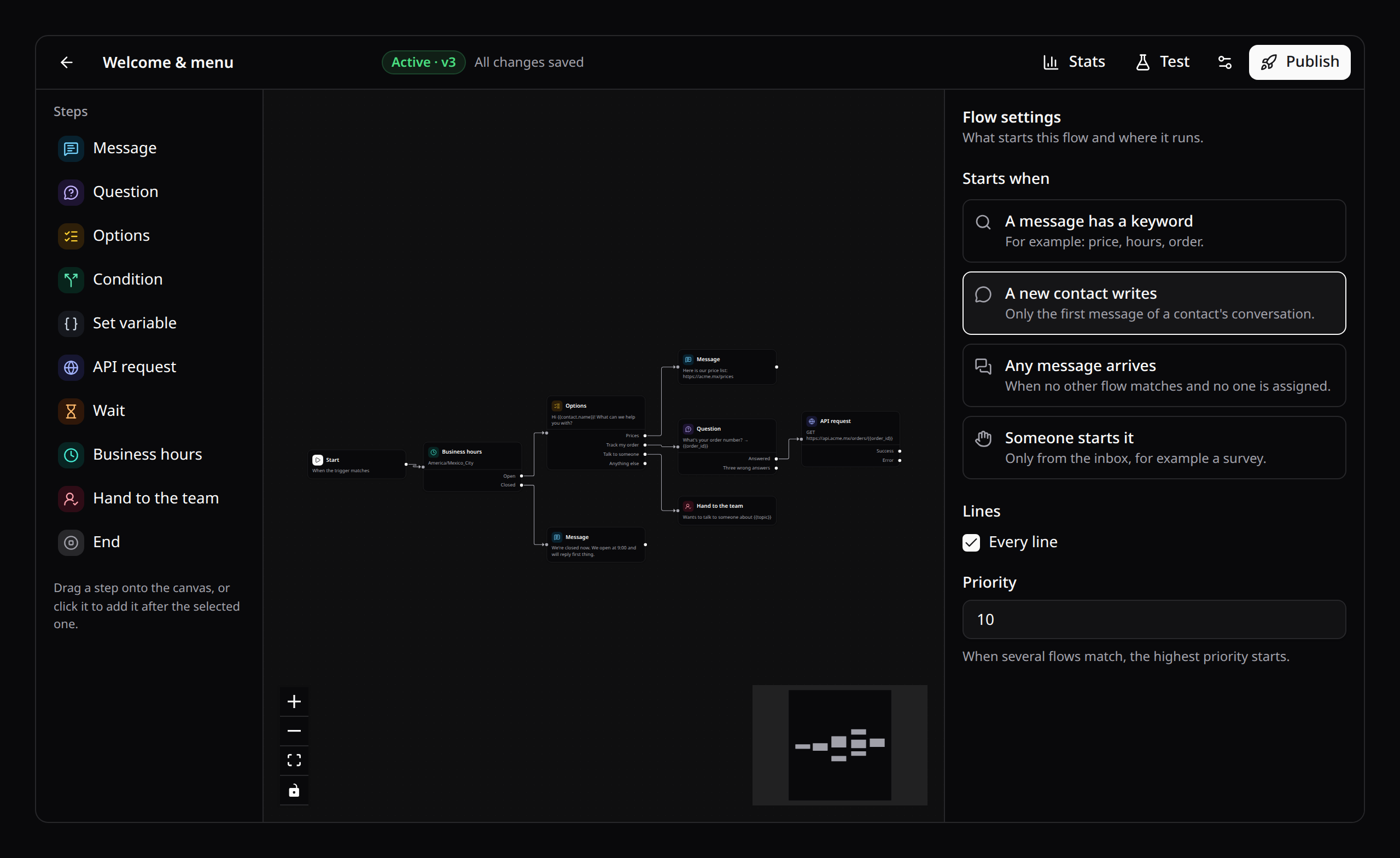
- Steps sit in the palette on the left. Drag one onto the canvas, or click it to add it after the selected step, already wired.
- Wire an output to a step's input. An output takes one wire; a new one replaces the old.
- Select a step to set it up on the right. Variables insert where the cursor is.
- With no step selected (or the start selected) the panel shows the flow settings: what starts it, its keywords (Enter or a comma after each one, or paste a list), its lines and its priority.
- Changes save to the draft as you go. Publish freezes the draft as a new version and turns the flow on. A step with a problem shows it, and the toolbar lists every problem; publishing waits until there are none.
- Test opens a chat with the draft as it is on screen, saved or not. Nothing reaches WhatsApp or Telegram, and waits pass at once. Options are tappable, and the canvas highlights the step the chat is on.
- Stats puts on each step how many conversations reached it, how many are waiting there and how many stopped there. You can pick an earlier version.
- The Delete key removes the selected step. The start can't be removed.
On a phone, an Add step menu replaces the palette and the panel slides over the canvas.
2. Triggers
| Trigger | Starts when |
|---|---|
| A keyword | A message contains a keyword (or is exactly it, or matches a regular expression). |
| A first message | A contact writes their first message. |
| Any message | Any message arrives and nothing else matched. |
| Manual | Someone starts it from the inbox (a survey, a reminder). |
When several flows match, a keyword flow wins over a first-message flow, which wins over an any-message flow. Within a kind, the higher priority wins.
A flow runs on every line, or only on the lines you pick.
A conversation runs one bot at a time. A flow doesn't start in a conversation that a person is assigned to (skip_assigned).
3. Steps
| Step | What it does | Outputs |
|---|---|---|
| Message | Says something. {{contact.name}} and the other variables are filled in. | Next |
| Question | Asks, waits for the answer, checks it (any text, a number, an email, a phone) and keeps it in a variable. A wrong answer gets your retry text; three follow invalid. | Answered · Three wrong answers |
| Options | Offers choices: buttons on Telegram, a numbered menu on WhatsApp. "2" or the option's text both work. | One per option · Anything else |
| Condition | Compares variables (is, contains, starts with, greater, less, empty…), all rules or any. | Yes · No |
| Set variable | Keeps a value to use later. | Next |
| API request | Calls your API (method, URL, headers, JSON body) and keeps parts of the answer by dot path. | Success · Error |
| Wait | Waits minutes, hours or days, then goes on (on the queue). | Next |
| Business hours | Checks a weekly schedule in a time zone. | Open · Closed |
| Hand to the team | Assigns the conversation (to someone, or to anyone), leaves an internal note and stops the bot. | — |
| End | Ends the flow, with an optional last message. | — |
A flow also ends wherever an output leads nowhere.
Variables
Every run starts knowing contact.name, contact.key (the number or chat id), line.name and message (the last thing the contact wrote).
Questions, options, set steps and API requests add their own. API requests also add http.status. Use any of them as {{name}} in texts, URLs, headers, bodies and condition values.
Calling your API
API requests are checked against private and internal addresses (the same SSRF guard as webhooks). A refused URL, a timeout or a non-2xx answer follows the Error output.
Keep secrets out of flows. Point the step at an endpoint of your own app that holds them.
4. Drafts, versions and conversations in progress
The editor always edits the draft. Publishing creates version n + 1 and makes it live.
A conversation finishes on the version it started with, even if you publish in between. New conversations start on the latest version.
Turning a flow off stops new conversations from starting. Those in progress finish normally.
5. Bots and people
- When someone on the team answers a conversation, its bot steps back (
pause_on_reply). Internal notes don't count. - The inbox shows which bot is answering, with a Stop button. Its bot menu starts any active flow of that line by hand.
- The bot's messages show in the thread signed with the flow's name, and go through the same delivery as everyone else's: ticks, retries.
6. Hooks and extending
| Event | When |
|---|---|
FlowRunFinished | A flow stopped in a conversation (completed, handed off, paused or failed). $event->run->variables holds what it collected. |
To save the collected data:
Event::listen(function (FlowRunFinished $event): void {
    if ($event->run->status === FlowRunStatus::Completed) {
        Lead::create(['email' => $event->run->variables['email'] ?? null]);
    }
});
To start a flow from your code:
KinetixFlows::start($flow, $conversation);To add a kind of step, implement FlowNode:
outputs()lists its outputs;execute()does its work and returnsNodeOutcome::next('yes'),waitReply(),waitUntil($time)orstop();receive()handles the contact's reply;problem()returns a user-facing message for missing settings.
Then register it:
KinetixFlows::node('crm-lookup', CrmLookupNode::class);The engine runs it. The canvas shows a kind it doesn't know as a generic step with one output.
Notes
- Runs, versions and steps are kept per team. Deleting a flow deletes its runs and statistics.
- The loop guard (
max_steps) stops a run that goes through too many steps at once, with an error. - The test chat runs your real API requests (
simulate_http). Turn that off to skip them while testing.