

Kinetix Widgets Reference
Kinetix Widgets is a modular, class-based widget system for building rich, responsive dashboard grids in Laravel applications. Using a fluent PHP builder API, you construct grid configurations and datasets, serialize them into a lightweight JSON payload, and render them with Vue 3, Inertia.js 3, and TypeScript.
1. Core Architecture & Concept
Kinetix Widgets separates layout rules and metric computations from the visual display. A dashboard is defined as a WidgetsGrid container containing one or more Widget implementations.
Key Principles
- Separation of Concerns: Backend controls layout ratios, query scoping, and trend data; frontend handles theme styling, responsive adjustments, and chart tooltips.
- Pure CSS Grid Variables: Layouts map column spans to CSS Custom Properties rather than Tailwind utility strings, making layout spacing immune to Tailwind class compilation purges.
- Native Unovis Charting: Interactive charts are backed by
@unovis/vuefor modern, responsive visualization. - Extensible Slots: Custom widgets allow developers to drop down to custom Vue templates for interactive operations.
2. Quick Start Example
1. Backend Controller Blueprint
Define your grid columns, stats overview trend lines, and charts, then pass the payload to Inertia:
use Happones\Kinetix\Widgets\WidgetsGrid;
use Happones\Kinetix\Widgets\StatsOverviewWidget;
use Happones\Kinetix\Widgets\Stats\Stat;
use Happones\Kinetix\Widgets\ChartWidget;
use Happones\Kinetix\Widgets\TableWidget;
use Happones\Kinetix\Widgets\CustomWidget;

public function __invoke()
{
    $grid = WidgetsGrid::make()
        ->columns([
            'default' => 12,
            'md' => 6,
            'lg' => 4,
        ])
        ->widgets([
            // Stats Overview Card List
            StatsOverviewWidget::make()
                ->columnSpan('full')
                ->sort(1)
                ->stats([
                    Stat::make('Active Subscriptions', 1420)
                        ->description('8.2% increase')
                        ->descriptionIcon('trending-up')
                        ->descriptionColor('success')
                        ->chart([12, 14, 13, 15, 18, 22]),
                ]),

            // Unovis Line Chart
            ChartWidget::make()
                ->id('revenue_chart')
                ->title('Monthly Revenue')
                ->chartType('line')
                ->columnSpan([
                    'default' => 12,
                    'lg' => 8,
                ])
                ->labels(['Jan', 'Feb', 'Mar', 'Apr', 'May', 'Jun'])
                ->datasets([
                    [
                        'label' => 'Gross Sales',
                        'data' => [4200, 5100, 4800, 6200, 7100, 8500],
                        'borderColor' => '#6366f1',
                        'backgroundColor' => 'rgba(99, 102, 241, 0.05)',
                        'fill' => true,
                    ]
                ]),

            // Custom Layout Slot Widget
            CustomWidget::make()
                ->id('active_users_map')
                ->title('Live Active Session Map')
                ->columnSpan([
                    'default' => 12,
                    'lg' => 4,
                ])
                ->properties([
                    'refreshRate' => 3000,
                ]),
        ]);

    return inertia('Admin/Dashboard', [
        'dashboardGrid' => $grid->toArray(),
    ]);
}
2. Frontend Page Mounting
Mount the grid in Vue and write custom slots matching any custom widget IDs:
<script setup lang="ts">
import KinetixWidgetsGrid from '@/components/kinetix/KinetixWidgetsGrid.vue';
import type { KinetixWidgetsGridData } from '@/types/kinetix';

defineProps<{
    dashboardGrid: KinetixWidgetsGridData;
}>();
</script>

<template>
    <div class="py-8 max-w-7xl mx-auto px-4 sm:px-6">
        <KinetixWidgetsGrid :grid="dashboardGrid">
            <!-- Custom Slot matches CustomWidget ID 'active_users_map' -->
            <template #active_users_map="{ widget }">
                <div class="p-6 h-[300px] flex flex-col justify-between bg-neutral-900 text-white rounded-xl">
                    <div>
                        <h4 class="font-semibold text-sm">Session Interval</h4>
                        <p class="text-xs text-neutral-400 mt-1">
                            Polling every {{ widget.data.properties.refreshRate }}ms
                        </p>
                    </div>
                    <div class="text-center py-6 text-sm text-neutral-500">
                        [Interactive Map Visualizer Component]
                    </div>
                </div>
            </template>
        </KinetixWidgetsGrid>
    </div>
</template>
3. Unovis XY-Axis Chart Indexing Strategy
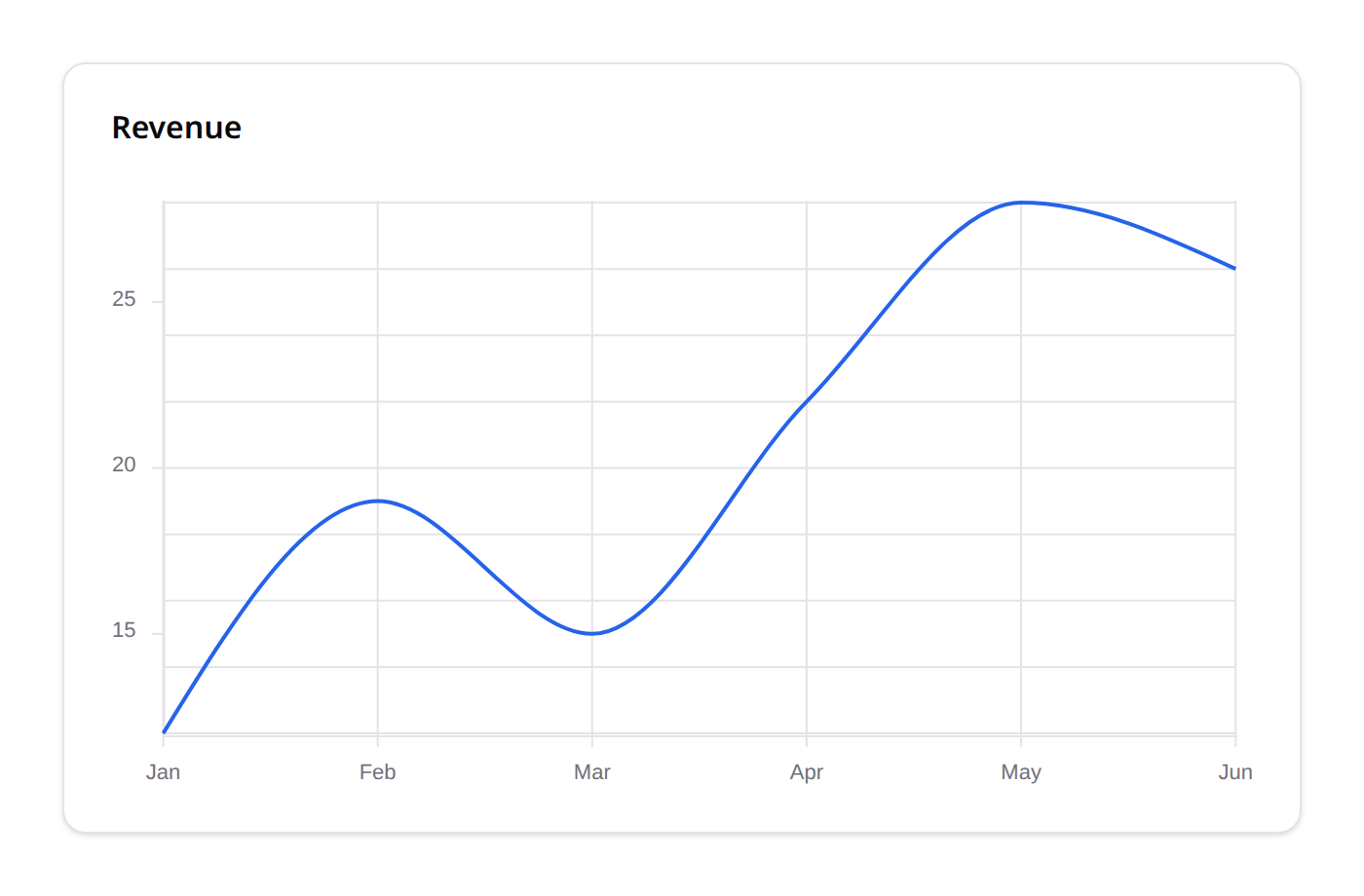
When displaying continuous scale XY charts (such as Line and Bar charts) in Unovis, passing raw string labels (e.g. 'Jan', 'Feb') directly as coordinate keys can cause continuous coordinate scaling errors and render NaN values.
[Unovis Error]: Scale failure, continuous coordinate mapping expected a numeric value but received 'Jan'. Coordinates rendered as NaN.The Kinetix Indexing Solution
To prevent scale failure, Kinetix serializes string labels into a numeric index reference map on serialization. The chart data points are plotted using integer indices (0, 1, 2, ...) along the X-axis coordinate path:
{
  "labels": ["Jan", "Feb", "Mar"],
  "datasets": [
    {
      "label": "Gross Sales",
      "data": [
        {"x": 0, "y": 4200},
        {"x": 1, "y": 5100},
        {"x": 2, "y": 4800}
      ]
    }
  ]
}
Frontend Tick Formatting
Inside the KinetixChartWidget.vue component, the Unovis <VisAxis> component utilizes two parameters to reconstruct the strings:
tickValues: Restricts gridline markers exactly to integers within the index range ([0, 1, 2, ...]).tickFormat: Formats indices back to their human-friendly labels:tsconst xTickFormat = (index: number): string => { return props.widget.data.labels[index] || ''; };
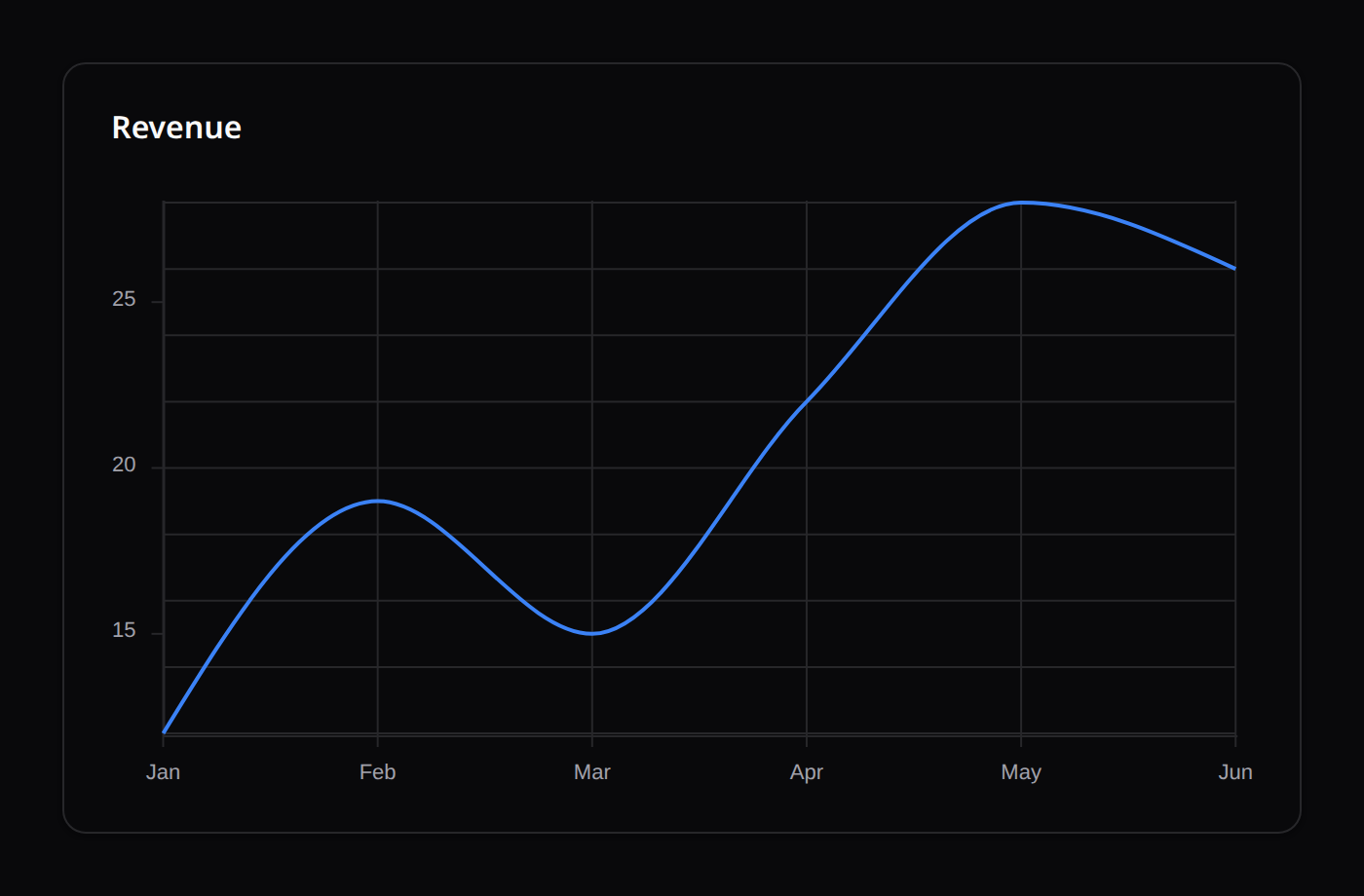
This indexing approach guarantees smooth coordinate transitions, correct spacing, and stable tick distribution across light and dark theme canvas layouts.
4. SVG Sparkline Visualization
The StatsOverviewWidget renders miniature trend sparkline graphics without the performance overhead of full chart rendering instances.
How Sparklines Render
Frontend components project numeric charts into a single <svg> element containing a mapped polyline path:
<!-- Simplified Sparkline Structure (index = the v-for index of the stat) -->
<svg class="h-10 w-full overflow-visible">
    <defs>
        <linearGradient :id="`gradient-${index}`" x1="0" y1="0" x2="0" y2="1">
            <stop offset="0%" :stop-color="trendColor" stop-opacity="0.2" />
            <stop offset="100%" :stop-color="trendColor" stop-opacity="0.0" />
        </linearGradient>
    </defs>

    <!-- Mapped polyline coordinates -->
    <path
        :d="svgPathPoints"
        fill="none"
        :stroke="trendColor"
        stroke-width="1.5"
    />

    <!-- Gradient area fill -->
    <path
        :d="svgFillPoints"
        :fill="`url(#gradient-${index})`"
    />
</svg>
Sparkline Coordinate Calculations
Coordinate paths are scaled to fill the visual box boundaries using the index positions and boundary limits:
- X Coordinate:
(index / (totalPoints - 1)) * containerWidth - Y Coordinate:
containerHeight - ((value - minValue) / (maxValue - minValue)) * containerHeight
5. Responsive Layout Mechanics (CSS Variables)
Tailwind grids depend on static class compilation (e.g. col-span-4, md:col-span-6). When class definitions are constructed dynamically on the backend (e.g. ->columnSpan($span)), JIT compilers cannot parse them, causing layouts to fail.
To solve this, KinetixWidgetsGrid.vue converts column settings into inline CSS variables:
<div
    class="kinetix-grid"
    :style="{
        '--grid-columns-default': grid.columns.default || 12,
        '--grid-columns-md': grid.columns.md,
        '--grid-columns-lg': grid.columns.lg,
    }"
>
    <!-- Child Widgets -->
</div>
Scope Grid Media Queries
Inside the <style scoped> tag of the grid, standard CSS media queries intercept layout calculations to adjust grid alignments:
.kinetix-grid {
    display: grid;
    grid-template-columns: repeat(var(--grid-columns-default), minmax(0, 1fr));
    gap: 1.5rem;
}

@media (min-width: 768px) {
    .kinetix-grid {
        grid-template-columns: repeat(var(--grid-columns-md, var(--grid-columns-default)), minmax(0, 1fr));
    }
}

@media (min-width: 1024px) {
    .kinetix-grid {
        grid-template-columns: repeat(var(--grid-columns-lg, var(--grid-columns-md)), minmax(0, 1fr));
    }
}
This layout system ensures that cards adapt smoothly to any resolution.
columnSpan doesn't auto-stack on mobile
A bare ->columnSpan(4) applies at every breakpoint, including mobile — it does not automatically fall back to full width on narrow screens. For anything narrower than 'full'/12, always pass a responsive map instead: ->columnSpan(['default' => 12, 'lg' => 4]). Every widget example in this page follows that pattern; copy it rather than a bare integer.
Masonry Layout
The default grid leaves gaps whenever row-mates have different heights (a short stat card next to a tall chart, for example). WidgetsGrid::masonry() switches to a true column-balanced layout instead — each widget occupies exactly one column (its columnSpan is ignored) and is placed into whichever column is currently shortest, eliminating the gaps entirely:
$grid = WidgetsGrid::make()
    ->gap('1.5rem')
    ->masonry(['default' => 1, 'sm' => 2, 'lg' => 3])
    ->widgets([...]);
masonry() takes the column count — a bare number or a responsive map, same shape as columns() but a separate concept (masonry columns vs. the 12-unit grid). Best for widgets of similar width but varying height (stat cards, lists, charts). If you still need multi-column-span widgets (e.g. a wide chart beside two narrow stats), use dense() below instead, which keeps columnSpan semantics.
Gap & Dense Packing
->gap($value) controls spacing between widgets — a bare CSS length ('1.5rem', 16→16px) or a responsive map, same shape as columns(). Defaults to '1.5rem'.
->dense() backfills gaps in the standard columnSpan-based grid via CSS grid-auto-flow: dense — later, smaller widgets are pulled up into earlier holes instead of strictly following DOM order. Visual order may then differ from reading order, so it's opt-in:
WidgetsGrid::make()->columns(12)->dense()->widgets([...]);6. Widget Types Reference
Shared Widget API
Every widget extends the abstract Widget base class and inherits the following fluent methods (each returns static for chaining):
| Method | Signature | Purpose |
|---|---|---|
id | id(string $id) | Override the auto-generated widget id (matches the Vue slot name for custom widgets). |
title | title(string $title) | Display title. |
description | description(string $description) | Supporting description text. |
columnSpan | columnSpan(int|string|array $columnSpan) | Grid span — an integer, a string (e.g. 'full'), or a responsive breakpoint map. Defaults to 12. |
sort | sort(int $sort) | Order within the grid. Defaults to 0. |
headerAction | headerAction(string $label, string $url, ?string $icon = null) | Add a link/button to the widget header (e.g. "Export", "View all"). Chainable for multiple. Rendered in Chart/Table/List widget headers. |
visible / hidden | visible(bool|Closure $condition = true) / hidden(bool|Closure $condition = true) | Manual show/hide, evaluated server-side. |
authorize | authorize(string|Closure|bool $ability, mixed $arguments = null) | Gate-based visibility — role/permission gating (see below). |
All widgets are created via Widget::make() and serialize to a { id, type, title, description, columnSpan, sort, headerActions, data } payload.
For arbitrary custom content (a hero/CTA card, a segmented control), use a CustomWidget and its per-id named slot in <KinetixWidgetsGrid>.
Authorization & visibility (roles/permissions)
Widgets are authorized on the server, via WidgetsGrid::toArray(). A widget that fails visible()/hidden()/authorize() is dropped before its data is ever computed — the frontend never receives the widget at all (not even a hidden flag), and its (possibly expensive) query never runs.
StatsOverviewWidget::make(...)->authorize('viewFinancials'); // Gate::allows('viewFinancials')

RevenueChartWidget::make(...)->visible(fn () => auth()->user()->hasRole('admin'));

TeamStatsWidget::make(...)->authorize('viewTeamStats', $team); // Gate::allows('viewTeamStats', $team)
A widget has no natural "record" to authorize against (unlike Actions/Forms/Infolists), so a bare ->authorize('ability') always checks Gate::allows('ability') immediately — it never defers. Pass $arguments when the ability needs a subject.
| Method | Behaviour |
|---|---|
->authorize(string $ability, mixed $arguments = null) | Gate::allows($ability, $arguments) when $arguments is given, else Gate::allows($ability) |
->authorize(Closure $cb) | $cb() returns a boolean |
->authorize(bool) | Static gate |
->visible(bool|Closure) / ->hidden(bool|Closure) | Manual show/hide; hidden takes precedence when both are set |
1. StatsOverviewWidget
Groups multiple statistical KPI cards.
- Methods:
stats(array $stats): Mapped array ofStatbuilders.
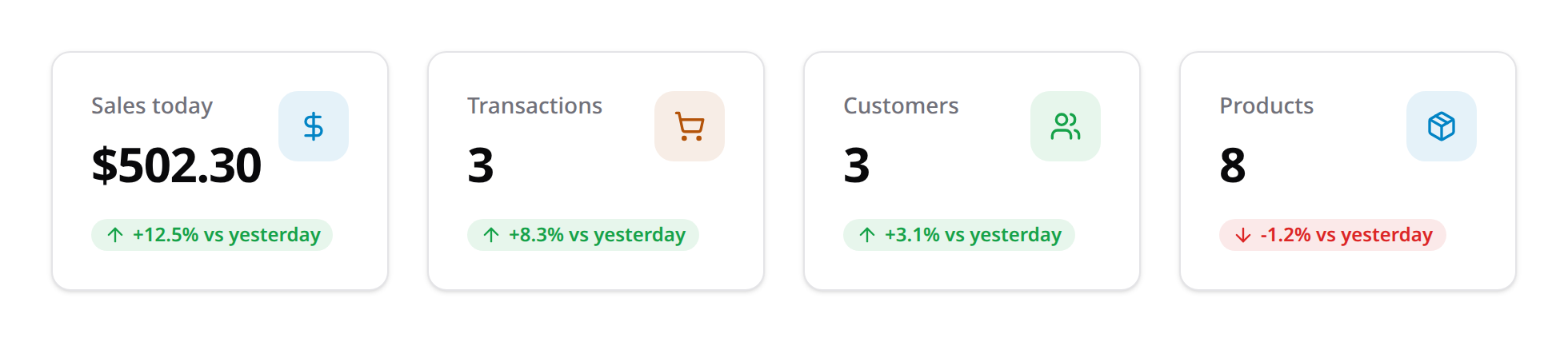
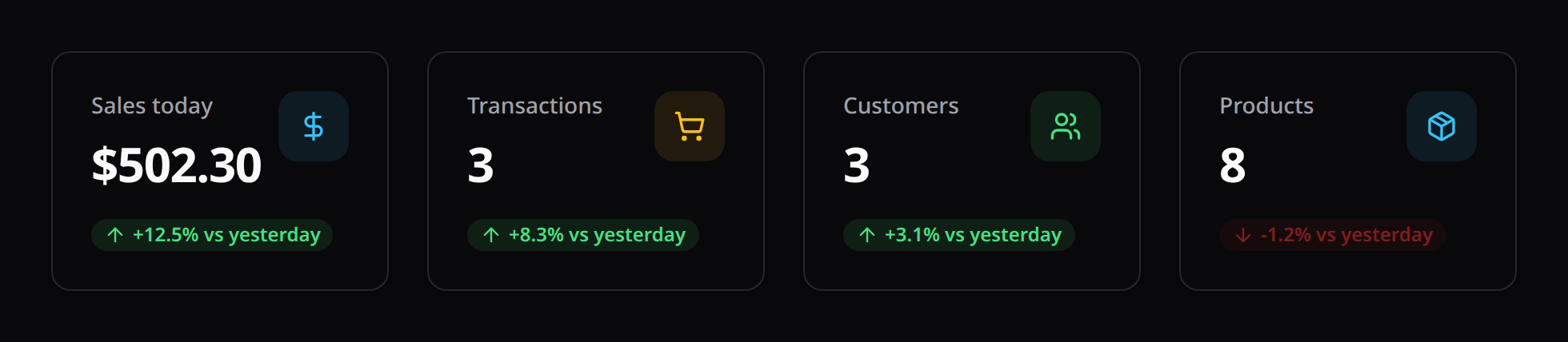
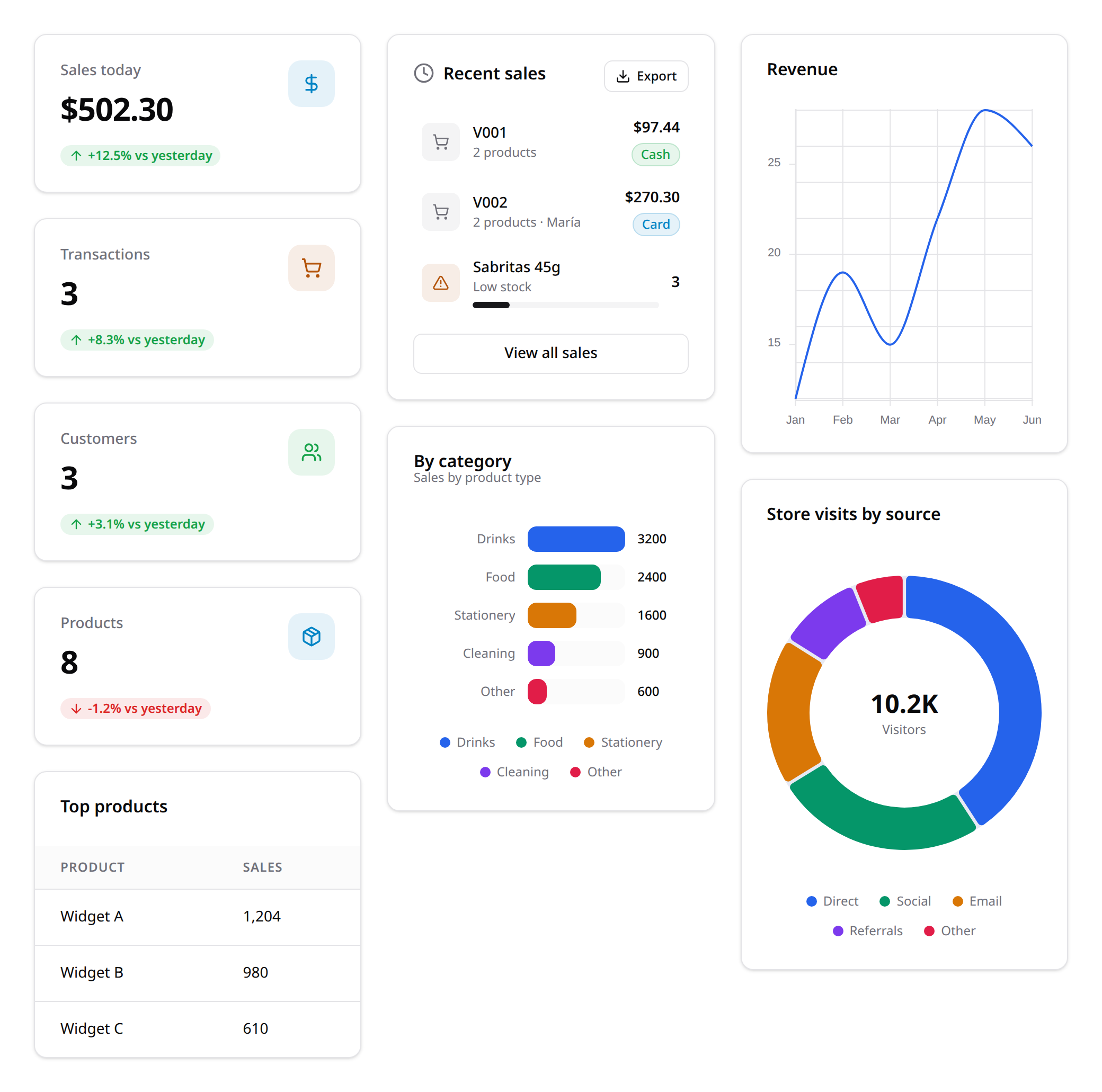
StatProperties:Stat::make(string $label, mixed $value): Create a stat metric.icon(string $icon): a leading Lucide icon shown in a colored badge on the card (e.g.dollar-sign,shopping-cart,users,package).iconColor(string $color): the icon badge color —success/danger/warning/info/gray. Defaults toinfo.description(string $desc): supporting/trend text (e.g.+12.5% vs yesterday).descriptionIcon(string $icon): trend icon, e.g.arrow-up/arrow-down.descriptionColor(string $color): trend color (success/danger/warning/info/gray). Defaults togray.badge(string $text, string $color = 'gray'): a small trend chip in the card header (e.g.('+6.1%', 'success')).url(string $label, string $href): a footer link (e.g.('View more', '/revenue')).chart(array $trendPoints): numeric array to draw an SVG sparkline (shown when noiconis set).
Stat::make('Sales today', '$502.30')
    ->icon('dollar-sign')->iconColor('info')
    ->description('+12.5% vs yesterday')->descriptionIcon('arrow-up')->descriptionColor('success');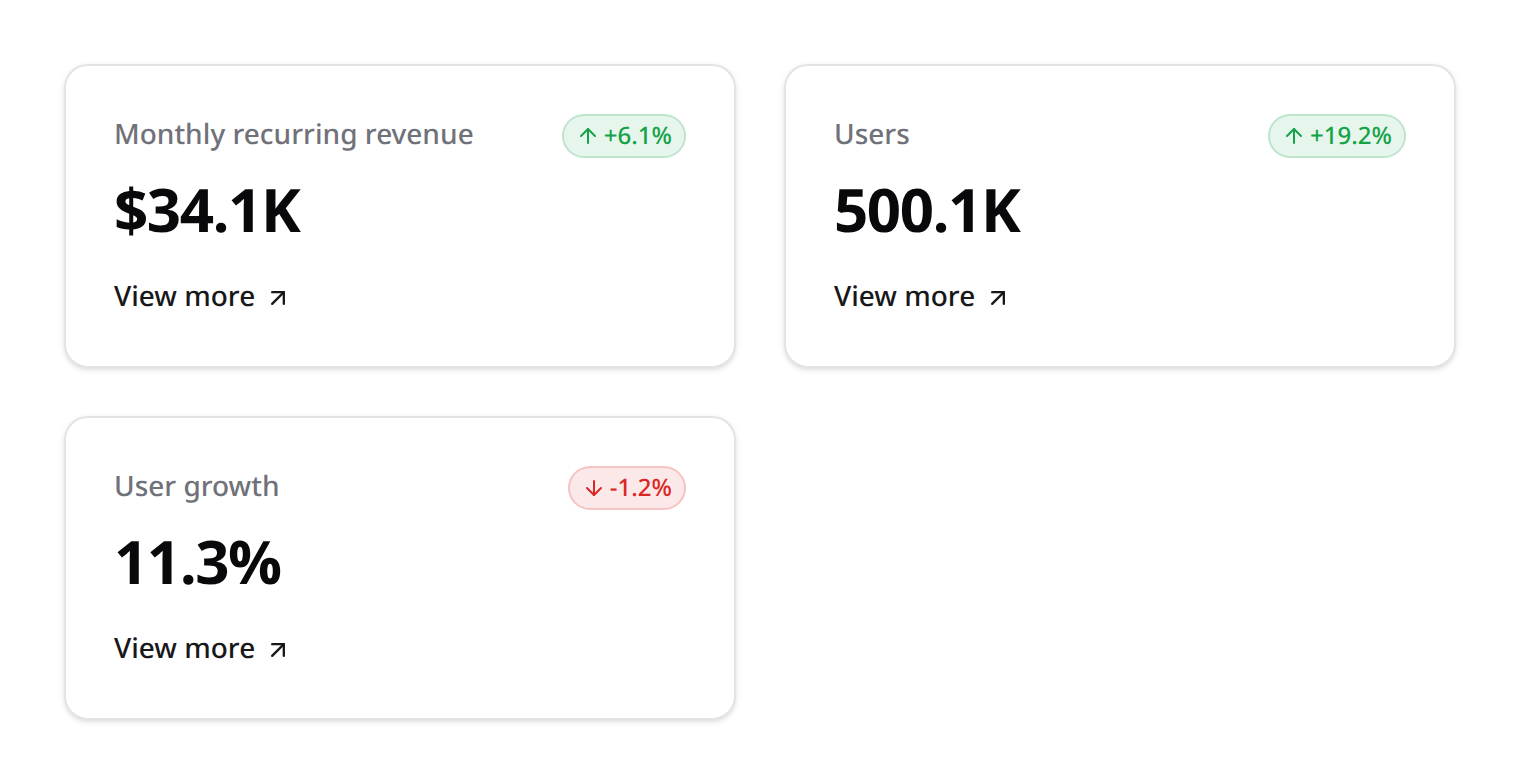
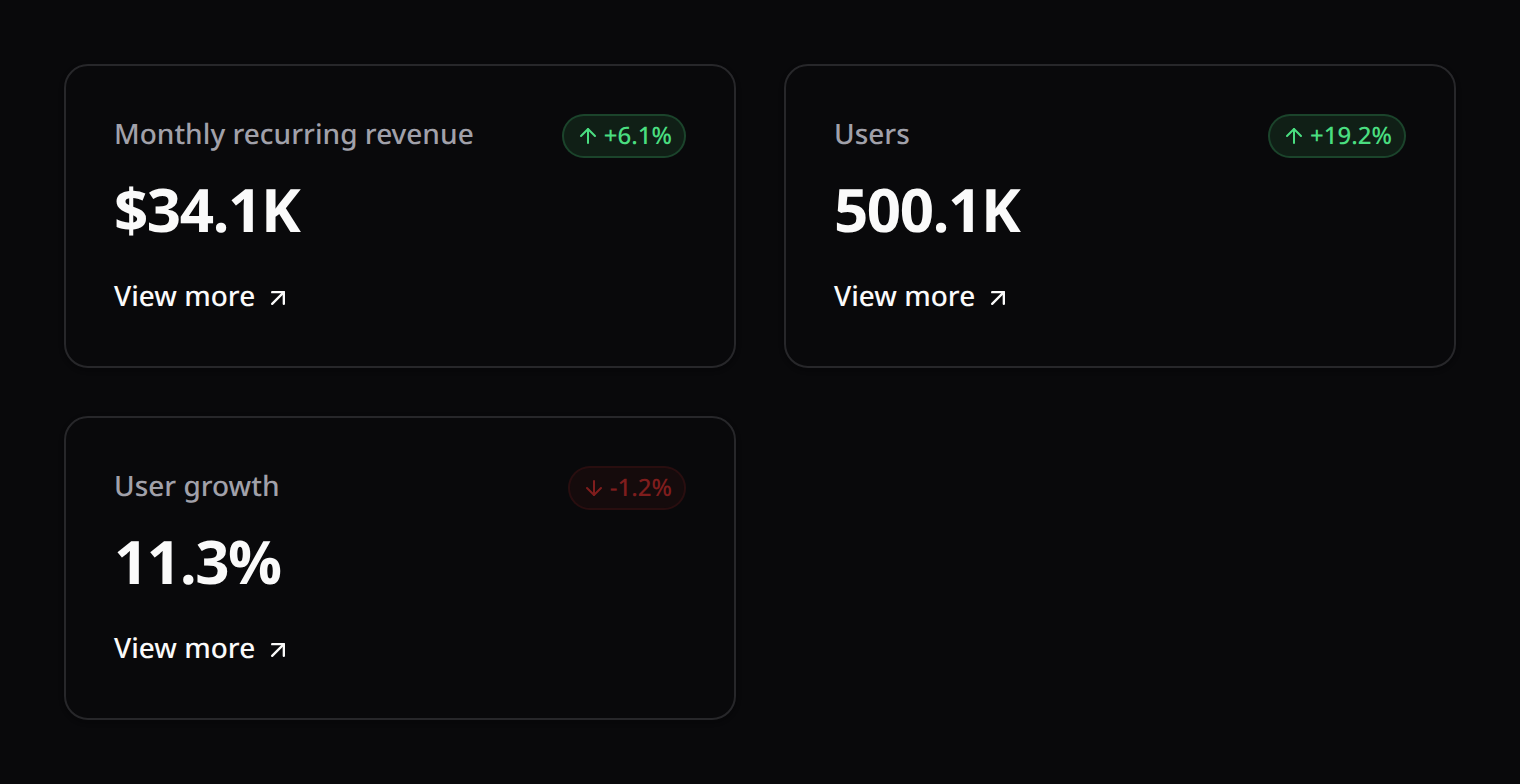
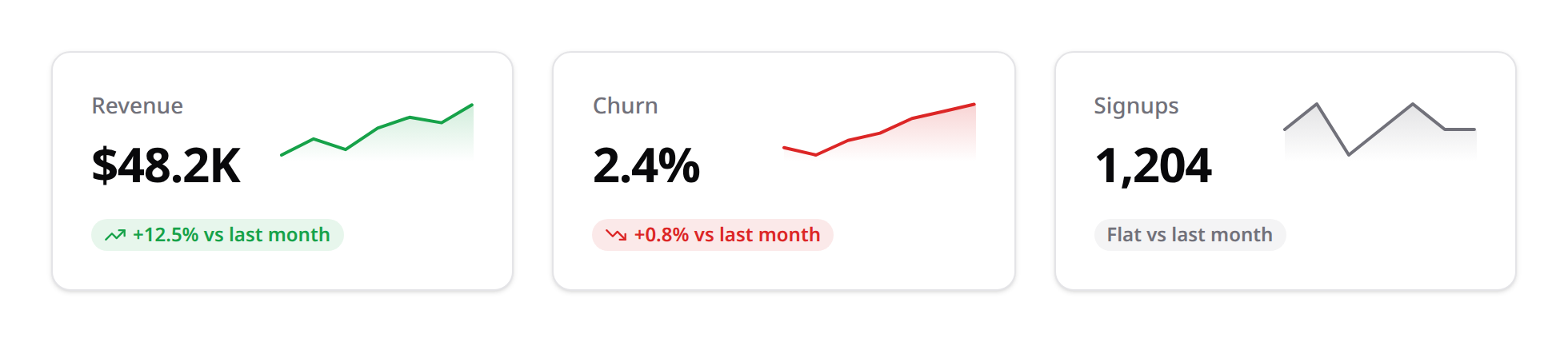
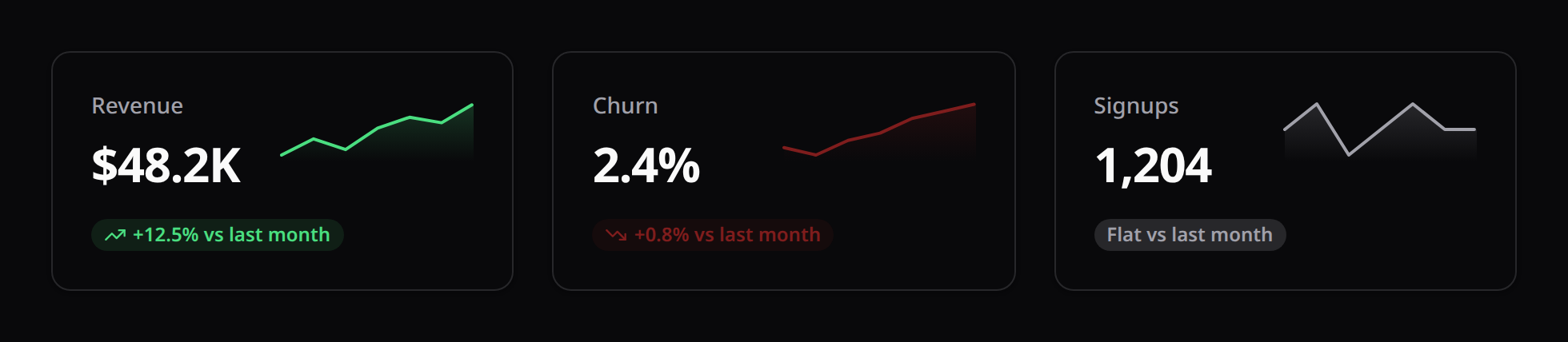
Sparklines inherit the trend color (descriptionColor) from the theme's status tokens, so they re-tint with dark mode and any host re-skin:
2. ChartWidget
Interactive metrics charting backed by Unovis.
- Methods:
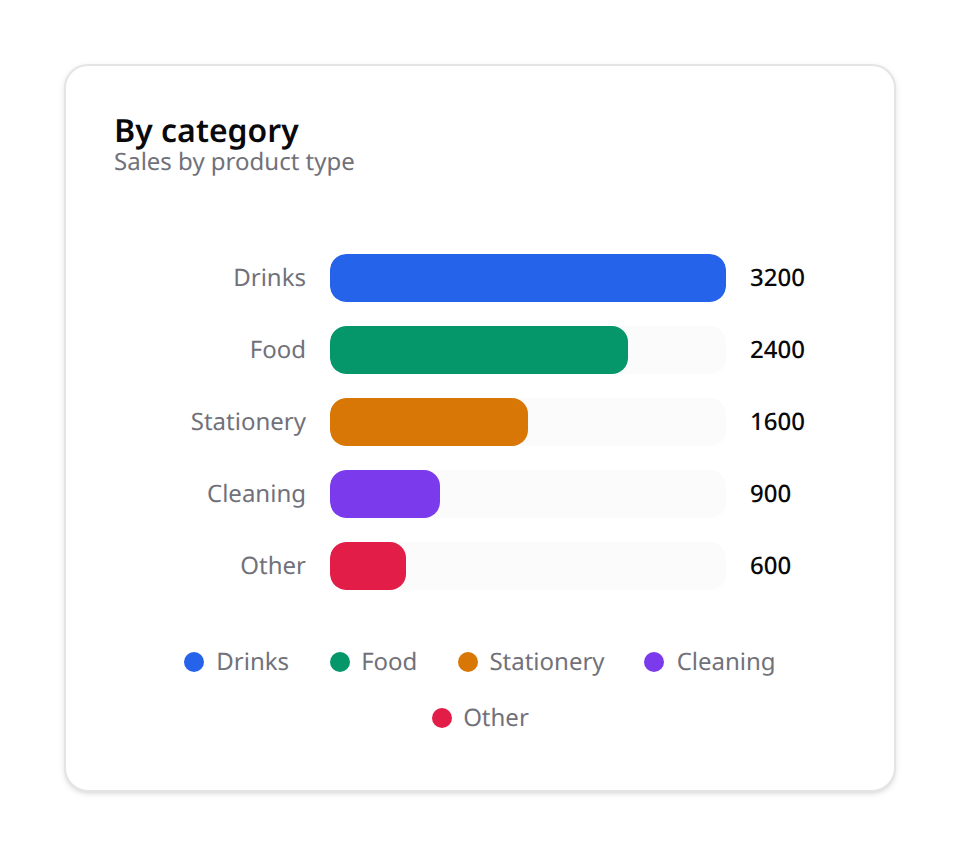
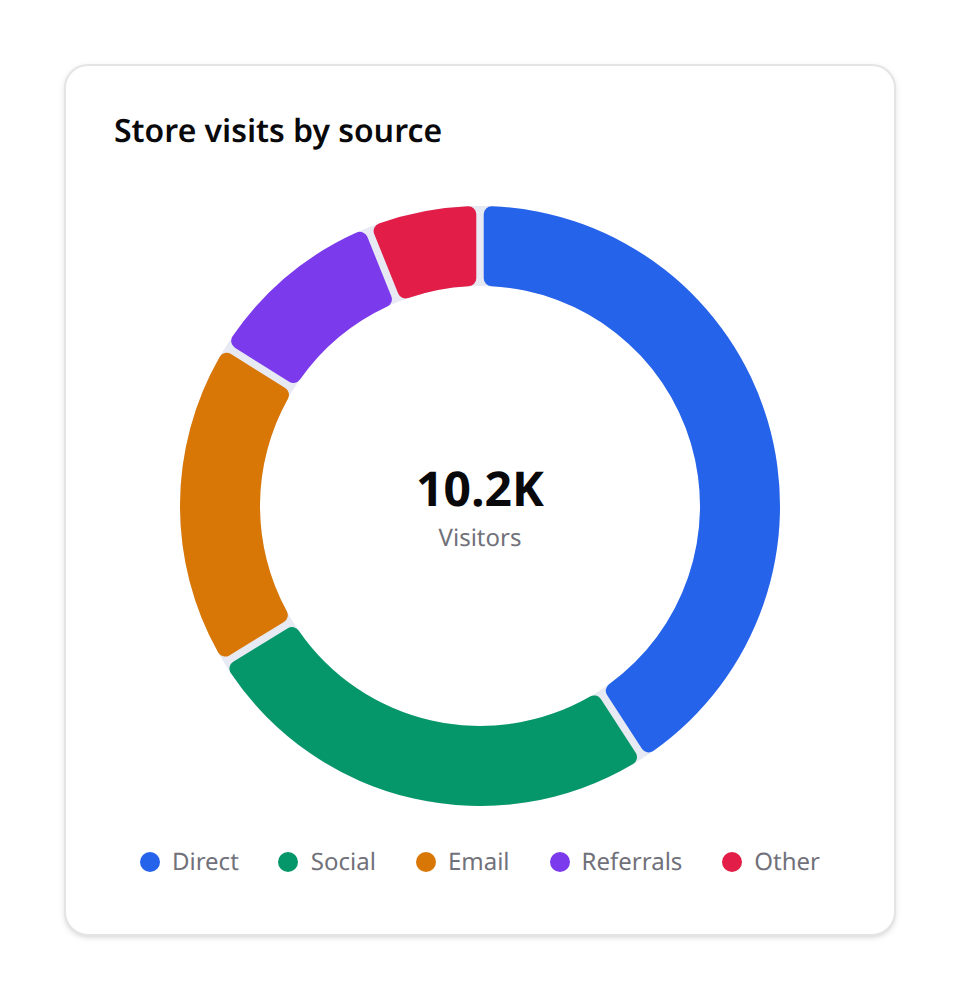
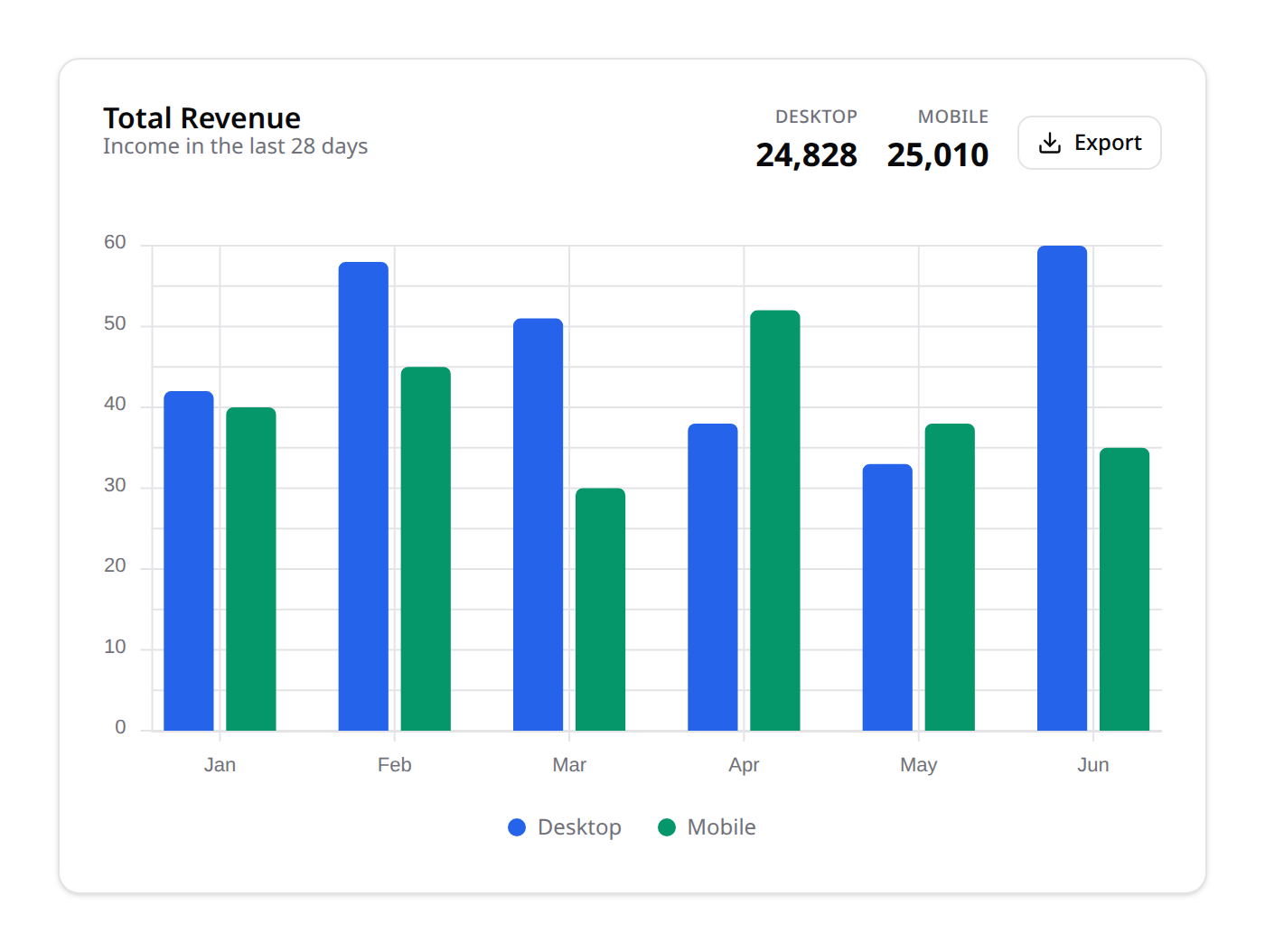
chartType(string $type):line,area(stacked filled),bar,horizontalBar,pie,doughnut.labels(array $labels): Category names list.datasets(array $datasets): Dataset configuration arrays.stacked(bool $on = true): stack multiple series (area is always stacked;barbecomes a stacked bar).legend(bool $on = true): force the legend on or off. Automatic by default — shown whenever the chart has two or more series/categories. Legend entries are clickable and toggle their series (colors stay stable while toggling).centerLabel(string $value, ?string $caption = null): a big value + caption in the hole of adoughnut(e.g.('10.2K', 'Visitors')). A fullpiehas no hole, so it shows none.metric(string $label, string $value, ?string $badge = null, ?string $badgeColor = 'gray'): a headline figure in the chart header (chain for several, e.g. DESKTOP / MOBILE totals).options(array $options): Custom chart properties payload.
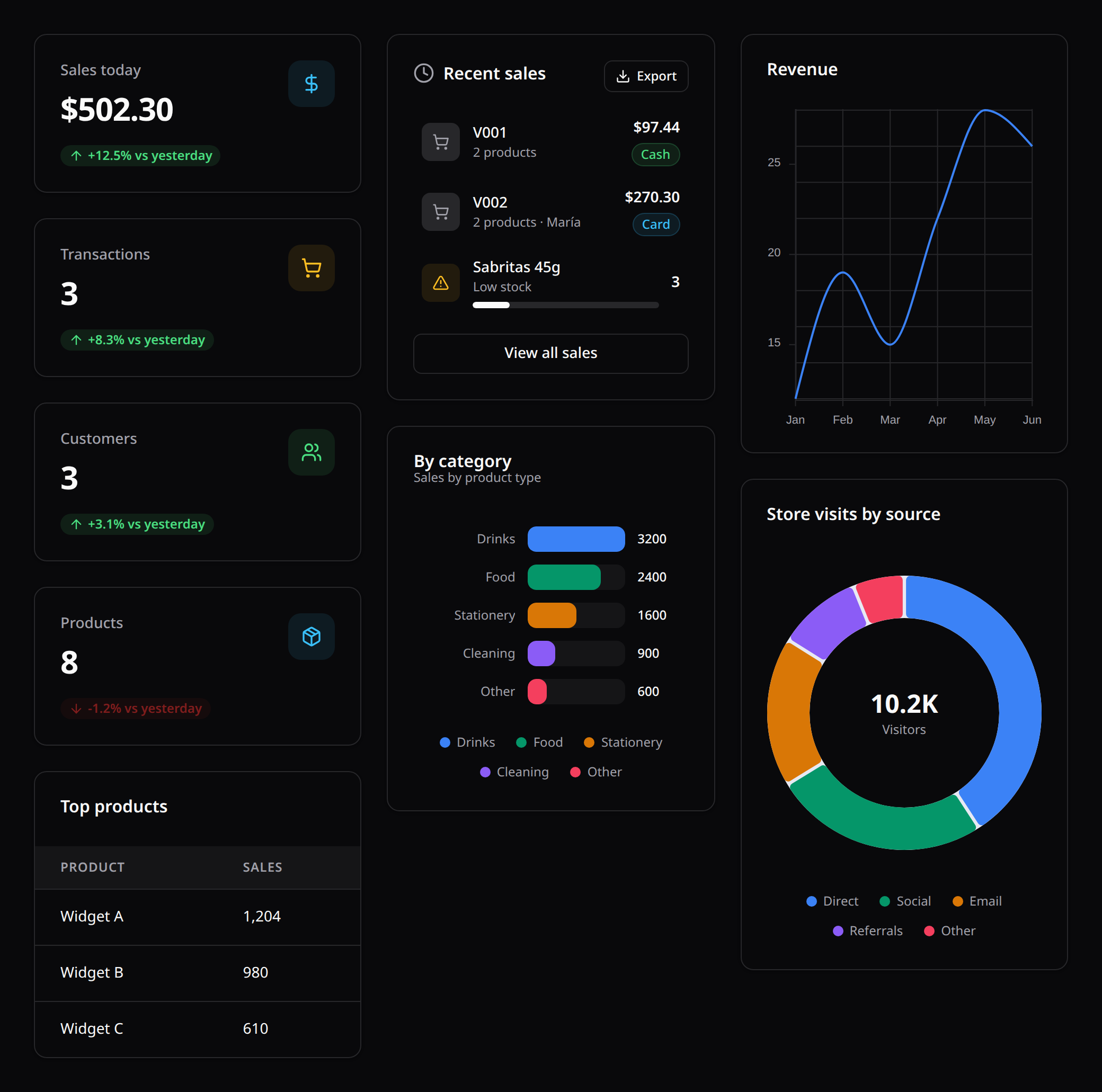
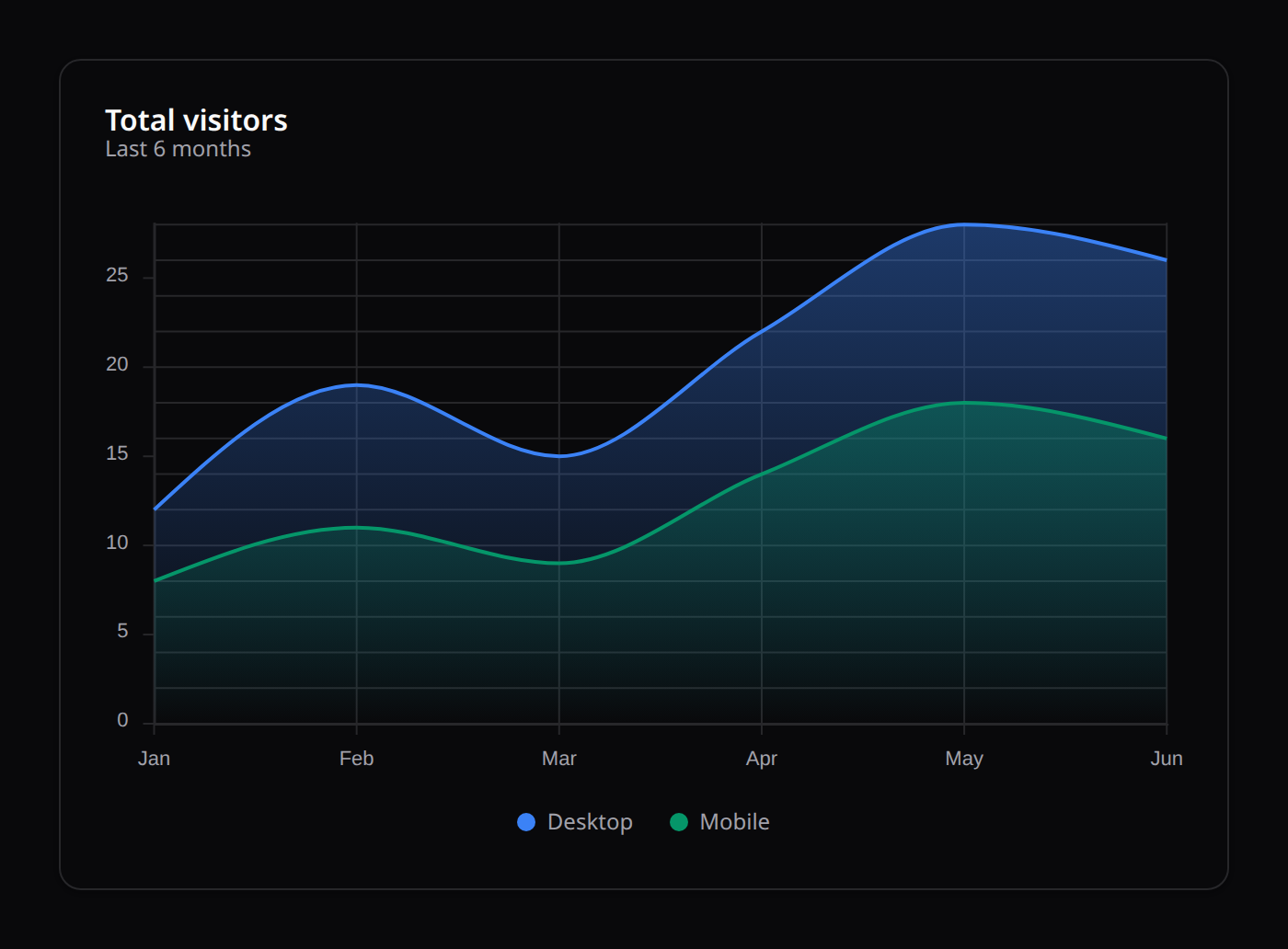
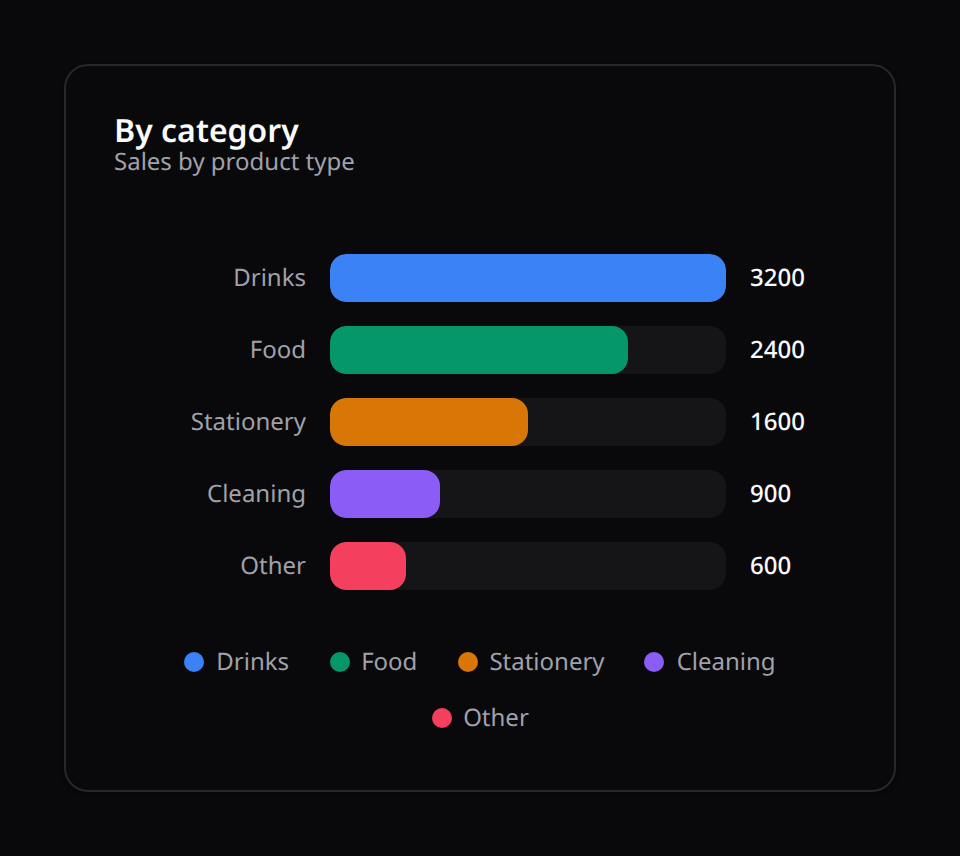
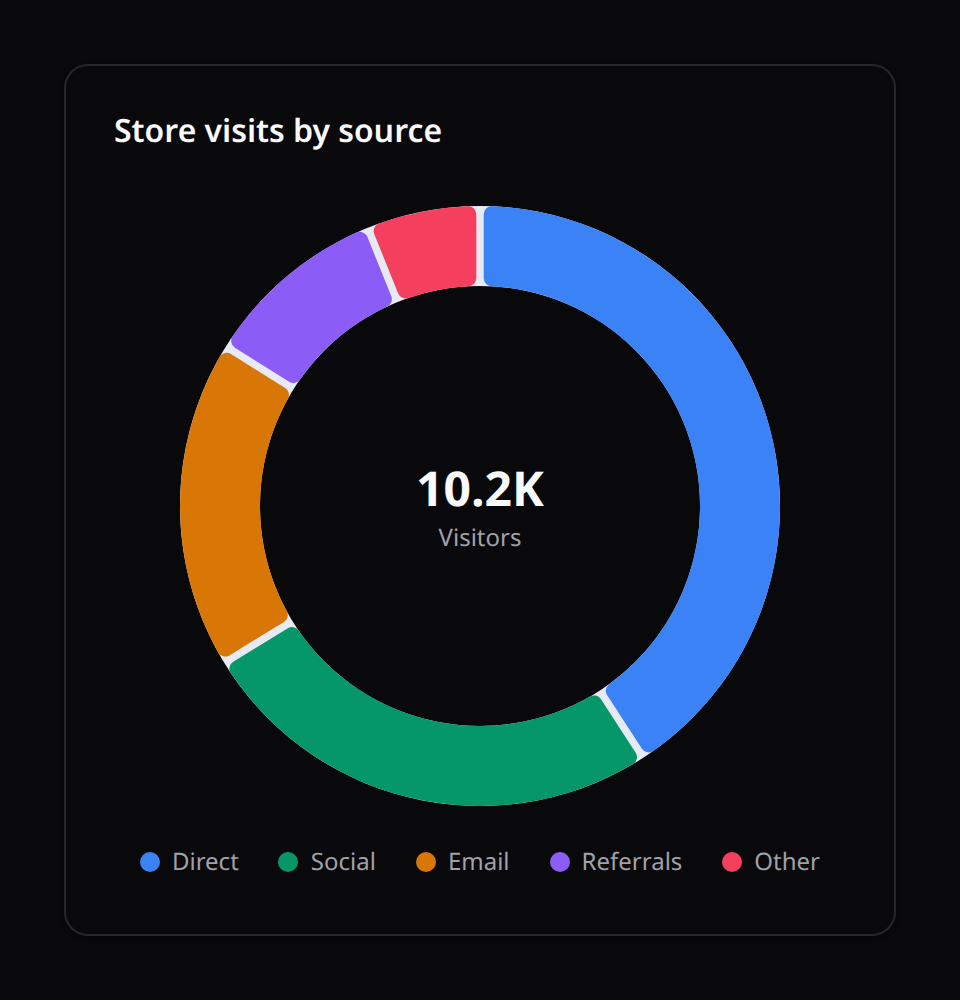
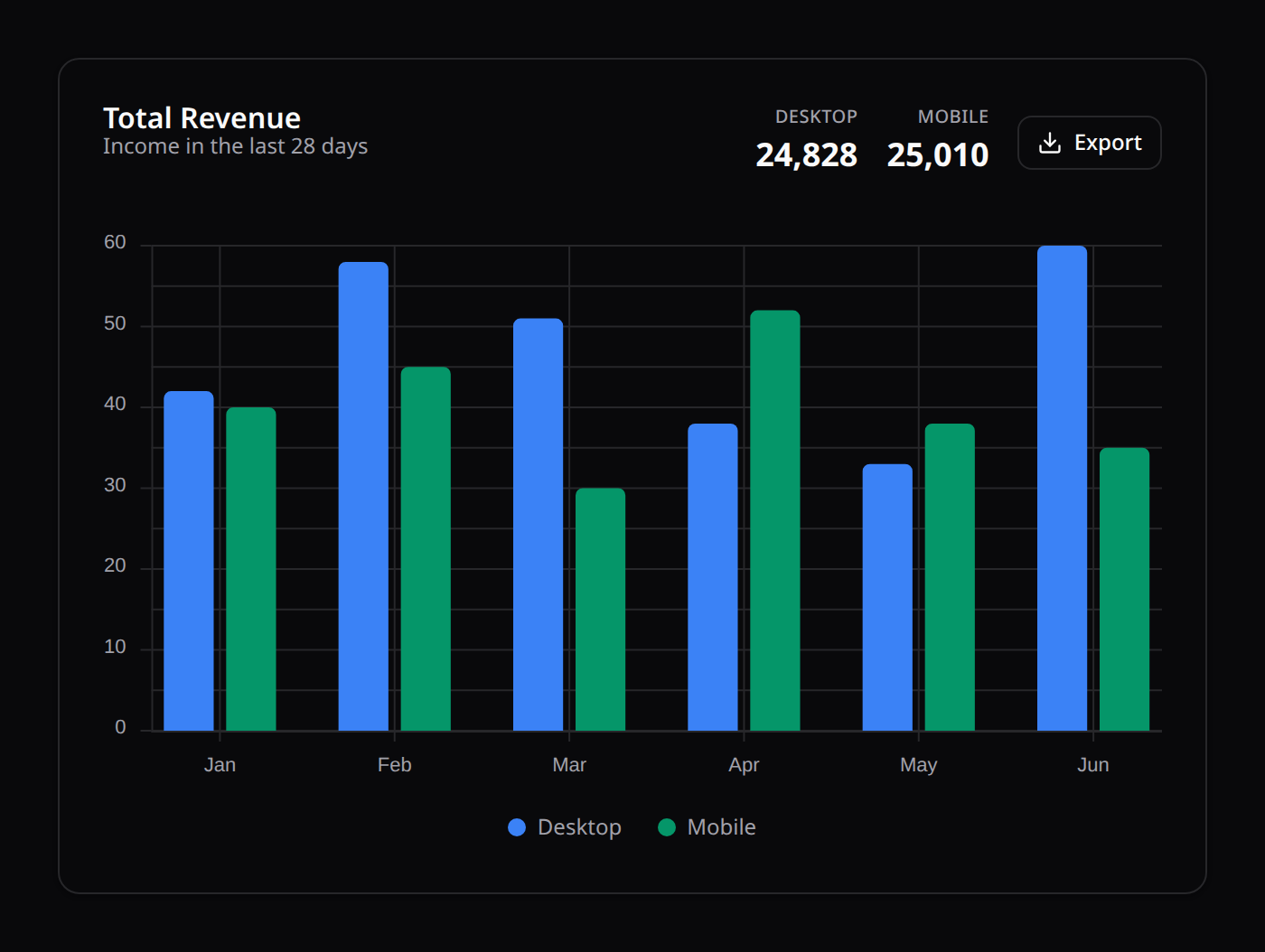
Charts ship with hover tooltips by default (a crosshair with per-series values on XY charts; per-segment value + share on pie/doughnut). Series colors resolve from the theme's --chart-1…--chart-8 tokens (shadcn convention, shipped in kinetix.css with separate light/dark steps), so charts follow dark mode and any host re-skin automatically; a dataset's borderColor/backgroundColor (scalar or per-slice array) still wins. Entrance animations respect prefers-reduced-motion.
Token values may be HSL triplets (221.2 83.2% 53.3%, the kinetix.css style) or complete colors (oklch(…)/hsl(…), the shadcn starter-kit style) — both work, for the series palette and for the axis/grid/crosshair surface alike. Note that a stock shadcn theme defines only --chart-1…--chart-5: a chart with six or more series falls back to Kinetix's validated palette for the remaining slots, so define --chart-6…--chart-8 yourself if you want those on-brand too.
ChartWidget::make()->title('Total visitors')->chartType('area')->legend()
    ->labels(['Mon', 'Tue', 'Wed'])
    ->datasets([
        ['label' => 'Desktop', 'data' => [12, 19, 15]],
        ['label' => 'Mobile', 'data' => [8, 11, 9]],
    ]);

ChartWidget::make()->title('Store visits')->chartType('doughnut')
    ->centerLabel('10.2K', 'Visitors')->legend()
    ->labels(['Direct', 'Social', 'Email'])->datasets([['data' => [4200, 2600, 1800]]]);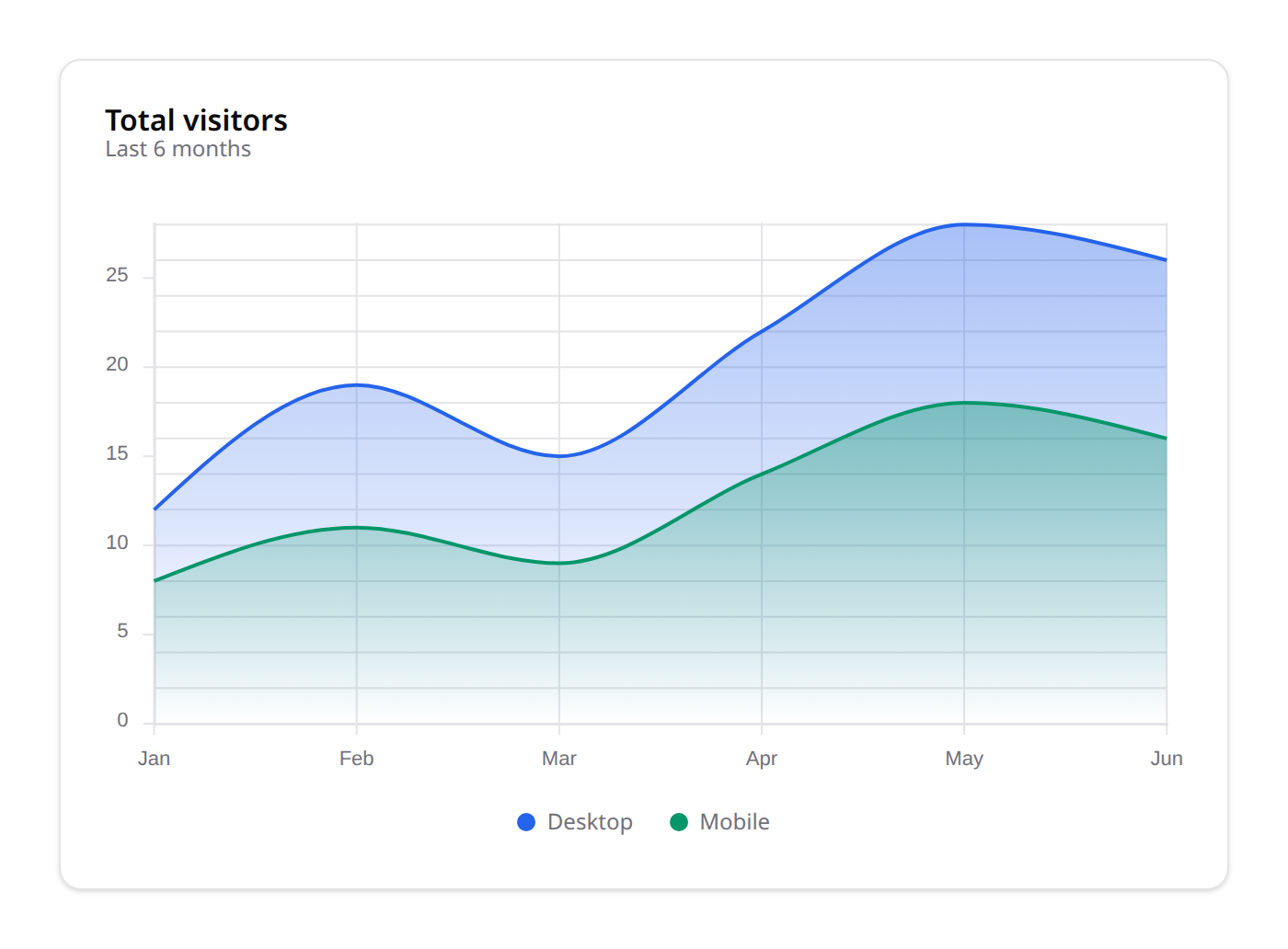
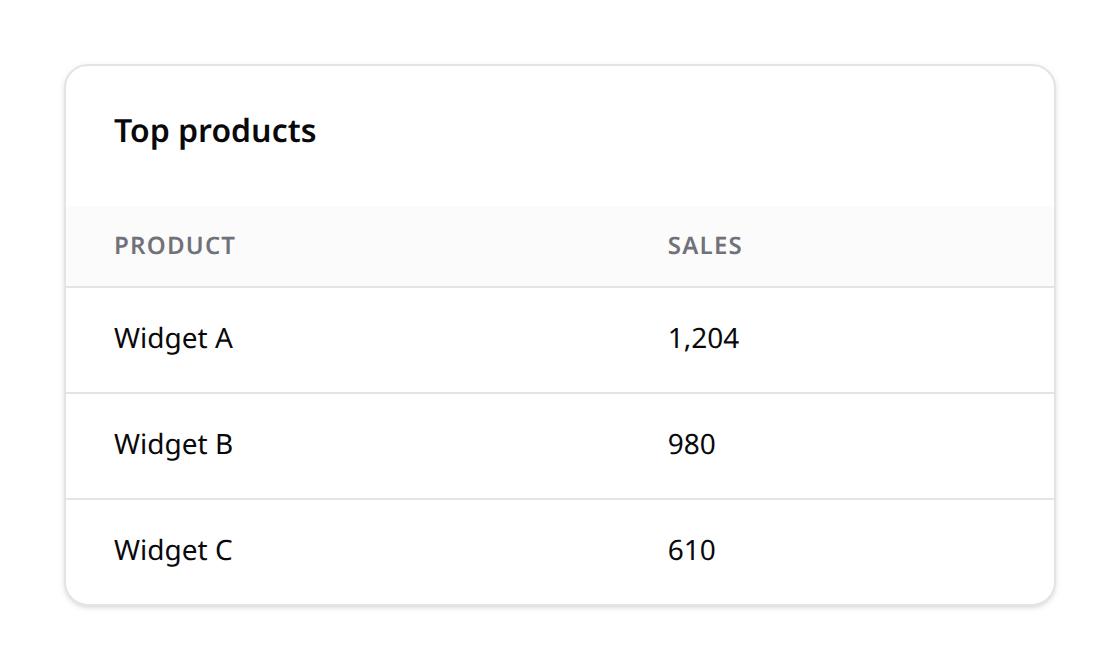
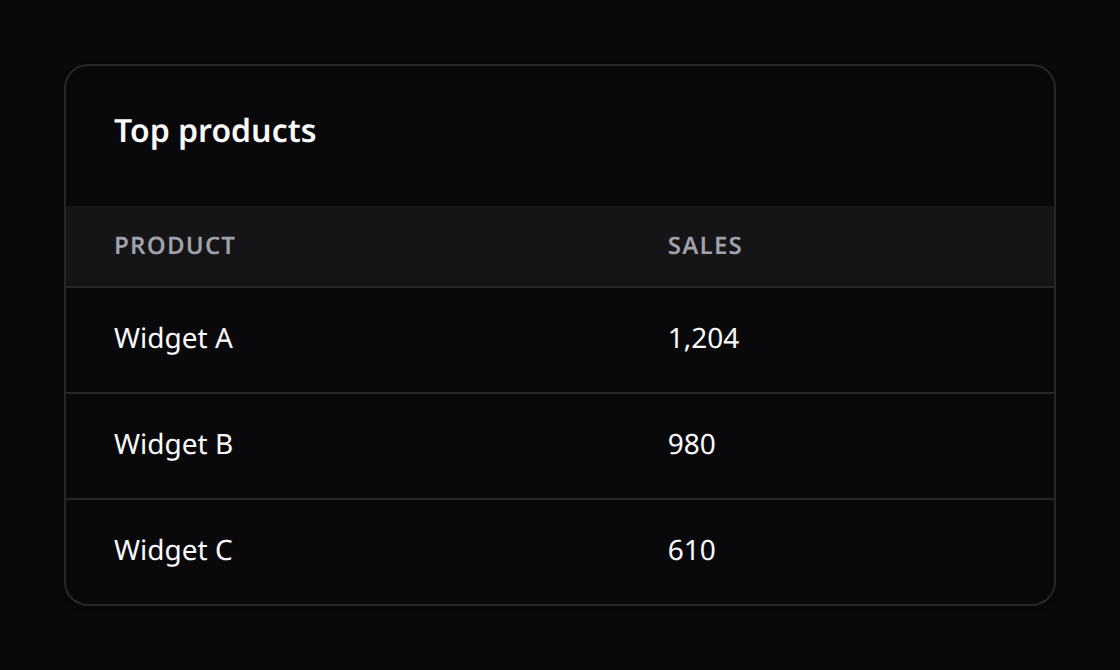
3. TableWidget
Renders quick-reference summary tables.
- Methods:
headers(array $headers): Header titles.rows(array $rows): List of table rows (supports flat arrays or key-value arrays).
4. ListWidget
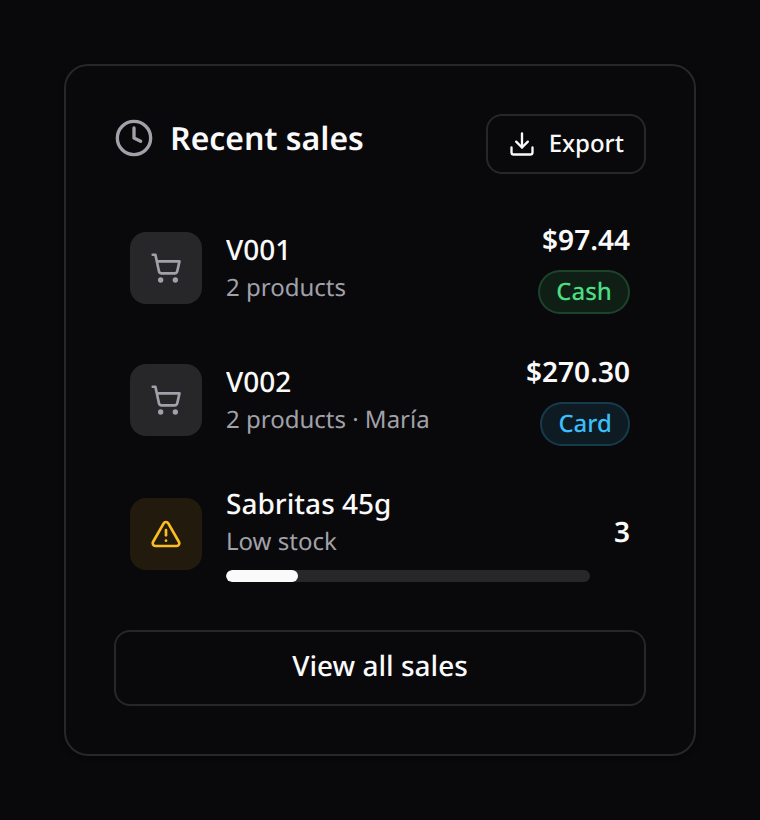
A list/feed panel — recent activity, stock alerts, latest orders, etc. Each row has a leading icon badge, a title + subtitle, an optional trailing value/badge, and an optional progress bar; an optional footer renders a link button.
- Methods:
items(array $items): array ofListItembuilders.icon(string $icon): header icon next to the title.action(string $label, string $url): footer link button.emptyState(string $text): message shown when there are no items.
ListItemProperties:ListItem::make($title)->subtitle()->icon($name, $color)->value($text)->badge($text, $color)->progress(int 0–100)->url($href).
ListWidget::make()
    ->title('Stock alerts')->icon('alert-triangle')
    ->items([
        ListItem::make('Jugo Del Valle 1L')->subtitle('Out of stock')
            ->icon('alert-triangle', 'danger')->badge('0', 'danger'),
        ListItem::make('Sabritas 45g')->progress(20)->value('3'),
    ])
    ->action('View inventory', '/inventory');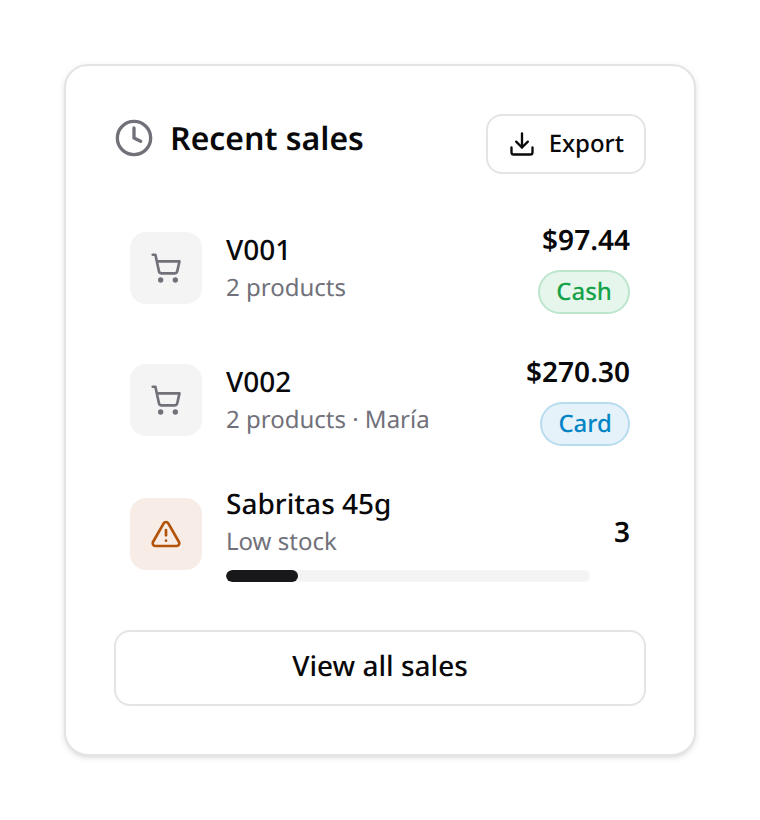
5. RatingWidget
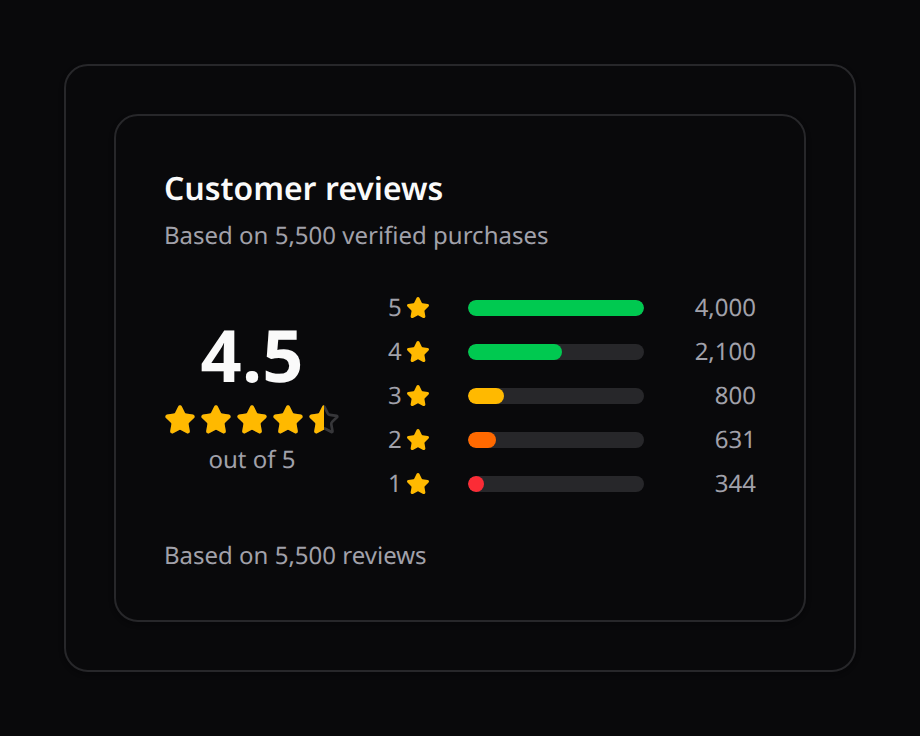
A ratings summary — an average score + stars and a per-level breakdown (like a "Customer Reviews" panel).
- Methods:
average(float): the average score (drives the stars, supports half-stars).total(int): total number of reviews (shown as "Based on N reviews").max(int = 5): the star scale.breakdown(array $levelToCount):[5 => 4000, 4 => 2100, …]— emitted high→low with computed bar percentages.
RatingWidget::make()->title('Customer reviews')
    ->average(4.5)->total(5500)
    ->breakdown([5 => 4000, 4 => 2100, 3 => 800, 2 => 631, 1 => 344]);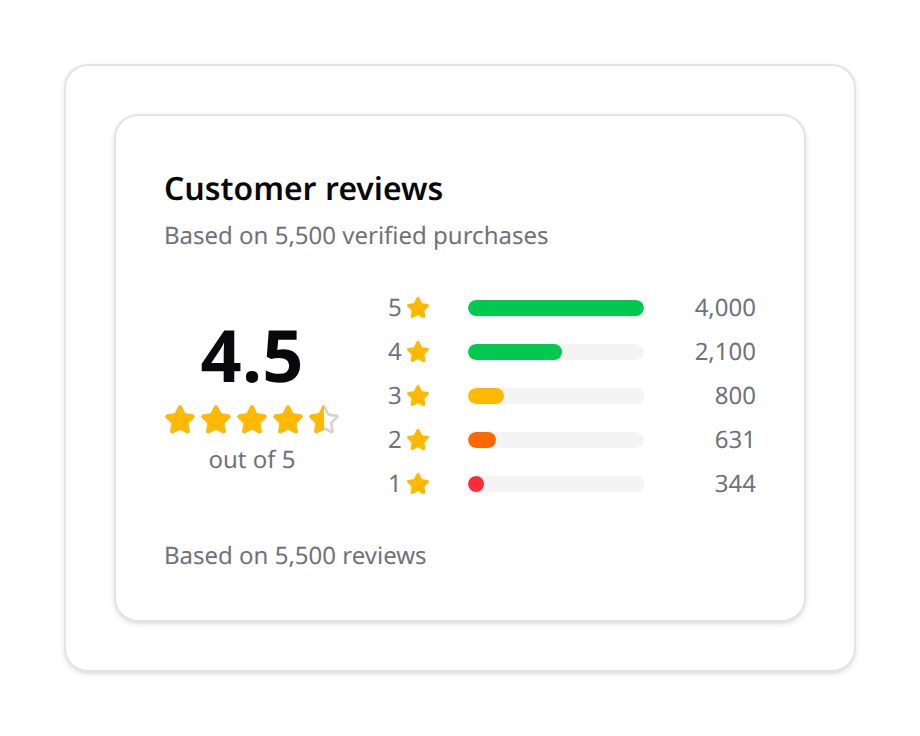
6. HeroWidget
A prominent hero / call-to-action panel — a greeting + headline value with a delta and a primary button.
- Methods:
title(),subtitle(),value(),delta(string $text, string $color = 'success'),action(string $label, string $url),gradient(bool $on = true).
HeroWidget::make()->title('Congratulations Toby! 🎉')->subtitle('Best seller of the month')
    ->value('$15,231.89')->delta('+65% from last month', 'success')
    ->action('View Sales', '/sales')->gradient();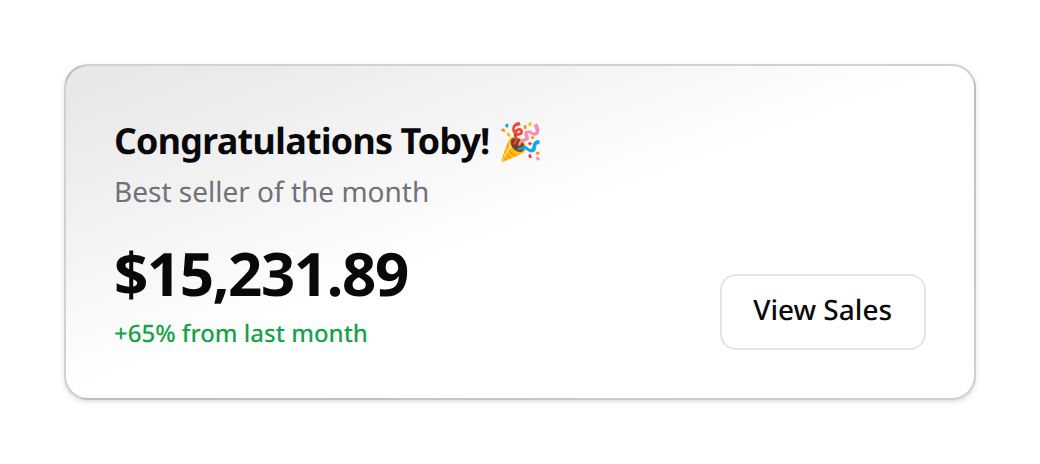

ChartWidget headers can also surface headline figures with ->metric($label, $value, $badge?, $badgeColor?) (e.g. DESKTOP / MOBILE totals):
7. ProgressWidget
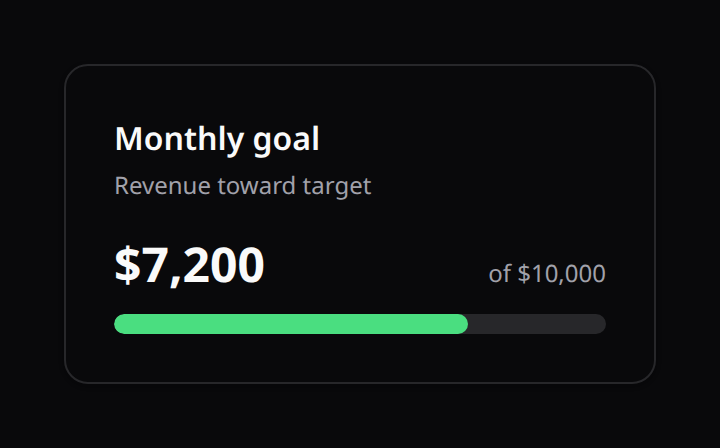
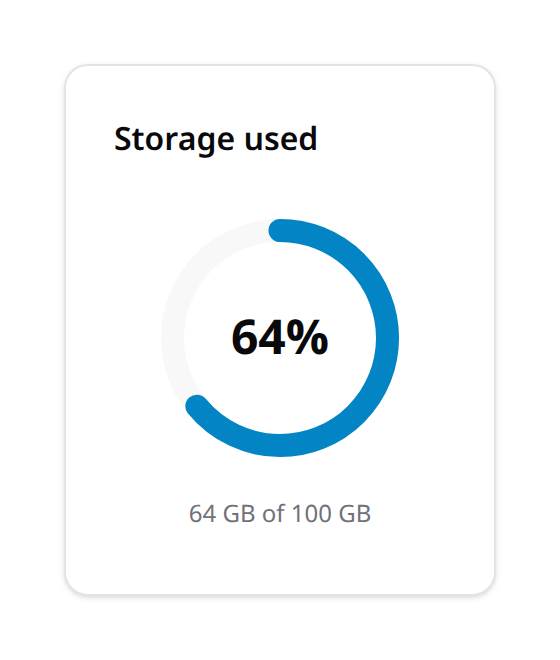
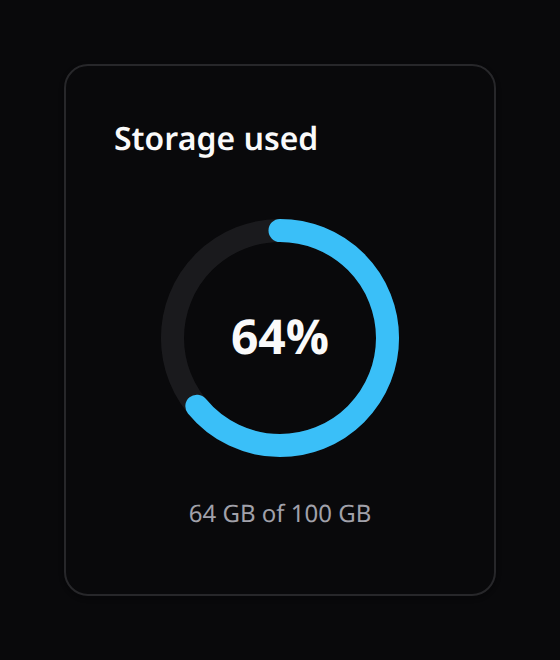
A goal / quota panel — a value against a target, rendered as a horizontal bar (default) or a circular ring with the percentage in the center. Useful for "Monthly goal", storage quotas, completion rates, etc.
- Methods:
value(float)/target(float): the percentage is computed asvalue/targetand clamped to 0–100.display(string): override the big value text (defaults to the computed"NN%").caption(string): small supporting text (e.g.of $10,000).color(string = 'primary'): fill color —primary·success·danger·warning·info·gray.ring(bool = true): render a circular ring instead of a bar.
ProgressWidget::make()->title('Monthly goal')
    ->value(7200)->target(10000)
    ->display('$7,200')->caption('of $10,000')
    ->color('success');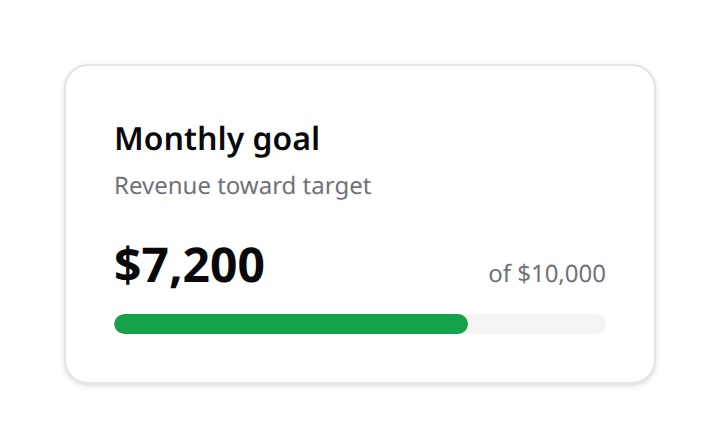
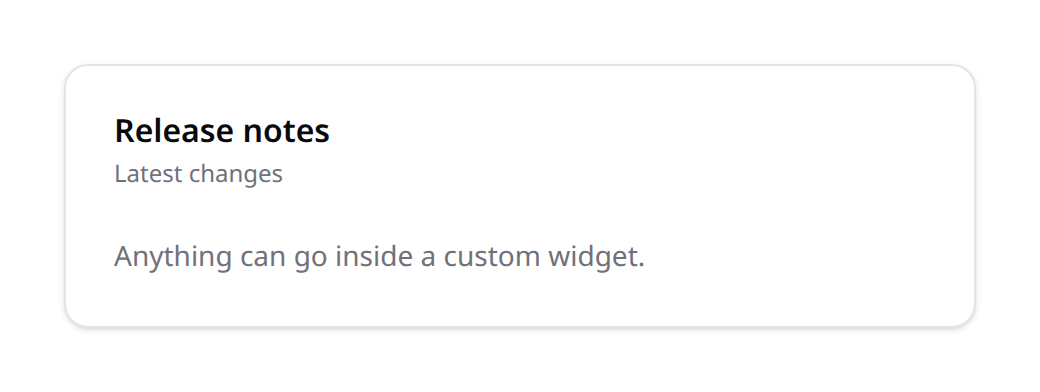
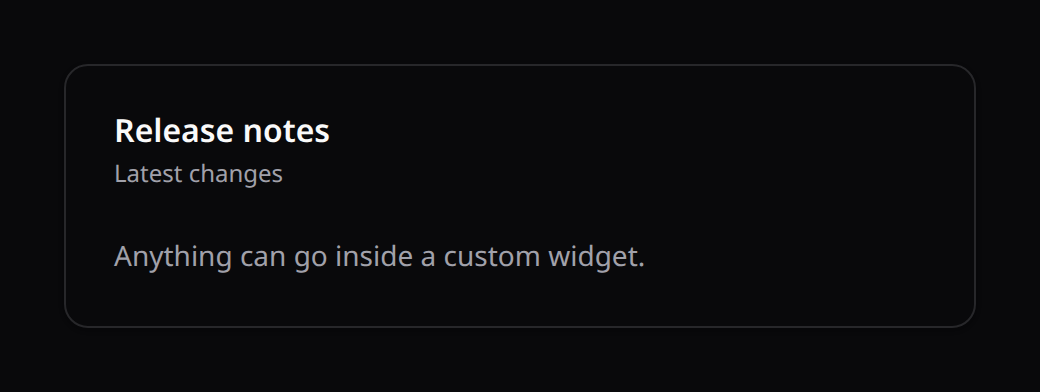
8. CustomWidget
A wrapper widget designed to expose custom slots.
- Methods:
properties(array $payload): Custom settings and variables payload serialized to the Vue template.
9. QueueStatsWidget
Drops the existing <KinetixQueueStats> live queue-health panel (throughput, recent/failed jobs, per-queue depth — reading Horizon's metrics when installed) into a WidgetsGrid layout. It contributes no data of its own — the Vue component keeps self-polling exactly as it does standalone — this widget only positions it (columnSpan, sort) and gates it (visible()/authorize()).
QueueStatsWidget::make()->columnSpan(['default' => 12, 'lg' => 6]);10. HealthStatusWidget
Drops the existing <KinetixHealthStatus> live application-health panel (powered by spatie/laravel-health) into a WidgetsGrid layout. Like QueueStatsWidget, it contributes no data of its own — the Vue component keeps self-polling — this widget only positions and gates it.
HealthStatusWidget::make()->columnSpan(['default' => 12, 'lg' => 6]);