

Saved Views
Kinetix Saved Views lets each user save table presets — a named snapshot of the current search, filters, sort, page size and visible columns — then switch between them and pick a default that loads automatically. It's the natural companion to the Tables module.
Installation
php artisan vendor:publish --tag=kinetix-saved-views-migrations
php artisan migrate
Enable the feature, then call ->saveViews() on any table:
'saved_views' => [
    'enabled' => env('KINETIX_SAVED_VIEWS_ENABLED', false),
],use Happones\Kinetix\Tables\Table;
Table::make(Product::query())
->columns([...])
->filters([...])
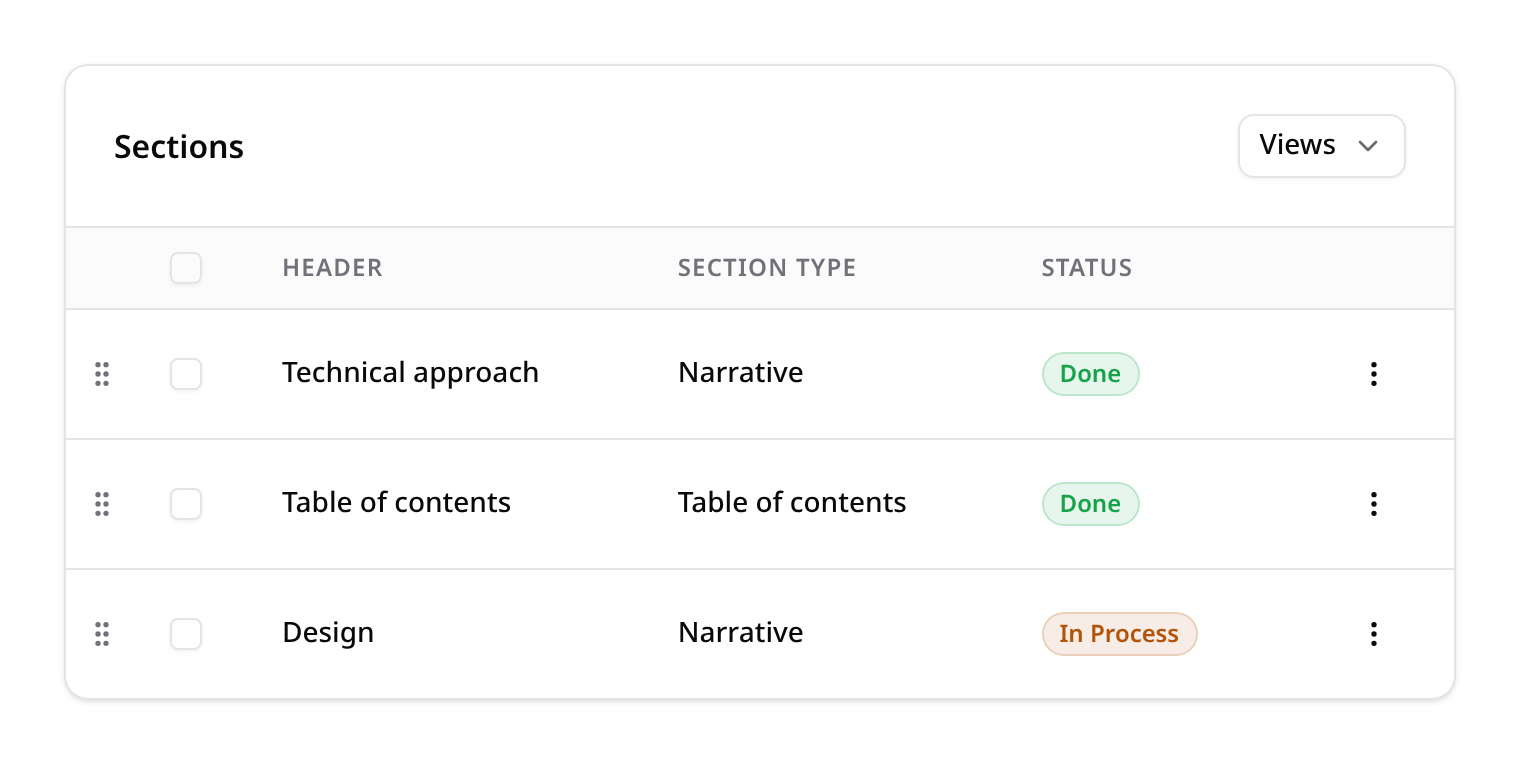
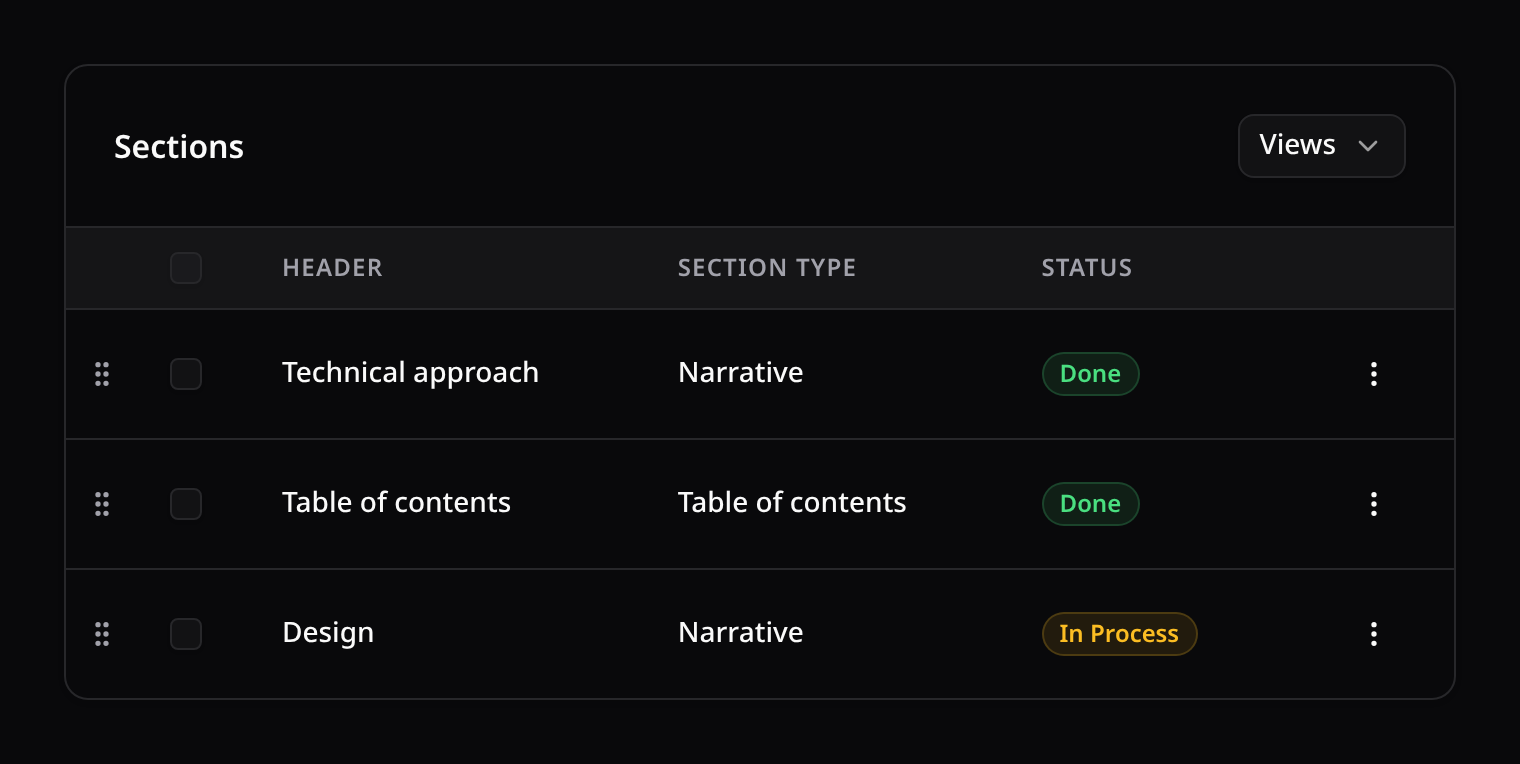
->saveViews(); // a "Views" dropdown appears in the toolbarsaveViews() namespaces the views by a key (defaults to the model class). Pass a custom key to share views across tables or scope them more tightly:
->saveViews('products.admin');Views are per user and team-scoped automatically when kinetix.teams is on.
How it works
The Views dropdown in the table toolbar lists the user's saved views. The control:
- applies a view on click — restoring its search, filters, sort, page size and column visibility;
- saves the current view — captures the live table state under a name;
- stars a default — the default view loads automatically when the table first renders;
- deletes a view.
Each saved view stores { search, sort, direction, perPage, filters, columns }. No backend wiring beyond ->saveViews() is needed — the <KinetixTable> component captures and restores the state itself.
Endpoints
Registered under your Kinetix prefix (team-aware when kinetix.teams is on):
| Method | Route | Name |
|---|---|---|
GET | {prefix}/saved-views?key= | kinetix.saved-views.index |
POST | {prefix}/saved-views | kinetix.saved-views.store |
PUT | {prefix}/saved-views/{view} | kinetix.saved-views.update |
DELETE | {prefix}/saved-views/{view} | kinetix.saved-views.destroy |
POST | {prefix}/saved-views/{view}/default | kinetix.saved-views.default |
Each user manages only their own views (others return 404). Mutations return the refreshed list.